Among my friends, there are a lot of OG designers who don’t accept using other tools than Adobe Creative Cloud or Sketch. I get it — we all feel overwhelmed by new platforms that make designs more accessible to the no-designer public.
However, instead of worrying about Canva and Tailor Brands taking our jobs away, I believe that designers, too, can leverage the power of innovative tools and platforms. In this post, I collected 10 tools that made working and managing projects much easier for me.
1. Pics.io takes file management to the next level
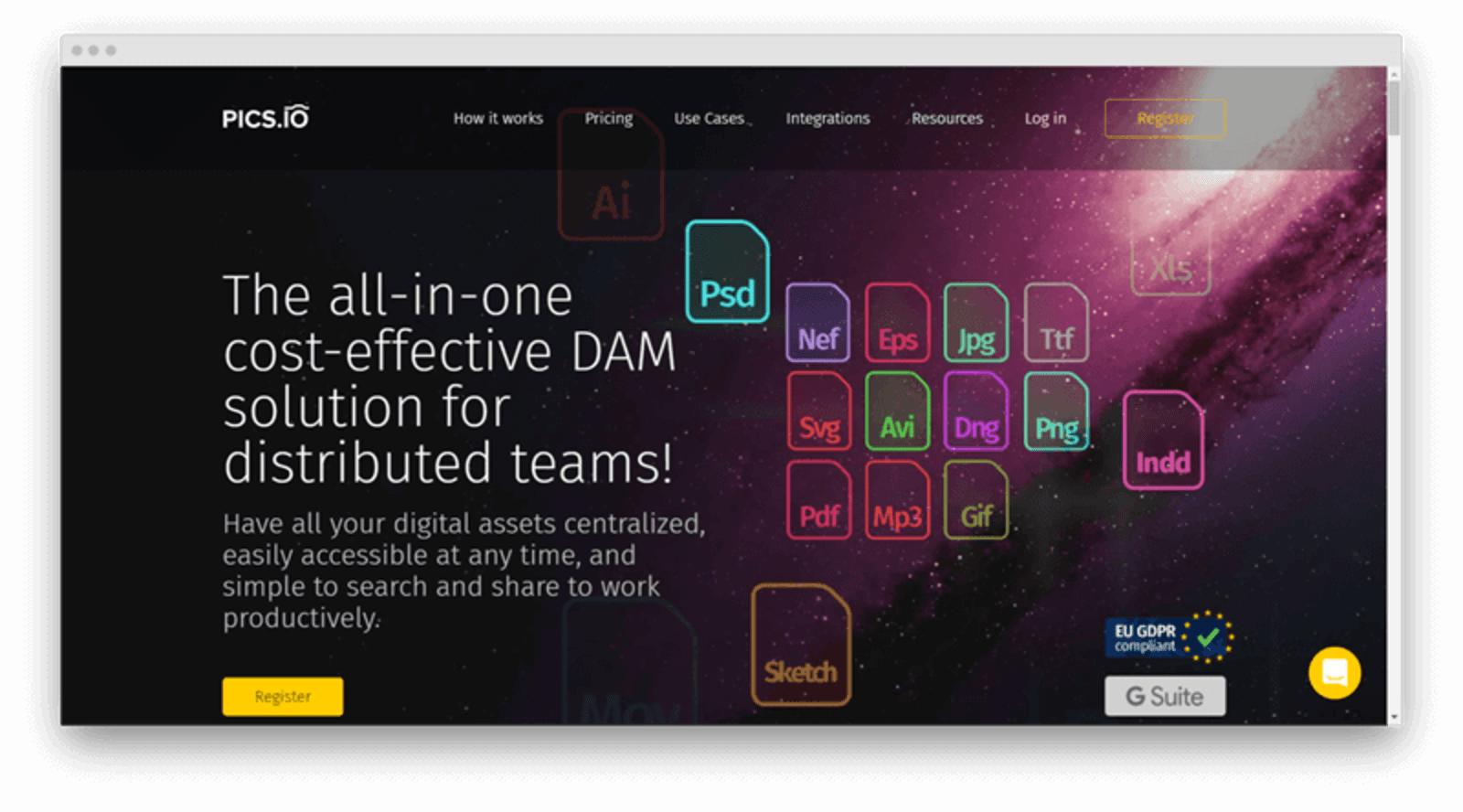
Pics.io is definitely at the top of the “amazing tools that saved my 2020” list. Basically, it’s an intuitive and team-oriented file management platform that works on top of my Google Drive. There are a lot of awesome features that make it worth to use Pics.io over plain Google Drive or Dropbox.
Here are some of my favorites:
- Allows viewing RAW formats, open Adobe CC, and Sketch files.
- Supports version controls — I can open two visuals and compare them side by side.
- Has flexible access settings — if I work in a team, I can narrow down the number of people who can view or download the file. This way, I protect my work from being stolen.
- Metadata editor with custom fields. Using the metadata editor, I can attach all relevant specs to the file to make sure I don’t forget any relevant details. For example, I added a “license expiry date” for stock photos to avoid copyright pickles.
- Branded websites are a hassle-free way to show my work to clients. There are a dozen templates to choose from, they are customizable as well.
Who should use Pics.io: designers, team managers, marketers, video editors, business owners, startup managers, creative agencies.
2. Milanote.com is a task manager you want to use
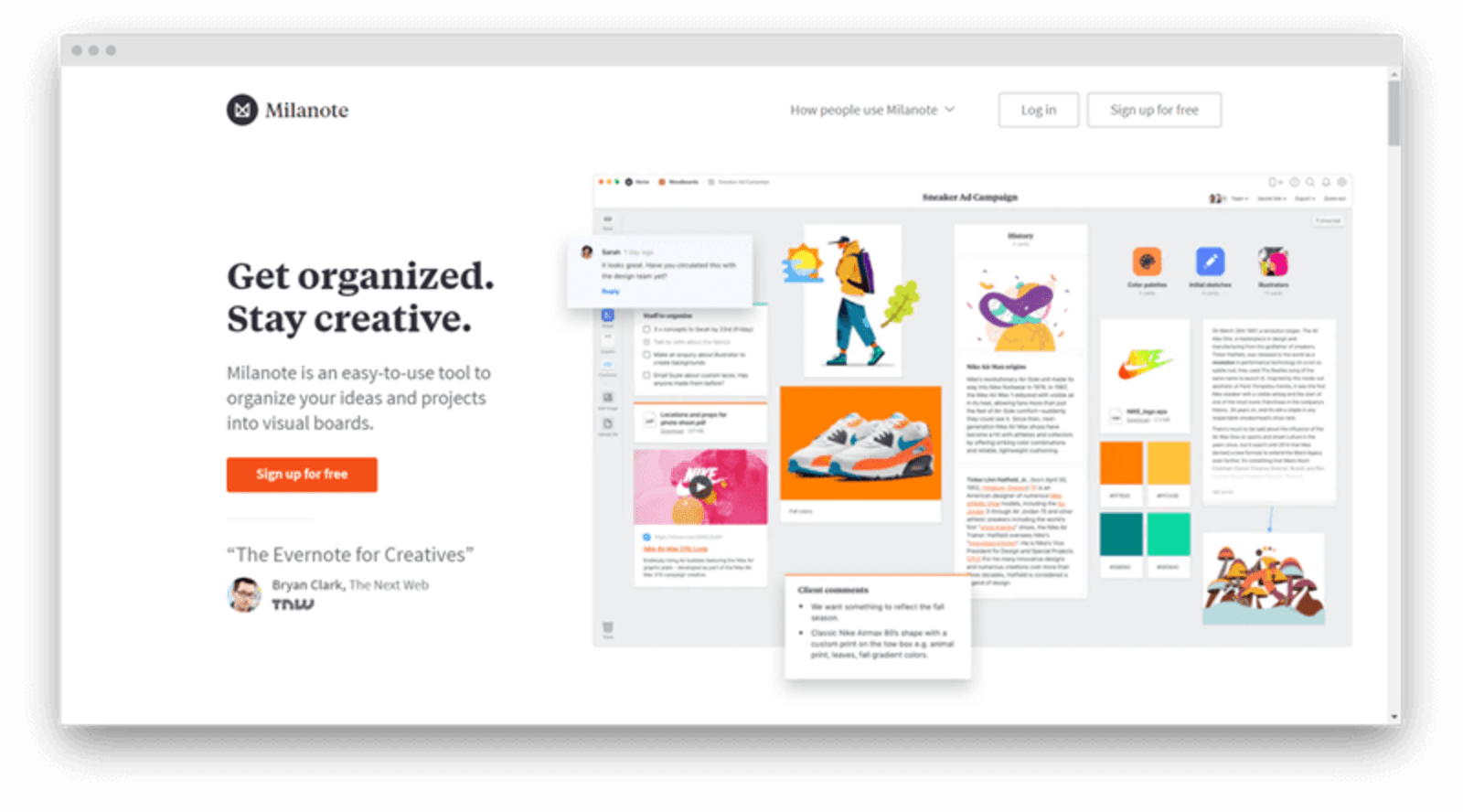
Although Milanote is yet another project management out there, I love it because it’s very easy on the eyes. As a designer, I love working in a platform that’s nice to look at — and the interface of Milanote is very well-made.
Another compelling reason to give the platform a try is that it’s fully aimed at designers. Here are some of the awesome features that got me into Milanote.
- An extension for saving design inspirations. With a keyboard shortcut, I can quickly save a design I like to a designated folder on the platform and view the full gallery later.
- Easy-to-use drag and drop interface that allows me to move files around and create mood boards or manage brainstorming sessions.
- Robust team sharing. Milanote allows me to invite a teammate to edit my design or send a link to a read-only version. Other than that, I can comment on the work of my peers and get helpful suggestions from project managers.
Who should use Milanote: designers, marketers, business managers, team managers, creative agencies, writers, startups.
3. Monotype is a top-tier font manager
Fonts are a powerful weapon in a designer’s arsenal. Designing cool typography, on its own, is a way to make whatever project you are working on stand out. However, creating a font manually can be a ton of hassle. That’s why this year, I started using Monotype.
It’s a website that allows designers to create custom fonts or choose cool ones from a huge library. Also, your team can create a personal font library and access it effortlessly via your favorite design app.
Here are my favorite Monotype features:
- Create custom fonts and colors.
- Import third-party notes into a customizable library.
- Track who on your team views, edits, and downloads assets in the library.
- Access your library from any device and most design apps.
Who should use Monotype: UI and UX designers, brand managers, marketers, team managers, creative agencies.
4. Marvel — a one-stop-shop prototyping platform
Prototyping is a huge part of a designer’s routine. Although watching your ideas come to life and turn into apps is empowering, working on a prototype is challenging. There are a lot of people involved in the process and feedback circles are constant.
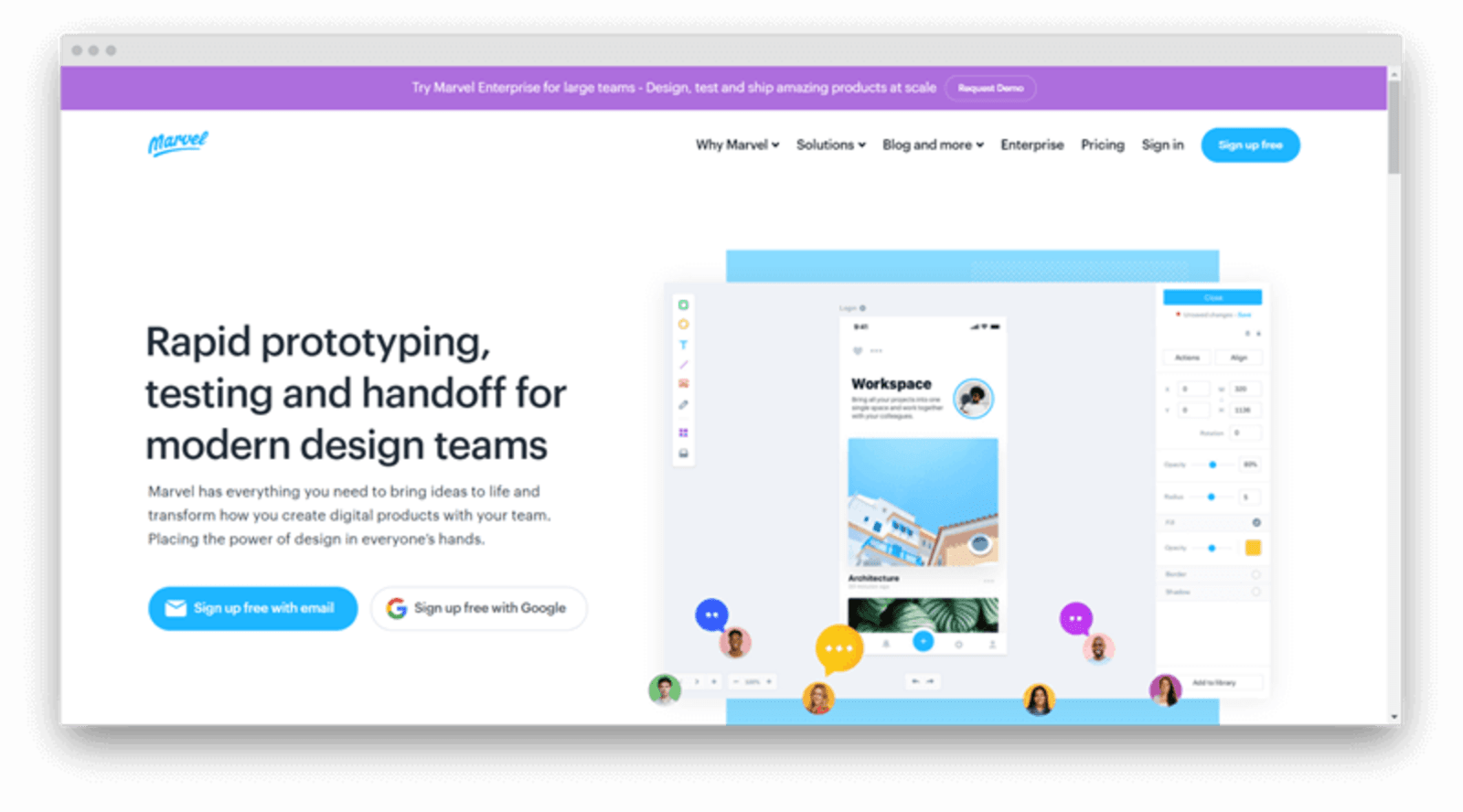
To bring order and structure to my prototyping projects, I set my eyes on Marvel. The platform allows me to create functioning prototypes without writing a single line of code. All I have to do is to drop Sketch files into the editor and tweak them by adding layers and interactions.
Here are Marvel’s top features:
- Built-in user testing — a designer can track user in-app behavior in real-time.
- Flexible prototype sharing — you can send users and managers a link or embed a prototype on a website.
- Offline support — teams can edit and present app prototypes with no Internet connection.
- Supports designs for all devices — Android, iOS, iPad, and Desktop.
- Dozens of customizable wireframe templates that save a ton of time.
Who should use Marvel: UX designers, tech teams, creative agencies, startups.
5. Tutsplus — all design tutorials you ever need (and more)
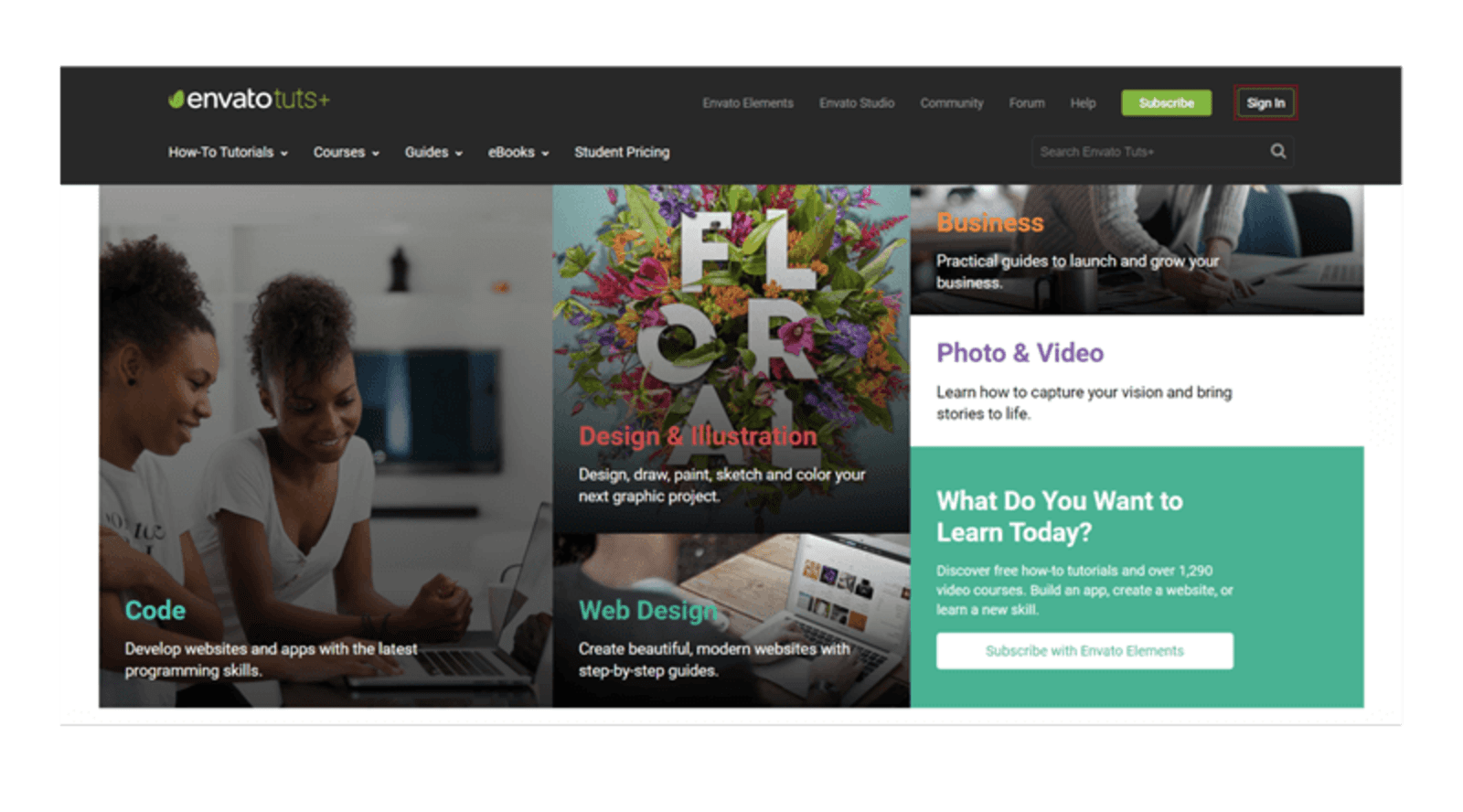
This year, I rediscovered the power of learning new design practices, tools, and concepts. I delved deeper into animation, 3D, and motion design. The resource I used to empower my education with easy-to-follow tutorials is Tutsplus.
This is a platform with thousands of step-by-step guides to design and illustration. Here are some of my favorites:
Here are Marvel’s top features:
- A tutorial on creating Light Ray Photoshop brushes
- A guide to creating bitmap posters in Adobe PS.
- An introduction to movie poster fonts.
Other than design tutorials, I use Tutsplus to learn to program — having the hang of front-end would come in handy in my field.
Who should use Tutsplus: designers, programmers, STEM, and art college students, marketers, business managers.
6. Visme — infographics and presentations at your fingertips
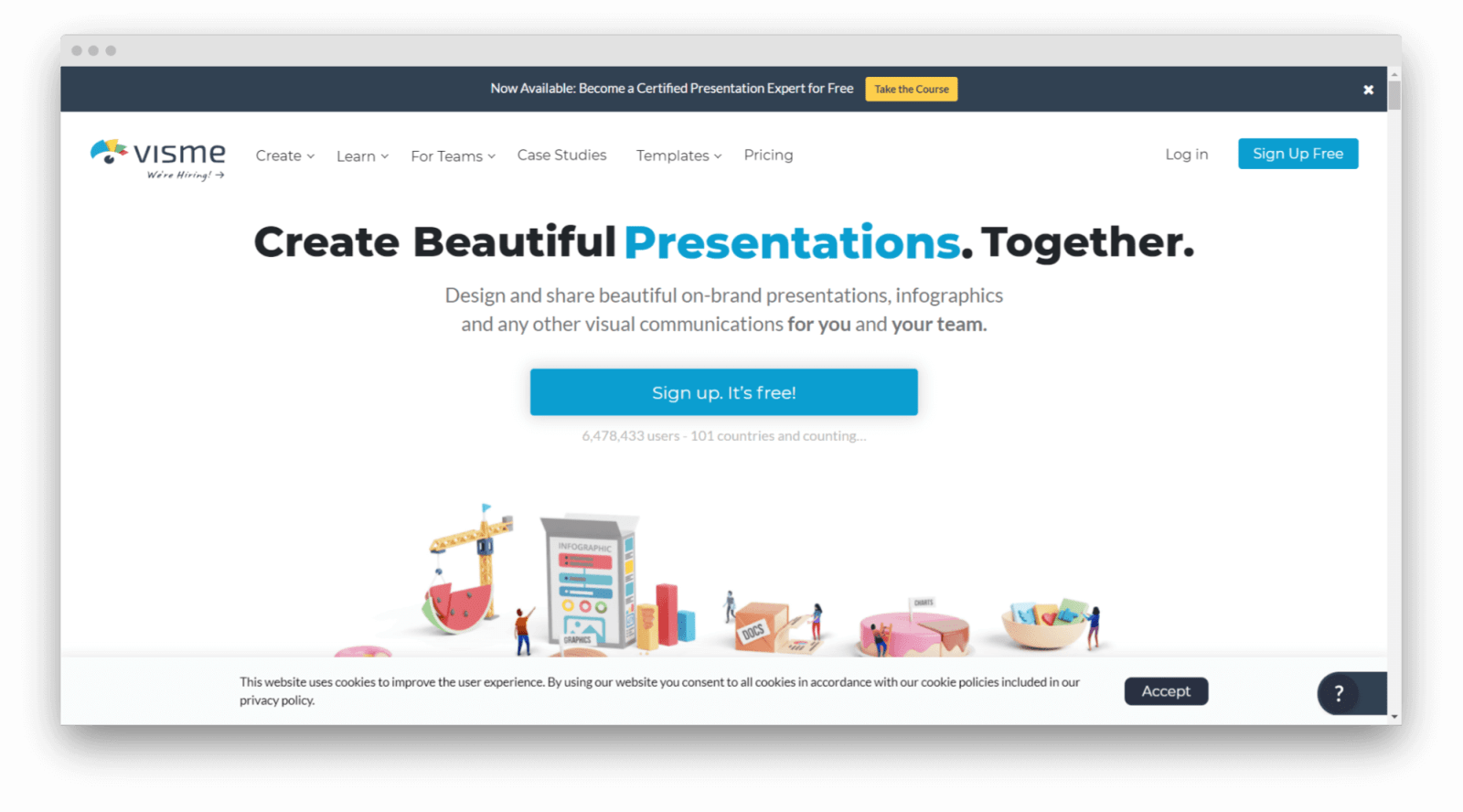
At first, I was skeptical about using Visme. Since the platform is aimed at marketers and business owners, I thought that the range of editing features is primitive. However, I recently discovered all the benefits to use the platform for creating infographics, logos, and presentations.
To start with, there are a lot of awesome templates I get inspiration from. Also, when I am bootstrapped for time, it’s nice to be able to hand off a social media banner in 5-7 minutes of work.
Here are the top features of Visme for designers:
- Cloud-based library you can share with teammates in one click.
- Offers hundreds of templates for all popular design types — banners, printables, and more.
- Built-in library of icons, charts, and images that saves me a lot of time.
- Fully customizable fonts, backgrounds, and templates.
- Intuitive, easy-to-use interface.
Who should use Visme: designers, marketers, journalists, creative agencies, startup managers, writers.
7. MeisterTask — a designer-friendly Kanban board
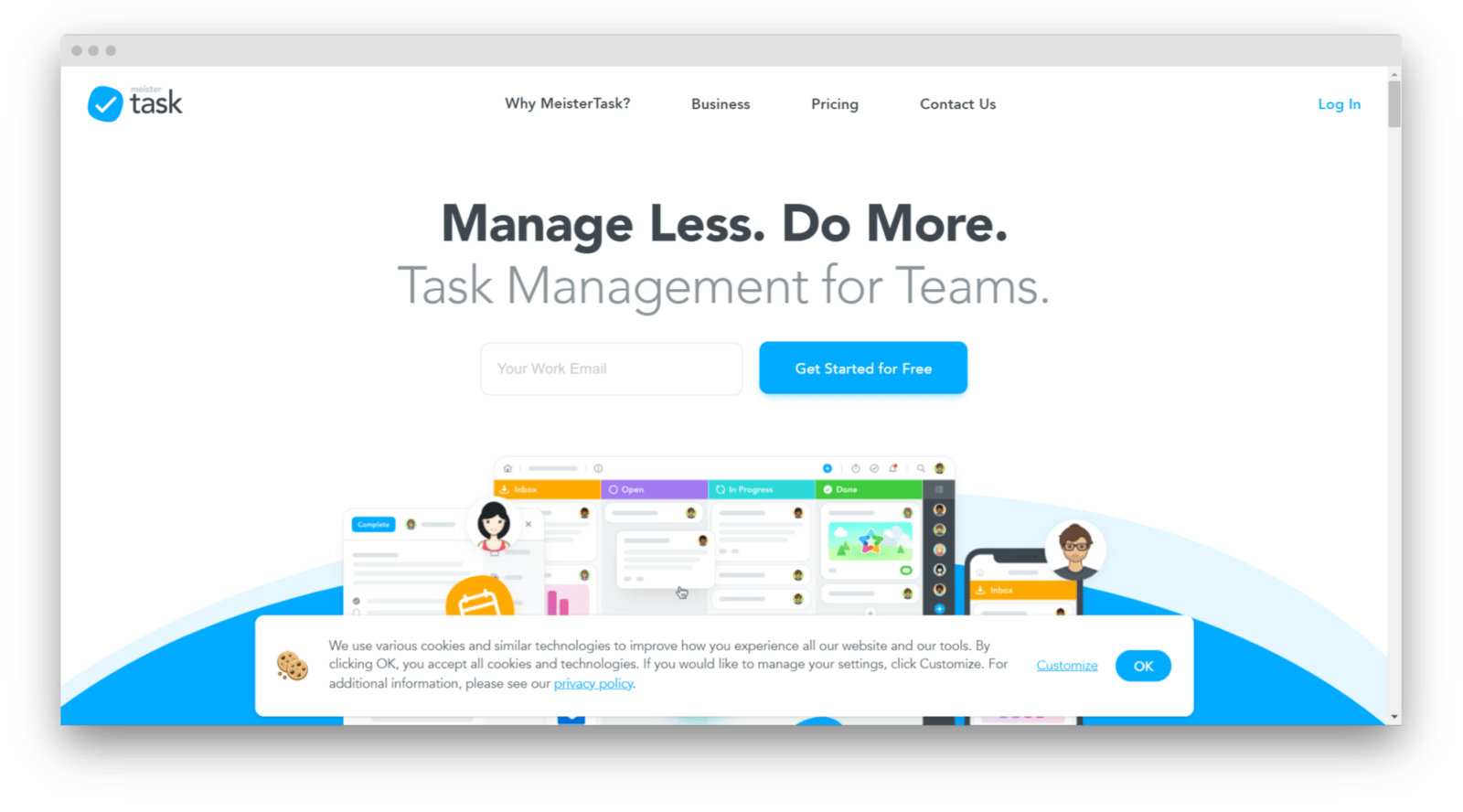
If you are a fan of Kanban boards, project managers like MeisterTasks should be your cup of tea. It’s an easy-to-use drag-and-drop Kanban board that has a lot of designer-driven features. For example, the platform supports in-app viewing and editing of Sketch files.
There’s a mobile app for MeisterTask as well — it allows teams to access tasks and files anytime.
Here are the features that had me sold on the platform:
- Customizable check-lists help to break intimidating tasks down into smaller goals.
- Templates for recurring tasks save a lot of time when updating boards.
- A built-in time tracker helps keep track of personal efficiency.
- Automations — I can set up a workflow and have the system perform it automatically.
- Team-friendliness and real-time change tracking.
Who should use MeisterTask: designers, project managers, startups, business owners, marketers, creative teams.
8. Smartsheets— for good-looking and manageable sheets
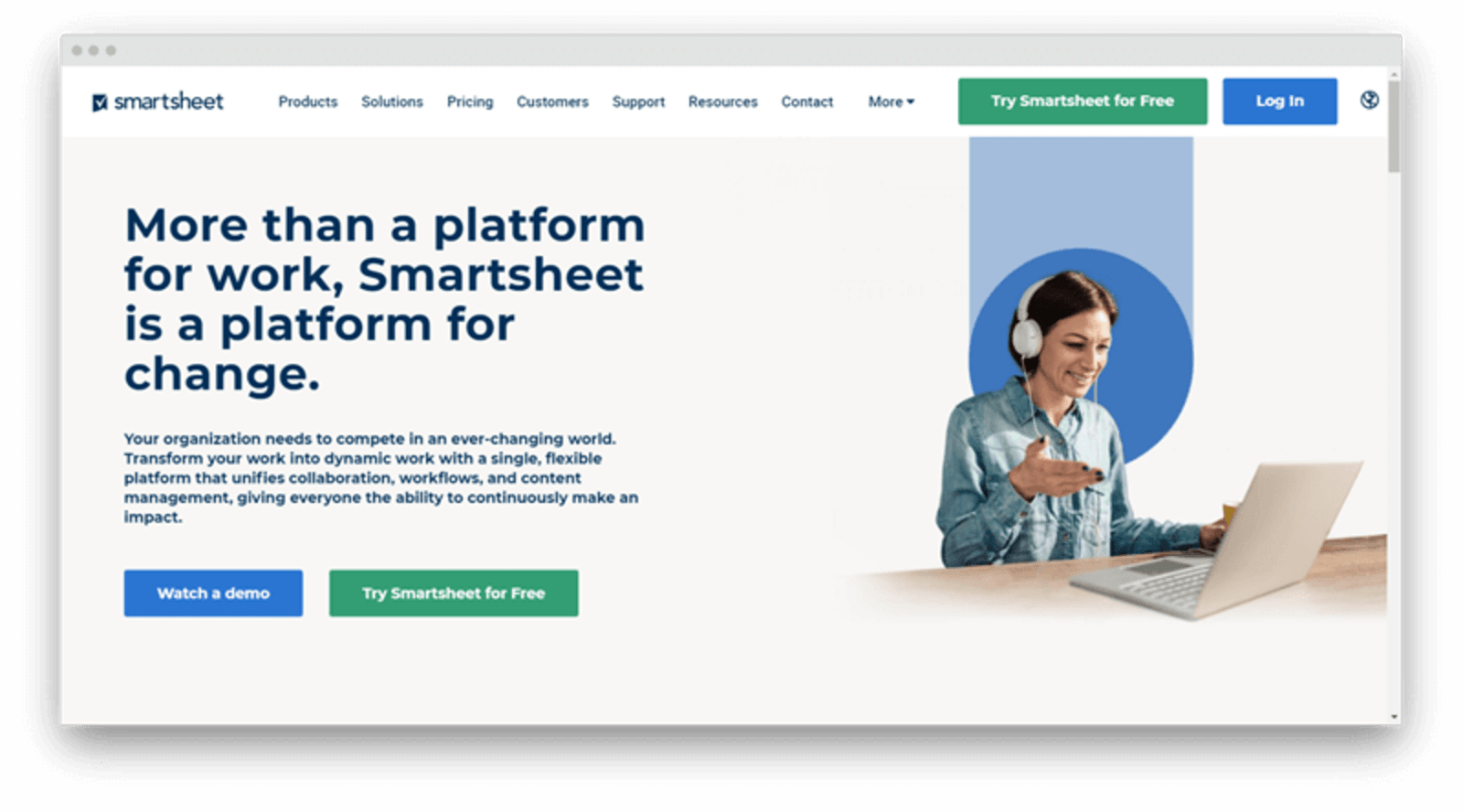
Although I admire the awesomeness of Excel and Google Sheets, I prefer to stay as far away from them as possible. These platforms are highly functional — however, they are challenging to get the hang of and would take months to master.
As a designer, I always strive to make the documents I share with colleagues good-looking and easy to understand. That’s why I needed a tool that allows creating spreadsheet-like to-do lists and customizing designs. When I came across Smartsheets, the platform felt like “This is it!”.
Here are my favorite features of the platform:
- Helps create customizable to-do lists and spreadsheets.
- Integrations with Google Suite, Jira, Dropbox, and other widely used platforms.
- Easy-to-set-up automation for repetitive processes.
- Collaborative nature — you can let freelancers, partners, or clients access Smartsheets documents without sharing access to the entire spreadsheet.
- Expandable functionality — you can add new features to Smartsheets with add-ons.
Who should use Smartsheets: designers, team managers, creative directors, sales managers, marketers, creative agencies, business, and startup owners.
9. Microsoft To-Do (former Wunderlist) — each day is a blank page to fill
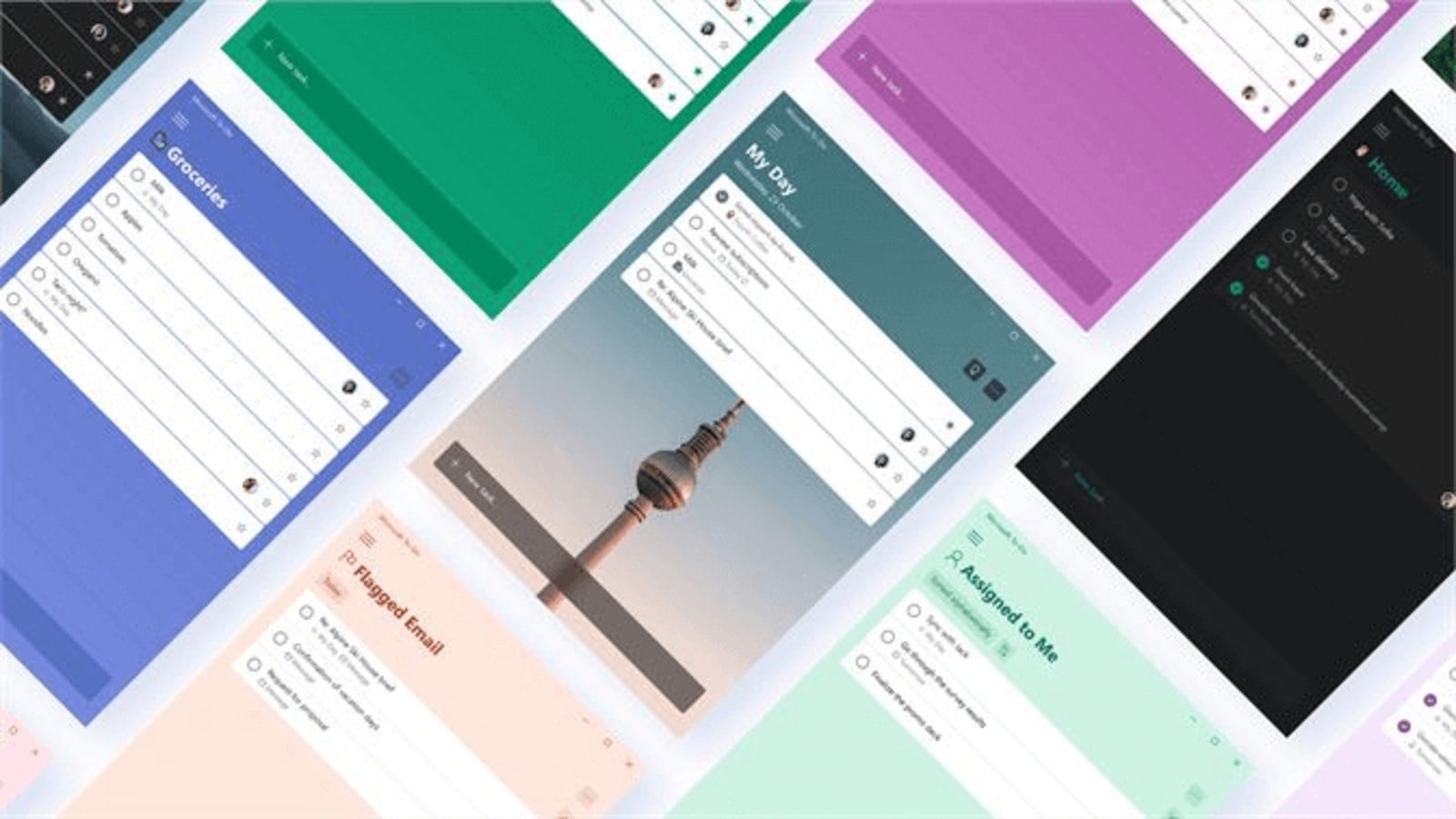
As a freelance designer, I am always juggling projects. In a fast-paced working environment, the risk of forgetting important details is too high. That’s why I need a planner to keep track of my tasks, ideas, and client promises.
To me, Wunderlist was the planner that worked better than other tools. I loved the platform for customizability (I could change fonts, backgrounds, etc), ease of use, and real-time synchronization.
Right now, Wuderlist is rebranding as Microsoft To-Do. I am sad to see my favorite tool stop being the same as I knew it — however, I hope, Microsoft’s new planner will keep the awesome features of Wunderlist.
Who should use Wunderlist: freelancers, business owners, startup managers, creative agencies, writers.
10. Kanbanize gives a bird-eye view of your projects
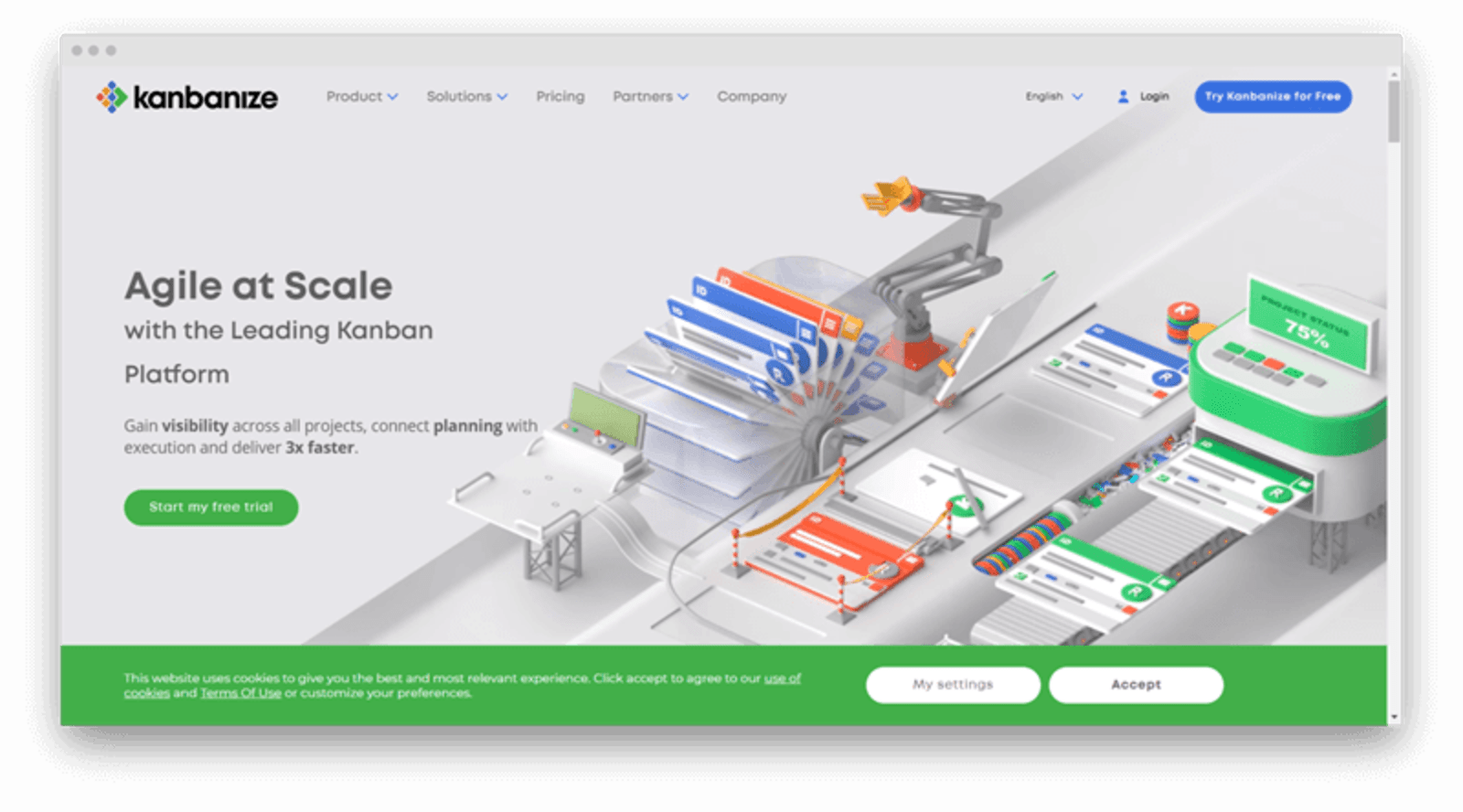
When I work on a project, seeing how each action I make fits into the bigger picture and intersects with what everyone else is doing helps me stay motivated. However, a lot of task managers don’t give much insight into how the project as a whole is progressing so designers are stuck in a never-bursting bubble of tasks.
When I found out about Kanbanize, I loved how the platform focuses on the bigger picture of the project.
Here are the features I enjoy using the most:
- A possibility to switch between a Kanban board and a project timeline.
- Support for projects with multiple workflows.
- Separate workplaces for different teams.
- Related tasks can be linked to each other.
- Automation for recurring activities.
- Advanced analytics.
Who should use Kanbanize: designers, marketers, freelancers, team managers, creative agencies, business, and startup managers.
Wrapping up
The daily life of a designer can feel hectic at times — that’s why it’s so important to rely on tools and platforms that make meeting deadlines and juggling multiple projects easier.
Taking time to research various design, project management, and planning platforms might seem unproductive — however, once you found the right toolset to use for your project, your working productivity will improve drastically.

Content marketing manager with 8+ years of experience, currently contributing to Pics.io blog and developing the content marketing strategy of the brand. I'm lucky enough to write for successful companies, raising their brand awareness to a new level. I'm happy to become part of the companies' strategic marketing & product development, demand generation. My philosophies are: Plan strategically. Be efficient, embrace change, test often, and apply innovative content marketing strategies to stand out from the crowd.











