
If you're familiar with the world of web analytics, you'll be familiar with the terms heatmap and session replay. However, even if you are familiar with these two web analytics tools, you may not be able to use them properly. That's why I've created this article to help you master the role of heatmap and session replay, so you'll always feel confident in using them.
Do you have a tool that can monitor your site and monitor its performance and success or failure? If not, it's time to own at least one, but you won't regret owning more than one web analytics tool.
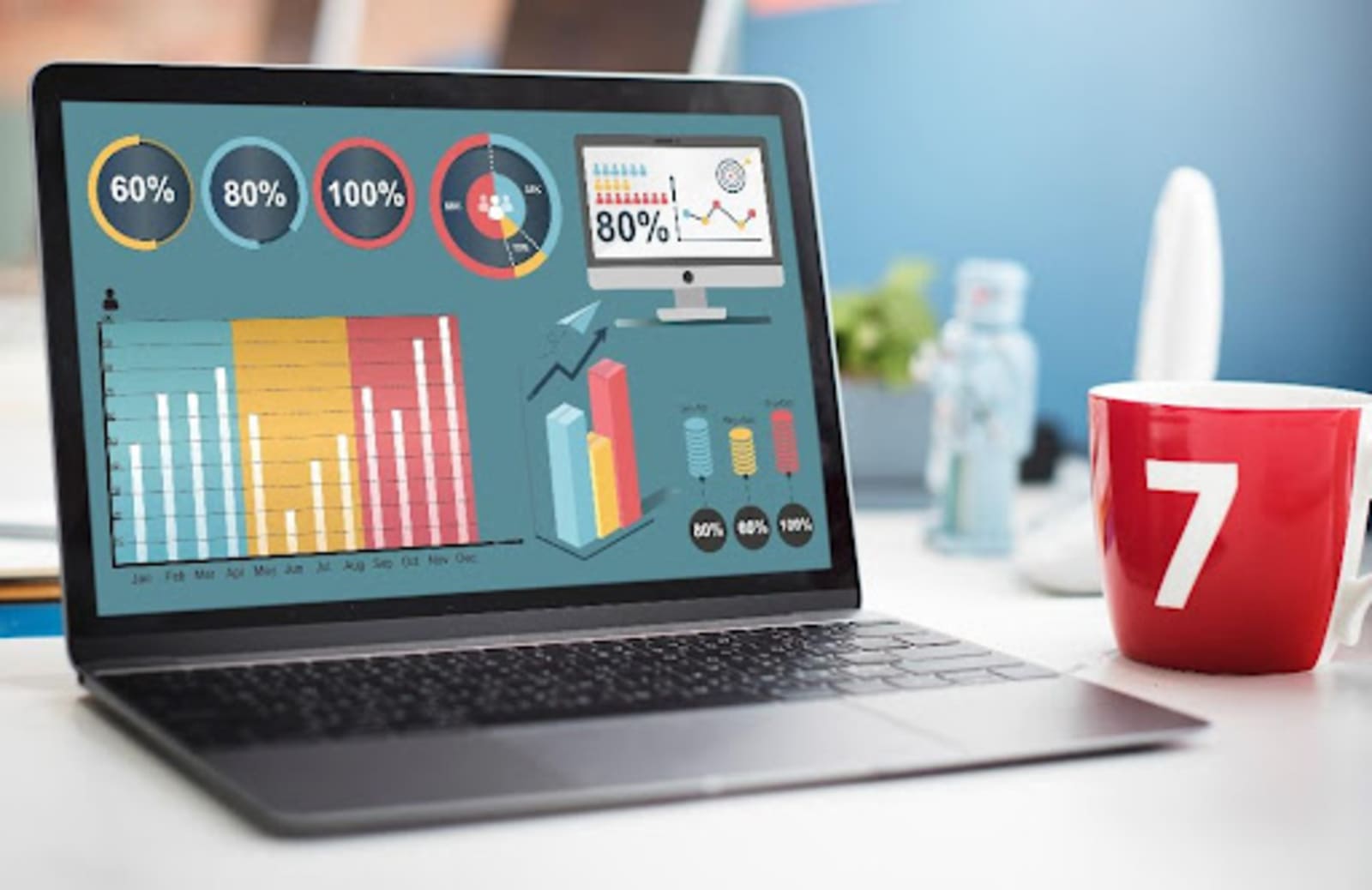
In this article, I will introduce two popular web analytics tools, which are none other than session replay and heatmap.
Everything you need to know about session replay
Session replay is a web analytics tool that helps you find out how visitors to your site interact with your site. Simply put, session replayrecords the sessions that users have through your website.
Why is it such a popular tool? Because it does not require user responses. You can monitor users without them knowing it. You can also get information about where visitors clicked, how long they scrolled up and down your site, and what stage of the sales channel they got stuck in... There are many digital marketing courses where you can learn key insights to get the most out of this tool.
If you want your website conversion rates to improve and visitors to be satisfied with your website, then by all means get the session replay web analytics tool.
But if all this wasn't enough, I'll introduce you to another popular tool, which is none other than the heatmap.
Everything you need to know about heatmaps
A heatmap is a visual diagram that can show how visitors to your website interact with your website. The heatmap provi des data on which parts of your website are more and less likely to attract visitors.
Tom Hamilton-Stubber, Managing Director of TutorCruncher says “Heatmaps are called heatmaps because they color-coded. The red, or colors indicated which parts of the website are more popular and more visited, while the cool, or colors reflected which parts of the website need further development.”
Heatmaps are used for many different purposes but are most commonly used to track clicks, examine user behavior and increase conversion rates.
Now that we're familiar with the use and role of these two tools, let's move on to how you can achieve success in the world of digital marketing if you use session replay or heatmap, especially if you have both tools.
1. Achieve a better conversion rate
If you have a webshop, your primary goal should be to generate more revenue from your website. And to achieve a high revenue, you need a high conversion rate. If you use the heatmap and the session replay tool, you can see which content and CTAs are more likely to drive visitors to take action and which are less likely.
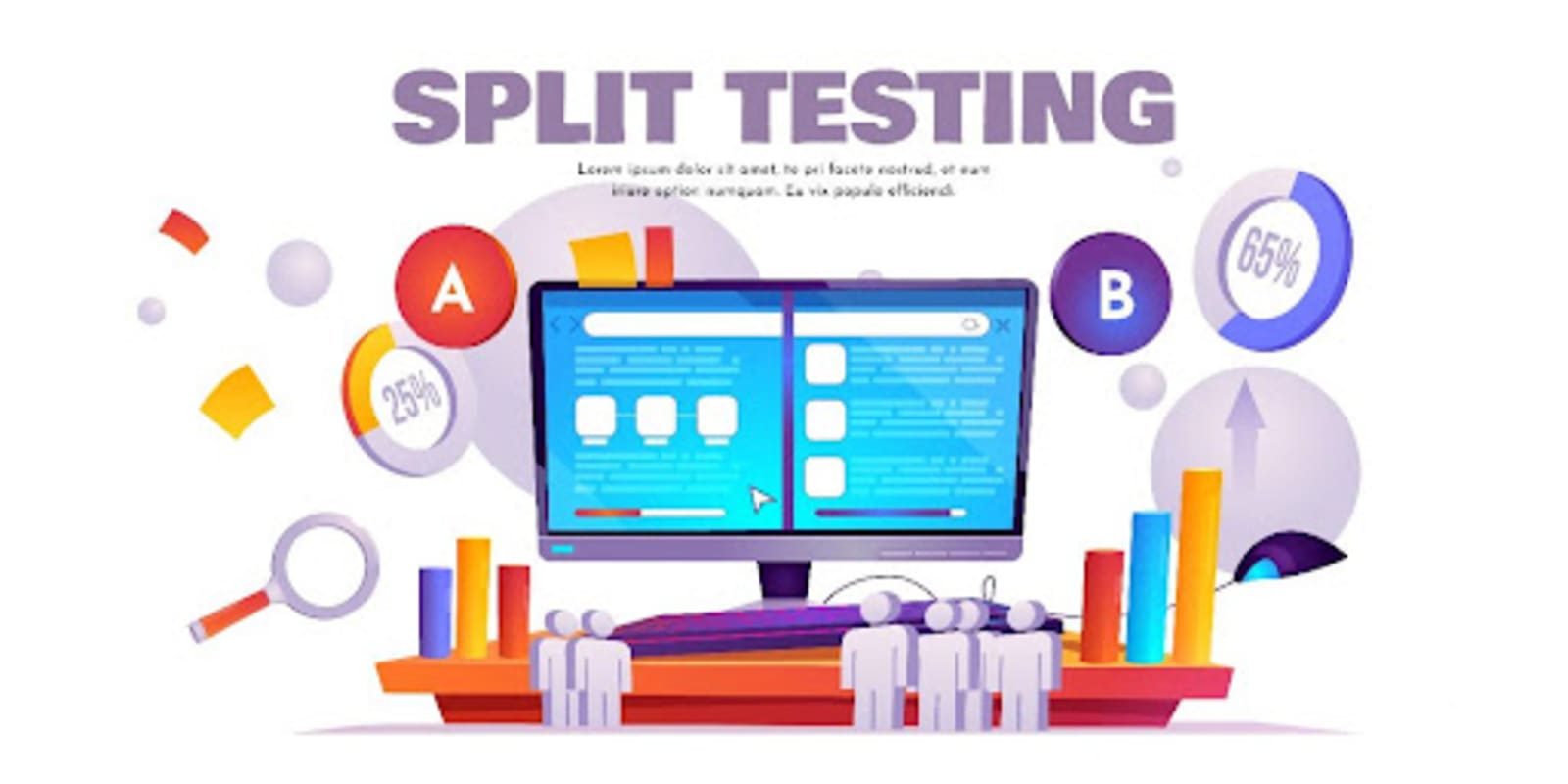
According to Mike Owens, Digital Marketing & Growth Director at HostingRevelations says “With the click heatmap, you can see if a particular call-to-action button is arriving for visitors to take action.” Here I would mention the importance of A/B testing. Create two versions. One should be "Buy this offer" and the other should be "Don't miss this offer". See which CTA button gets more clicks using the heatmap, then get your hands on the session replay and analyze the sales channel stages.
2. Improving CTA buttons
As I mentioned before, you need those call-to-action buttons to achieve high conversions. But how can you optimize these buttons? The answer is simple. Use click-through heatmaps and see where users click the most, wan which parts of your website are the most popular. And take advantage of simple but effective A/B testing, so you can be sure to increase your conversion rate.
3. Improving the bounce rate
A bounce rate occurs when someone leaves the site without any interaction between them and the site. This is very much something to avoid. If your website has a high bounce rate, you need to act as quickly as possible. The reasons, however, can be many and varied: There may be too much content, or your site may be of poor quality. Relevance may also be an important issue. Loading speed... You need to pay attention to these factors and more if you want to reduce the conversion rate of your website.
According to Tom Miller, Director of Marketing at FitnessVolt “You can identify the problem with either a heatmap or a session replay, and you can fix it. Use session replay to look back and see where the process might be stuck, or where the problem is happening. Or take on the role of a heatmap to see which parts of your website are popular and which parts need optimization to reduce bounce rates.”
4. Make it easier to understand your users
It's no use having lots of visitors to your website if you can't understand them and what they need. They can easily get lost if you don't pay enough attention to them. That's why it's worth looking at how visitors interact with your website through session replay.
If you understand your customers, you can personalize your website. It's worth focusing on the areas that are in demand, as these are the areas that will drive conversions and satisfy users. It is well known that the left side of a website should always be the most prominent, as it is the left side that users look at first. That's the part they look at the most, then the right side of the website. Of course, this doesn't mean that you shouldn't put CTA buttons on the right, but you can check with a heatmap to see if the left side is the one your visitors prefer.

5. Optimize your visual content
Steve Rose, Vice President at MoneyTransfers says “Visual content is always necessary. You cannot run a properly functioning website without them. If you don't use images or video elements, your website will become boring and you will have an increased bounce rate.”
The heatmap gives you feedback on which visual content and elements your visitors prefer and where on the website you should place them. Visual content is needed not only to fill space on your website but also to facilitate interaction between users and the website.
6. Improve content placement
Both web analytics tools can help you decide how you should place content on your site. It's not enough to place text in bulk on the page, aesthetics are important too.
Derek Bruce, Operations Director at Skills Training Group says “With the scrolling heatmap, you can see how long visitors scroll down your website, and where to place links.” While with session replay, you can see how much time visitors spent reading the content, where they clicked and scrolled, and which parts of the site piqued their interest the most.
Final thought
If you want to get the most out of your website, it's not enough to use one web analytics tool, you should invest in as many as possible. They will help you to get to know your users better, to know what interests them more and less. You can find out which parts of your website need further development and which parts are popular with your visitors.
And once the biggest problems have been solved with the help of web analytics tools, there's nothing left to do but focus on the little things and optimize your website.

is a Founder & CEO of Jeenam Infotech who has a passion for helping customers as a Link Building Consultant. You can connect with him on Linkedin.











