As a graphic designer, you know how important it is to have the right tools for the job. Whether your work is strictly digital or more traditional, like print design, there are several software and hardware options available that can make all the difference in your finished product. But with so many different choices on the market today, it’s hard to know where to start.
If you’re just starting in the graphic design world, don’t worry – we’ve got you covered. In this article, we’ll take a look at 10 of the best DIY tools for graphic designers, perfect for beginners and experienced professionals alike. So whether you’re just getting started or you’re looking for an upgrade, read on for the best tools to help you create beautiful graphics.
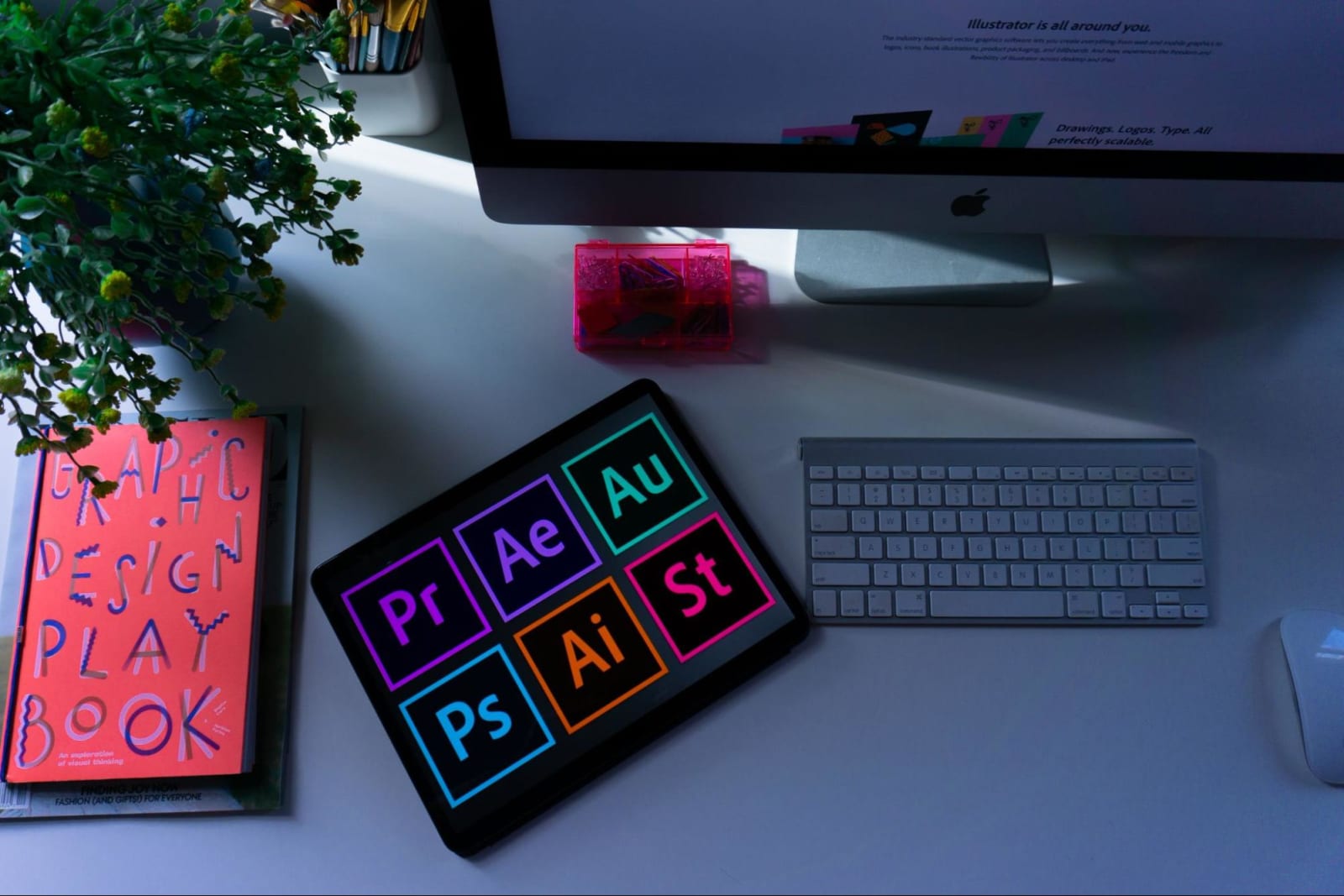
1. Photoshop
Adobe Photoshop is probably one of the most well-known graphic design programs out there. It’s versatile and powerful, with a wide range of features that can cover just about any design need. If you’re serious about graphic design, Photoshop is a must-have tool.
Key features:
- Image editing and manipulation
- Layer-based design
- Vector drawing and illustration
- Wide range of filters and effects
Pros:
- Wide range of features
- Versatile and powerful
- Suitable for a variety of design needs
Cons:
- Can be expensive
- Requires a good amount of knowledge to use effectively
2. Inkscape
Inkscape is a free vector graphic design program perfect for creating illustrations, logos, and icons. It’s not as powerful as Photoshop because it lacks essential features like layer support. But it is still a great option for beginner designers. Photoshop is more geared towards photo editing while Inkscape is more geared towards vector illustrations, logos, and icons.
Key features:
- Vector illustrations
- Customizable interface
- Many features and tools
Pros:
- Free to download and use
- Easy to learn
- Suitable for a variety of design needs
Cons:
- Not as powerful as Photoshop
- Can be a bit buggy at times
3. GIMP
GIMP is another free graphic design program that’s similar to Photoshop. It’s not as well known as Photoshop, but it’s just as powerful and versatile.It can be used for everything from photo editing to creating digital paintings.
Key features:
- Image editing and manipulation
- Layer-based design
- Wide range of filters and effects
Pros:
- Free to download and use
- Very versatile
- Similar to Photoshop, so it’s easy to learn
Cons:
- Not as well known as Photoshop
- Can be a bit buggy at times
4. Illustrator
Adobe Illustrator is another top vector graphic design program with a wide range of features and tools that make it perfect for creating illustrations and logos. It’s more expensive than Inkscape, but it’s worth the investment if you want to take your graphic design skills to the next level.
Key features:
- Vector illustrations
- Customizable interface
- Many features and tools
Pros:
- Wide range of features and tools
- Perfect for creating illustrations and logos
- Very versatile
Cons:
- Can be expensive
- Requires a good amount of knowledge of the tool to use it effectively
5. CorelDraw
CorelDraw is a popular vector graphic design program that’s been around for years. It’s not as popular as Illustrator or Photoshop, but it’s still an excellent option for those looking for an affordable vector graphic design program. It is best used in conjunction with Corel PaintShop Pro for photo editing.
Key features:
- Vector illustrations
- Customizable interface
- Many features and tools
Pros:
- Affordable price
- Wide range of features and tools
- Suitable for a variety of design needs
Cons:
- Not as popular as Illustrator or Photoshop
- Can be difficult to learn for beginners
6. Wacom Tablet
Wacom tablets are popular among digital artists and graphic designers for their precise drawing capabilities. In fact, the tablet is so popular that many software companies now offer specific support for Wacom tablets. It can be used with a variety of design programs, but it’s most commonly used with Photoshop and CorelDraw. If you want to take your design work to the next level, a Wacom tablet is a must-have tool.
Key features:
- Many different sizes and types available
- Pressure-sensitive pen
- Customizable buttons
Pros:
- Precise drawing capabilities
- Very versatile
- Can be used with a variety of design software programs such as Photoshop and Illustrator
Cons:
- Can be expensive
- Requires a good amount of knowledge on various design software programs to use effectively
7. Sketch
Sketch is a vector graphic design program perfect for creating user interface designs, logos, and icons. It’s not as powerful as Photoshop or Illustrator since it’s specifically designed for vector graphics. This means, however, that it’s much easier to learn and use than more powerful programs.
Key features:
- Vector illustrations
- Precise drawing
- Many features and tools
Pros:
- Very affordable
- Perfect for creating user interface designs, logos, and icons
- Vector illustrations are easy to edit and resize
- Easy to learn
Cons:
- Not as powerful as Photoshop or Illustrator
- Can be a bit buggy at times
8. Canva
Canva is a great online graphic design program perfect for beginner designers. It’s easy to use and has a wide range of templates and tools that you can use to create beautiful graphics.
Key features:
- Large variety of modern templates and tools
Pros:
- Affordable price tag
- Wide range of templates and tools
- Perfect for beginner designers
Cons:
- Limited editing options
- Not as powerful as Photoshop or Illustrator since it is an online program and lacks key features that those programs offer
9. Stock Images and Photos
Stock images and photos are a great way to add realism and visual interest to your designs. There are thousands of different stock images available online, and many of them are free to download.
Key features:
- Realistic images
- Thousands of different stock images available online
- Many are free to download
Pros:
- Adds realism and visual interest to your designs
- Can be used for commercial or personal projects
Cons:
- Some images can be expensive
10. Graphic Design Forums
Graphic design forums are a great way to learn more about graphic design and meet other designers worldwide. They offer a wealth of information and resources, and they’re a great place to get feedback on your work.
Key features:
- Online platforms where designers can share information, offer feedback on each other's work
Pros:
- A wealth of information and resources
- Meet other designers from around the world
- Get feedback on your work
Cons:
- Can be difficult to find the right forum for you
- Can be time-consuming to participate in forums regularly
How to choose the right DIY tools for you
When it comes to DIY graphic design tools, there are a lot of different options to choose from. It’s essential to know which among these tools would be the right one for you. Here are a few tips:
1. Consider your needs
Before you buy any tools, take some time to think about what you need them for. What kind of designs do you want to create? Do you need something that’s easy to use, or are you willing to put in the extra effort to learn a more complex program?
2. Do your research
Not all tools are created equal, so it’s important to do your research before you buy anything. Read reviews, compare prices, and make sure that the tool you’re considering is going to meet your needs.
3. Try before you buy
If possible, try out the tool before you buy it. Many software programs offer free trials, so take advantage of them! This will help you make sure that the tool is easy to use and that it has all the features you need.
The bottom line
DIY tools are an essential part of any graphic design project, and there are a lot of different options to choose from. So don’t be afraid to try out a few different toolsets until you find the ones that are perfect for you.
Should you need more help, don't hesitate to contact Delesign. We offer quality graphic design services that can help you with your design needs.

Krisana is a journalist turned SEO Content Writer with keen interest in tech, software, and innovations. She is an avid fan of Elon Musk and wants to be part of the future Human Mars Mission. In the meantime, she spends her time researching and writing about everything that could make life a better place on Earth. Outside of work, Krisana dedicates her time with her two lovely kids.











