Various accounting software is now replacing manual input. One of the platforms that automate an accounting system is Expensify. Before deciding to switch tools, have an Expensify demo first. Check the features to see how the app will benefit your accounting process.
What Is Expensify?

Expensify is a platform to manage your accounting system. The software has cloud-based processing to manage expenses and several other bookkeeping transactions.
Leading the financial service startup is Expensify CEO, David Barrett. Based in San Francisco, California, the company has existed since 2008.
Expensify focuses on users needing a financial tool. They help manage and track their expenses. Among the features of Expensify are as follows.
- Unlimited receipt scanning
- Expense management
- Automatic approval
- Next-day reimbursement
- Invoicing
- Bill payment
Is There a Free Version of Expensify?
An Expensify demo is available if you want to try it first. You will have to sign up using your email or phone. Also, you can request a call to have an Expensify representative guide you on the setup.
The Expensify demo doesn't need you to input a credit card, unlike other free trials. You will only have limited features if you use the free version of Expensify.
How Much Does Expensify Cost per Month?
While the Expensify demo lets you go over the tool, full access is available in the paid plans. The Expensify pricing has two types of users, for either individuals or groups.
For individuals
- Track - $4.99 per month
- Submit - $4.99 per month
For groups
- Collect - $5 per user, per month
- Control - $9 per user, per month
Every tier in the paid plan has different benefits. Under the individual label, both Track and Submit provide access to personal transactions. As well, the Collect and Control options under the group label provide more bulk and management options. The feature works well for managing the expenses of a team, clients, or a company.
You have the option to switch to different plans. However, if you choose to pay every year, switching is not available.
How Do You Use the Expensify App?
The app is compatible with Android and iOS devices. If you want to get a full view of its functions, the web-based version works well too. Outlined here are some of the features that Expensify has to manage the accounting side of your business.
1. Receipt Scanning
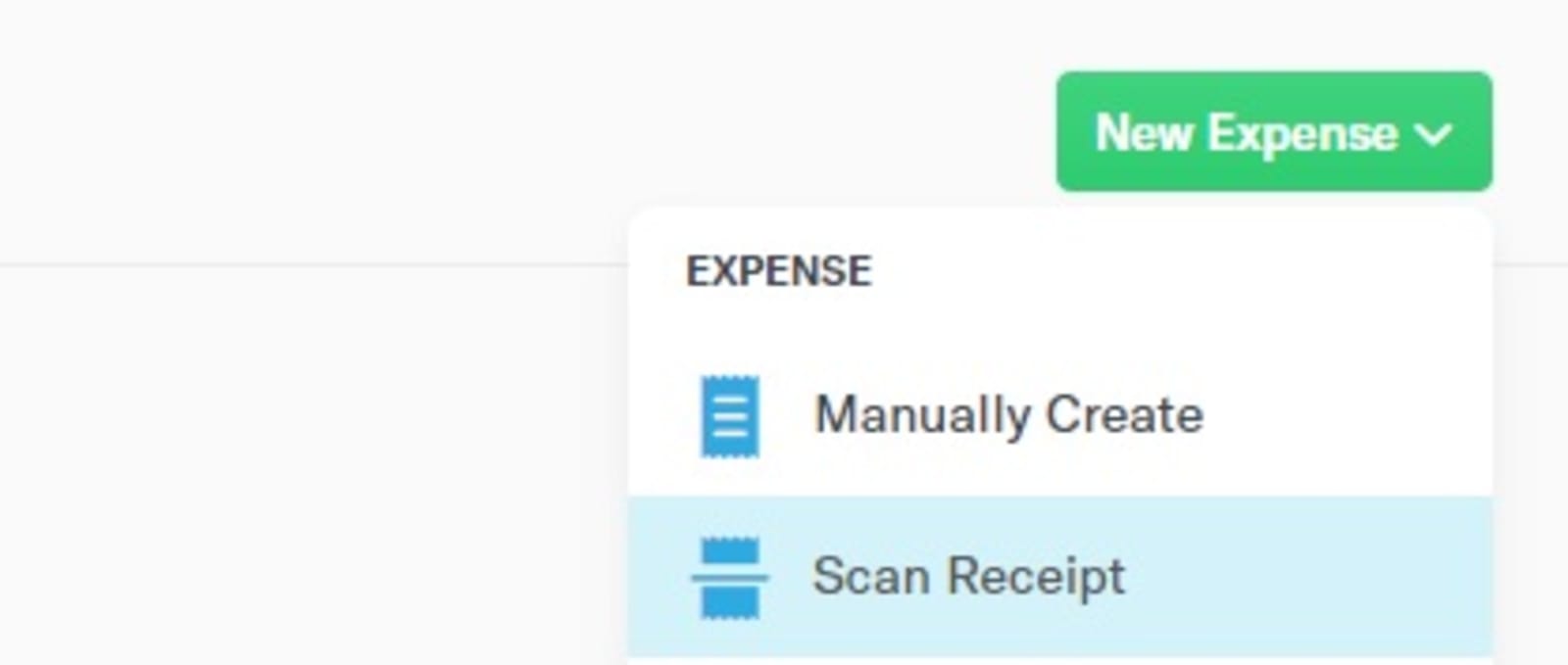
All you have to do is scan a receipt then Expensify will input the details in an instant. No need for manual entry from paper to electronic form as Expensify does the job for you.
Emailing receipts to Expensify is easy as they provide you with an email address to forward them. If you receive the payment record via email, you can send it to receipts@expensify.com. The details will then show up on your account. Or, you may also drag a receipt on the dashboard to record them.
2. Expense Import
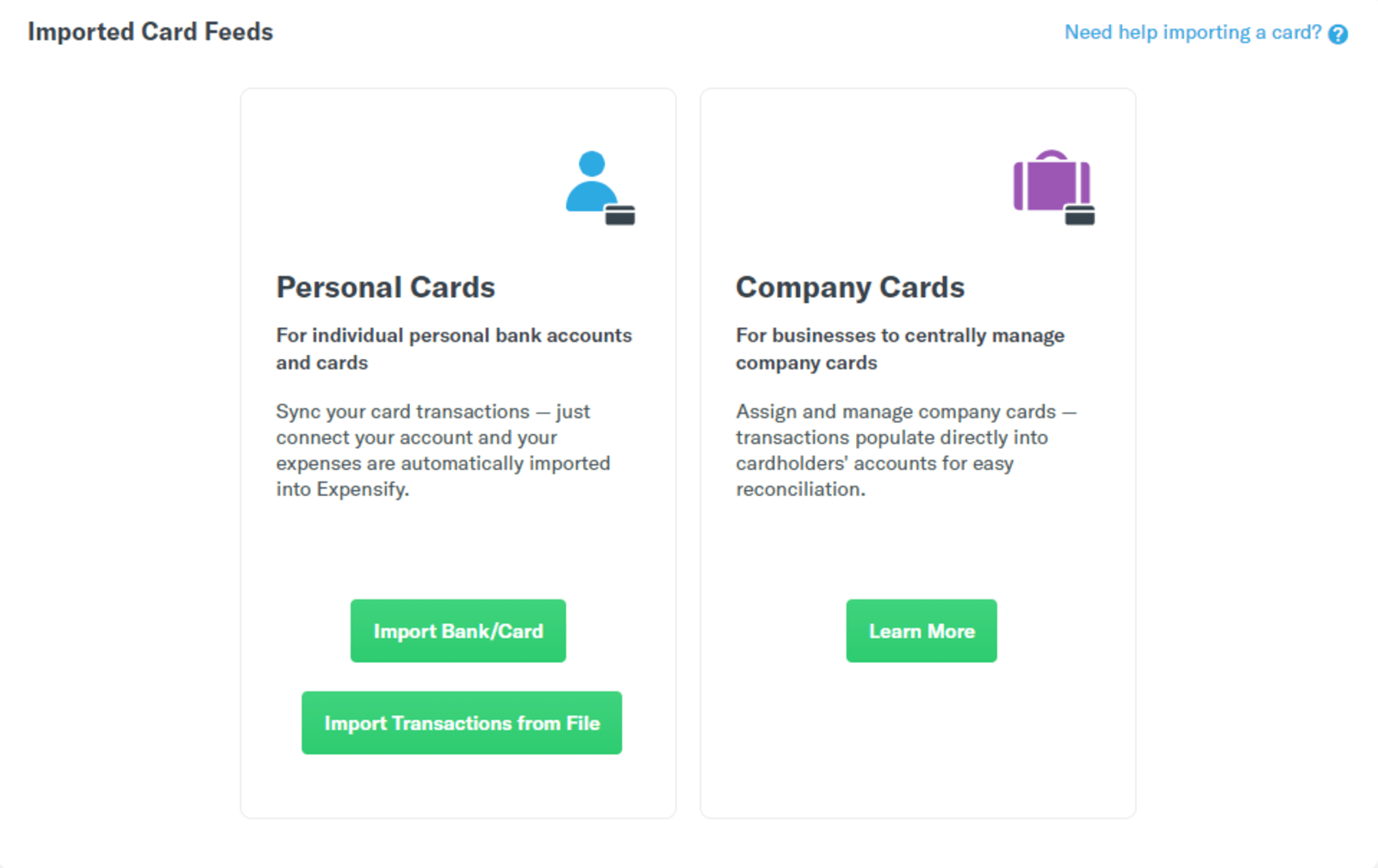
From banks to credit card companies, Expensify allows you to track expenses and upload receipts. Everything is easy with a one-click import feature.
Bank accounts that you connect need to have verification. Expensify requires it to use the reimbursement and automatic payments feature. Otherwise, you'll only have the option to deposit or transfer funds.
Another way to get paid or send a payment is by integrating your PayPal account. The feature is optional, though useful if you need to access funds via PayPal.
3. Automatic Syncing
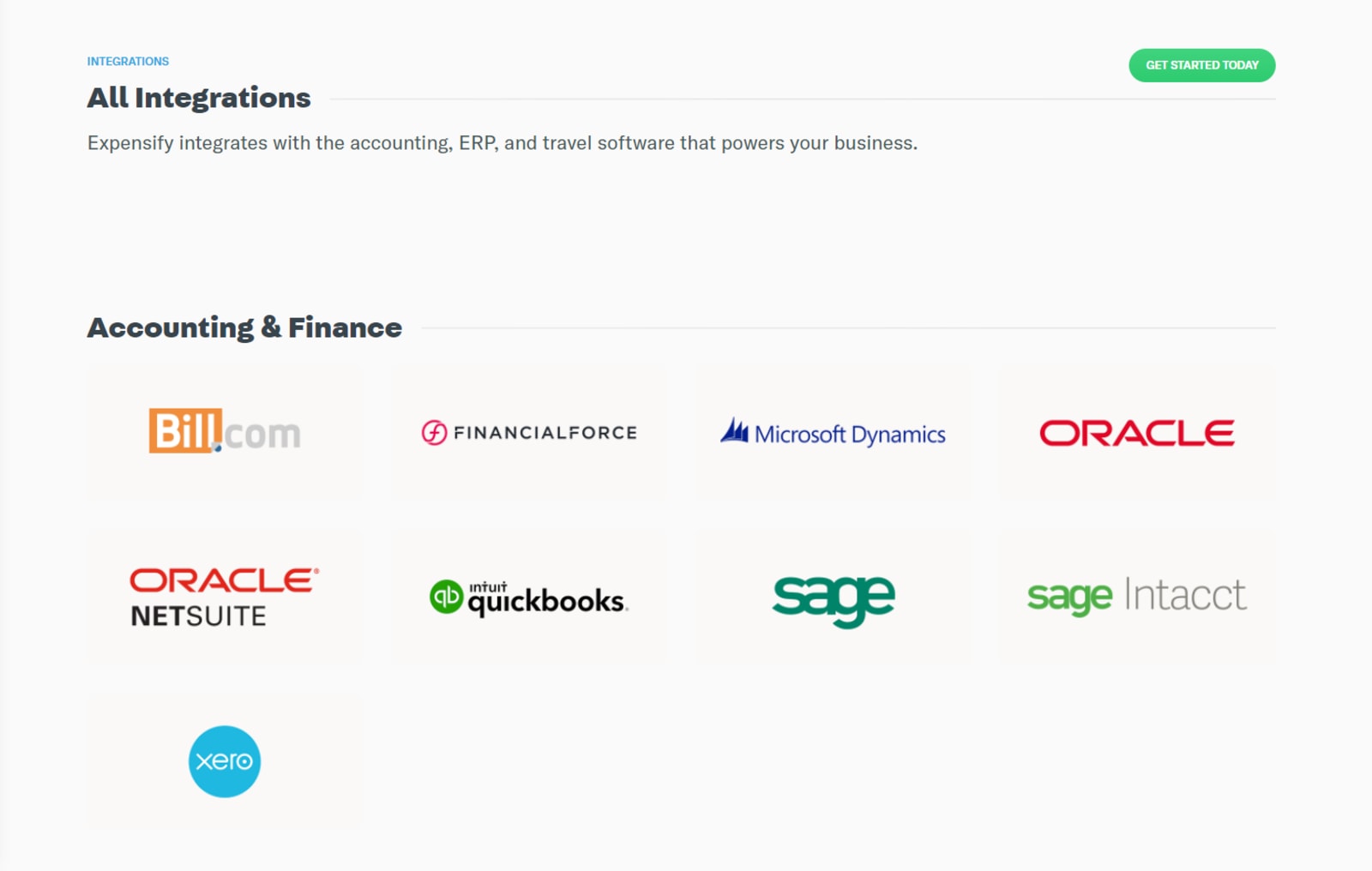
There's no need to open other accounting software that you're using. Expensify will automatically connect your invoicing and payment collection. The real-time processing inputs any changes right away.
Expensify connects with common accounting apps. Apart from these, there are also other platforms to integrate into Expensify, namely:
- Quickbooks
- Bill.com
- Xero
- Workday
- Uber
- Hotel Tonight
- Taxback
- Tripcatcher
- Gallop
Various Expensify integrations make it easy to track your expenses in one dashboard. These include financial tools, employee record platforms, car-sharing, tax, and even travel expenses.
4. Expense Management
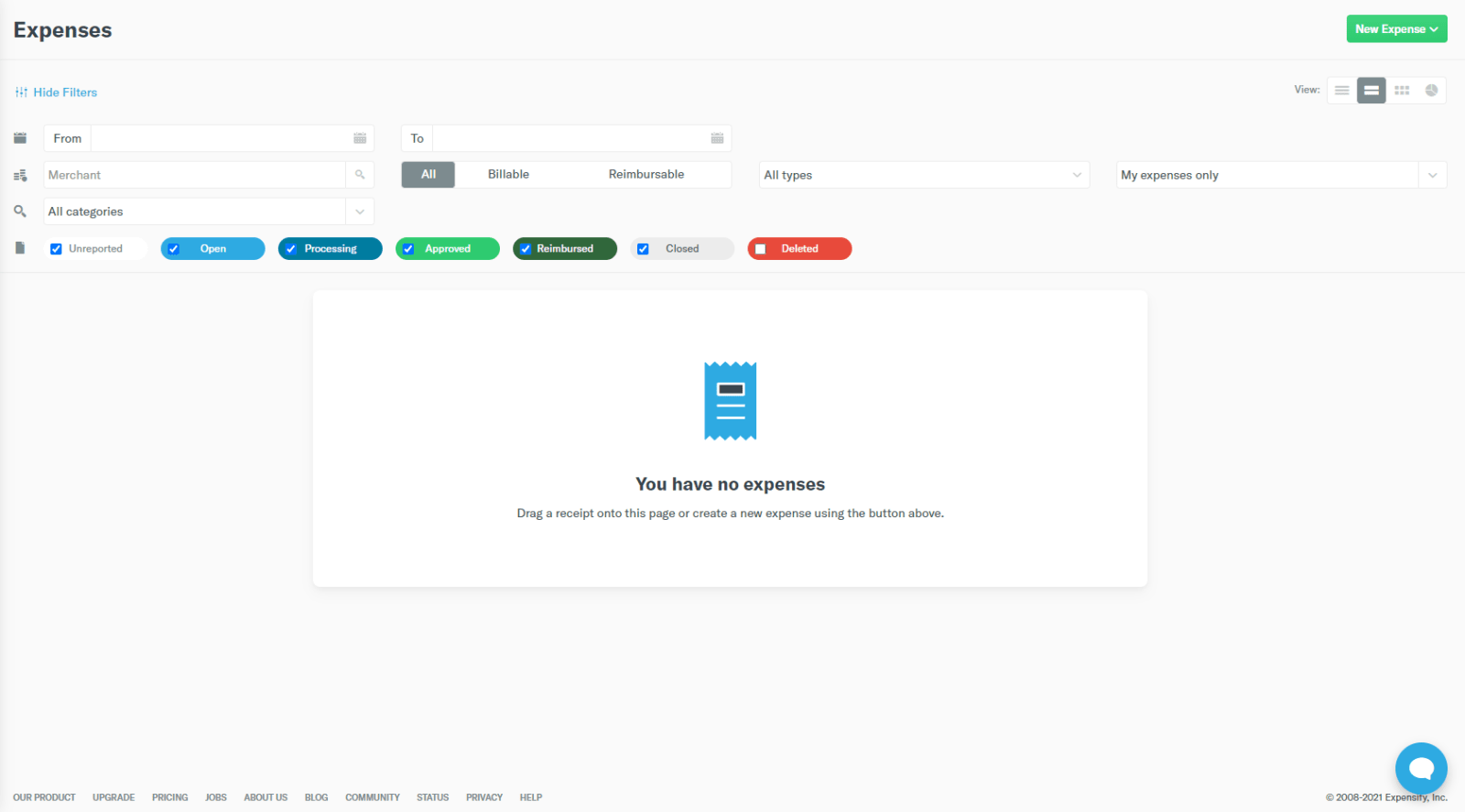
On the Expensify demo, there are four ways to view all your expenses.
- List View
- Summary View
- Grid View
- Chart View
Different bill status is on display as well for you to filter what type of expense to show up on your list. The button to add a new expense record has various methods:
- Manually create
- Scan a receipt
- Upload in bulk
- State an hourly bill
The reports tab provides the same filters found on the expenses. Adding a new report or invoice is also easy, with an option to upload in bulk.
5. Approval Workflow
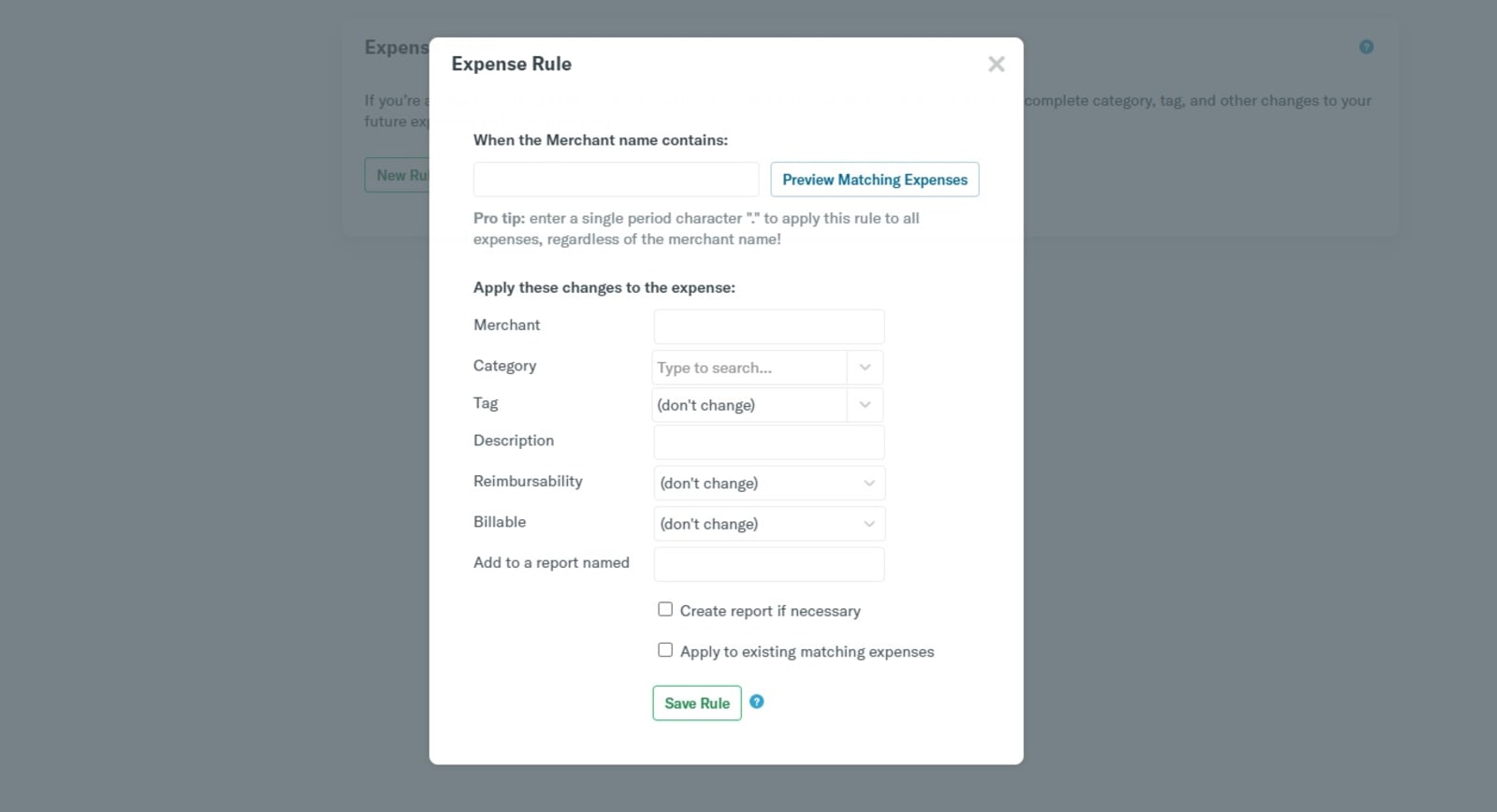
If there are expenses that a manager needs to review, Expensify lets you configure the app. There's automatic approval as well for transactions that don't need further checking.
When you have recurring payments, the expense rule feature will allow you to put labels. You can choose a category or a tag for a specific merchant. In the same way, you can also apply the rules to all the billers in your account.
6. Next-Day Reimbursement
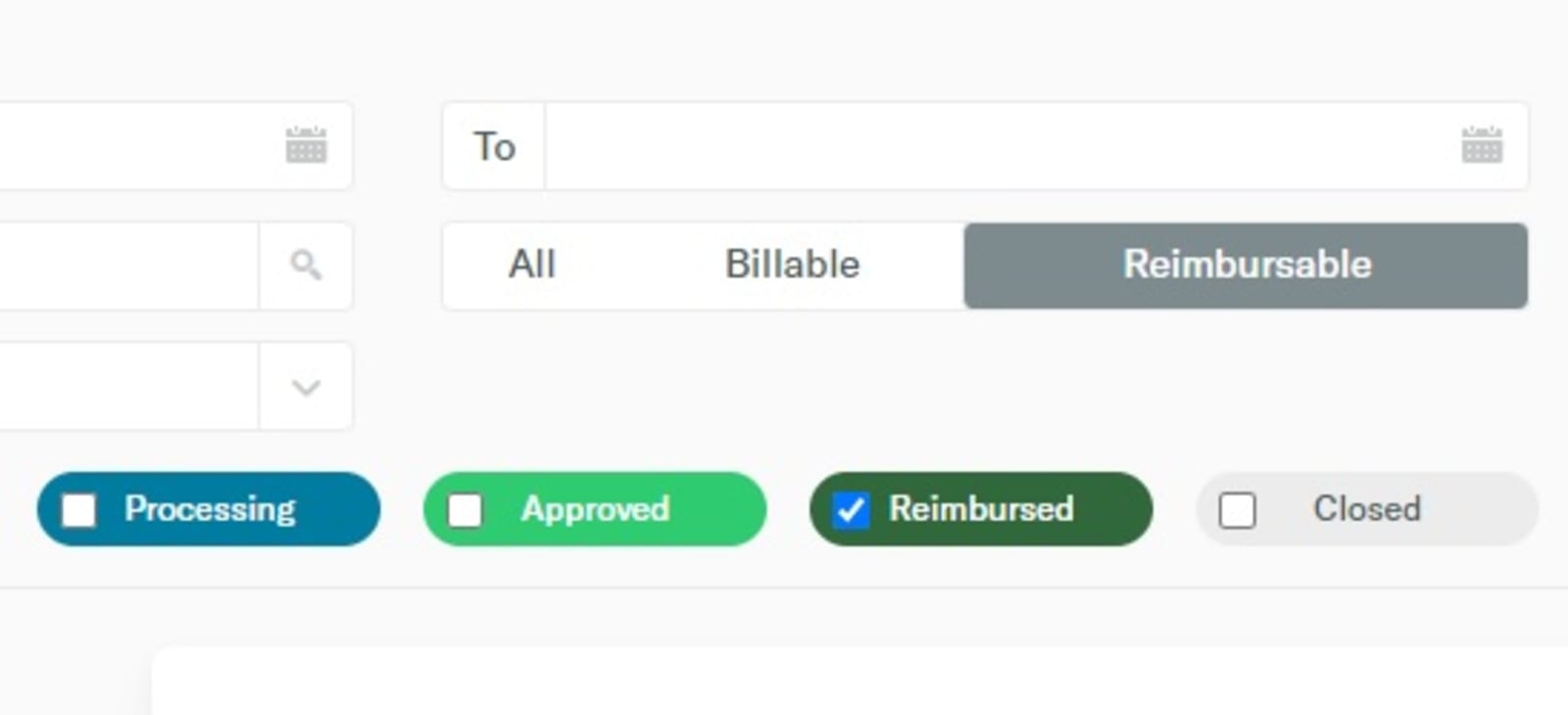
Reimbursing any expenses are ready within 24 hours once approved. The employee will receive the money in their bank account via ACH direct deposit.
7. Concierge
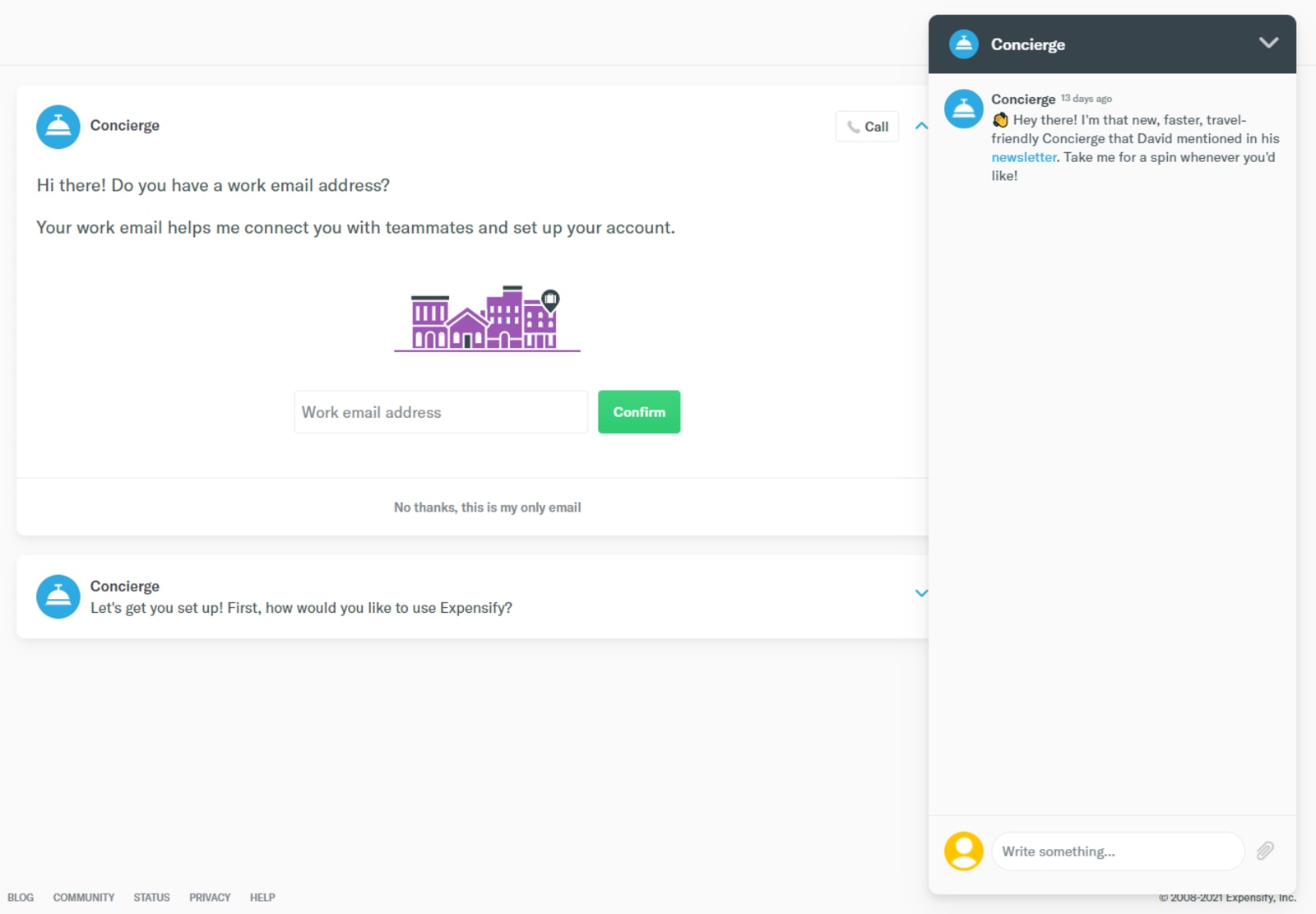
Expensify also accommodates booking hotels, flights, and cars via chat.
Expensify Reports
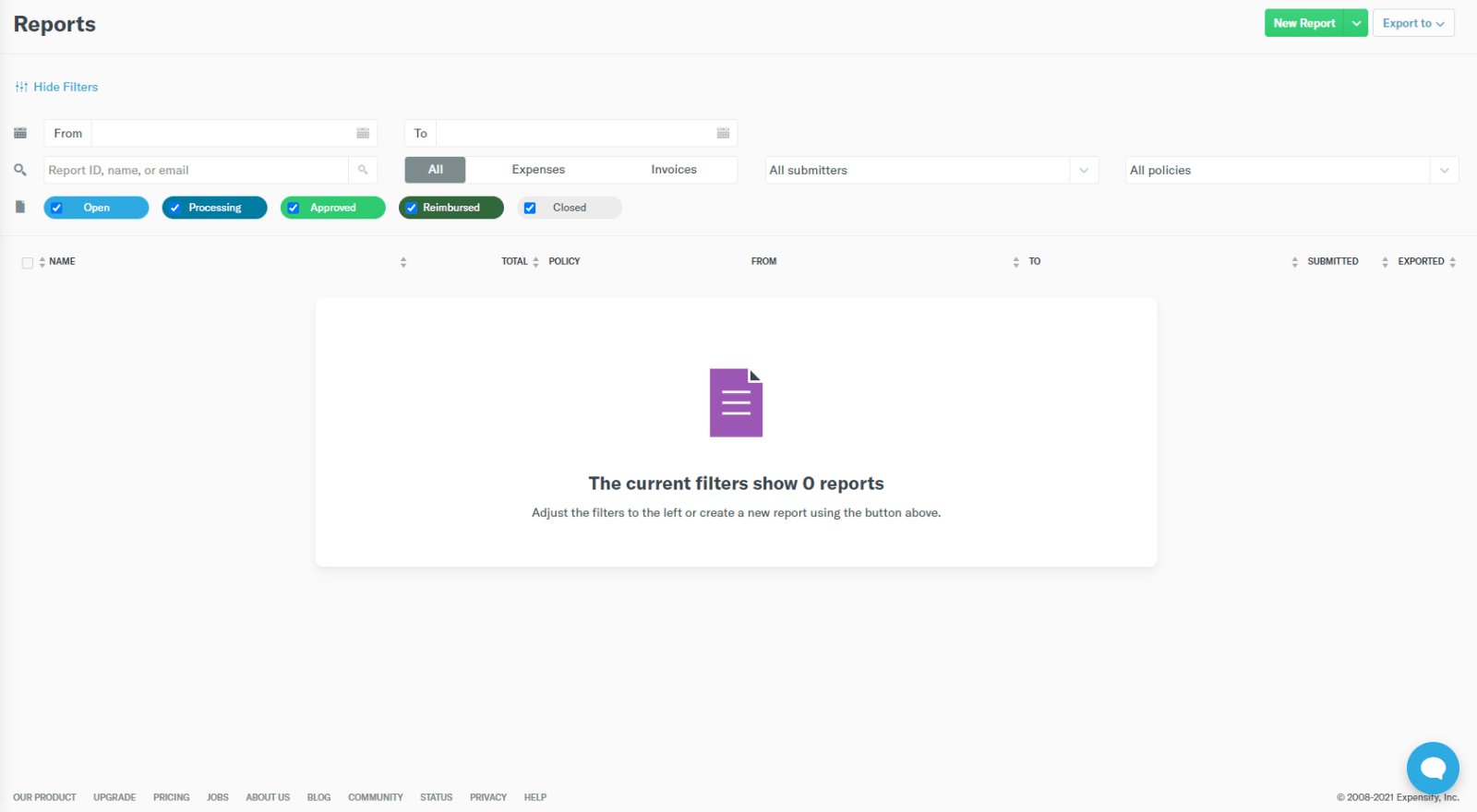
Whether you want to track taxes or organize paying bills, Expensify has the right tools. Expensify is a robust platform to catalog a company's financial transactions. Additionally, the app has several integrations that are handy for a smooth and automated keeping of records. You can also review the costs incurred from various providers, available in the Expensify reports.
The Expensify app is a robust tool to generate reports. The various features of using Expensify to track your expenses include:
- Real-time data processing
- Debt to income rati
- Travel reports
- Per hour calculation
Whether you're using the app as an individual or a company, the Expensify reports are useful. Having this valuable data is an effective way to manage your finances.
On the whole, Expensify is a valuable tool to both track and manage expenses. Aside from having the software, there are also guides and webinars that Expensify provides. The informative resources will help you learn the full functions of the Expensify app.
Why Is Expense Management Important?
Processing accounting documents and payments are time-consuming. Thus, financial managers and accountants prefer a more systematic way of keeping records.
The 2019 Travel & Expense Management Trends Report from Tallie points this out in a survey. There are 48% of respondents who say they value mobile apps that can capture receipt. Another valuable function is direct deposit by ACH. 36% of financial professionals find the feature useful.
Tracking expenses can pay off in a business's accounting process. The cash allocation will be more efficient. Even with the costs involved, using a financial platform has benefits. The poll by Tallie indicates a return of investment in using expense software.
- Within one year or less, 50% of enterprise firms reported having a positive ROI.
- The positive ROI from 55% of midsize companies also achieved it in one year or less.
- 64% of small businesses say within one year or less, they saw a positive ROI.
Choose expense management software that will fit according to your needs. Expensify, for instance, focuses on managing receipts and expenses. An Expensify demo will tour you around the various functions of the app.
Even if you're only using the Expensify demo, the basic features are already useful. If you need more flexibility and additional functions, there's separate Expensify pricing for individuals and companies. When you use Expensify, your accounting data are much more accessible and transparent. Thus, helping you come up with better financial decisions.

Raffy is involved in SEO and digital marketing. He gravitates towards upcoming technologies, startups, and is an avid learner.











