
The office landscape has changed considerably in the last few years, as many companies around the world started adapting to a remote work environment. According to a Global Workforce Analytics report, remote working employees have grown by almost 140% since 2015. With the conveniences offered by modern technology, it is not a surprise that many individuals feel more productive and better equipped to work from home.
There are many advantages of remote work, like higher productivity, flexibility, cost-saving, and better work-life balance, among other things. However, managing remote cross-functional teams is a challenge in itself. Many issues can arise in dysfunctional cross-functional teams, like pushed-back deadlines, poor communication, and unsatisfactory deliverables due to lack of collaboration. So what are some effective ways to improve the remote cross-functional teams in your company? This is exactly what we’ll cover in the following sections, as we look at the common challenges faced by remote cross-functional teams. We will also provide you with specific management tips and a list of great tools to improve productivity, communication, and collaboration between your employees.
What is a Remote Cross-Functional Team?
When you are faced with a huge project, the scope of which goes beyond the purview of a single department, you would need a cross-functional team to complete it successfully. A remote cross-functional team comprises of employees who possess a diverse range of of most in-demand skill sets and functional expertise. These employees usually stem from different departments of the company, and they collaborate with each other to achieve a common goal.
So what do the remote cross-functional teams look like in practice? Let’s say you need to redesign the customer journey for offering a better end-to-end experience. You can put together a cross-functional team with professionals from the customer service, sales, marketing, IT, and finance departments. Similarly, if your goal is to attract more employees, you can get marketing, C-suite, and HR professionals to work together on accomplishing the mission. The benefit of remote cross-functional teams is that it allows you to obtain insights from experts in various fields.
What are the challenges of managing a remote cross-functional team?
Now that you know about the function of remote cross-functional teams, let’s look at the major challenges of managing these teams remotely –
1. Misunderstandings due to poor communication: If there is a lack of good communication in a remote cross-functional team, it can lead to animosity between the team members from different departments. Each team member needs to know who is in charge, and how every department works. This is particularly important with multinational teams - intercultural communication matters quite a bit to keep things running smoothly.
2. Remote workplace limitation: When the team members of a cross-functional team are working remotely, it becomes difficult to manage the various tasks between multiple teams. Communication and collaboration become a challenge in remote workplaces.
3. Keeping track of everyone becomes difficult: When there are various departments working on a project, it can get challenging to keep track of everyone involved in the project. Without the use of collaborative tools, it can get difficult to work on a schedule.
4. Delays and roadblocks: Since there will be multiple departments involved in a project, you can end up with delays and roadblocks more frequently. Asynchronous remote work can make it harder to manage a cross-functional team.
5. Competing priorities: Problems can arise when the team members do not assign the same degree of importance to every task. What may be important to one department may not be as important to the other.
How to effectively manage a remote cross-functional team?
Managing remote cross-functional teams is not just about keeping track of their work, you would also need to provide your teams with a good work-life balance and ensure that they remain motivated. Here are some tips for managing remote cross-functional teams effectively –
1. Consider building a team identity
It is important to ensure that all the team members feel as comfortable in the cross-functional team as they would in their own department. To build team identity, you would first need to establish the team goals and values before starting with any work. This will help in keeping the project aligned with the objectives of the company, and it will also facilitate easier decision-making and effective communication.
2. Assign a team leader
A common problem with most cross-functional teams is friction in the team dynamics. This usually results from differences in the priorities and performance metrics of different teams. If there is no leader in the team giving it some form of direction, the team members would not be able to fulfill their roles as efficiently, especially in remote work settings. To ensure effective management of remote cross-functional teams it is important to assign a competent team leader.
3. Encourage communication
The biggest challenge faced by many remote teams is the lack of proper communication channels. Ideally, all the members in a remote cross-functional team should have information about the responsibilities, and also the project status. This is only possible if clear channels of communication are established between the team members from the start. With a good communication plan, team members will know who to reach for specific issues, so that any potential misalignment can be prevented.
4. Ensure that the meetings have clear agendas
Holding regular meetings with your remote cross-functional team is important to get a clear idea about the status of a project, and keep everyone in the loop about its progress. If these meetings are decided without any proper agenda, however, it can take up valuable time of your team members. To get the most out of your team meetings, make sure that the agenda includes –
- Project updates.
- Concerns of the team members.
- Re-evaluation of the decision-making process.
- Future roadmap and next set of steps.
5. Use the right tools
The best way to boost the efficiency and productivity of remote cross-functional teams is by using the right tools for managing their operations. Collaboration in cross-functional teams is often time-consuming and stressful, especially when the workforce is dispersed. Collaboration tools, project management software, meeting note taking softwares, cloud storage services like Amazon Cloud Drive, Box or Google Drive, which have affordable plans, and other tools help in enhancing cross-team collaboration and communication.
Tools For Boosting Remote Team Productivity, Collaboration, and Communication
1. Narrato – Content Creation, Collaboration and Workflow Management Tool
Narrato is a complete content creation, collaboration, and content planning tool that can help in boosting the productivity and efficiency of your remote cross-functional teams on content projects. It essentially brings all your content processes to one place. The Narrato workspace can be used to assign tasks to team members, and you can also create your own custom workflows to decide the milestones and stages in the content process. You can manage a repository of your content by keeping all the content pieces neatly organized under projects and folders. Narrato also provides workflow automation and bulk actions to boost productivity.
This tool makes team management a breeze, as it allows you to select different user roles, with custom access options. It also facilitates easier collaboration on content tasks through in-line comments and on-platform messaging options. One of the best features available on this platform is the content brief generator, which is excellent for efficient content planning. Using this tool, you can generate automatic content briefs, which come with keyword suggestions, references, questions/topics, and other SEO planning parameters.
Pricing: Narrato provides a free plan to small teams that are just getting started. It is important to note that the free plan gives users access to most of the key features. Paid plans start from $8 per user per month, and they come with additional features like White labeling, Revision History, Automatic SEO content briefs, etc. Narrato also provides the option of creating a custom plan, for which you can get in touch with the Narrato team.
2. ProofHub – Project Management Tool

ProofHub is great for simplifying the collaboration processes for all the teams in your company, which makes it an excellent tool for managing cross-functional teams. This tool can be used to streamline the communication between different stakeholders. You can also use it for editing and reviewing projects. What’s better is that it can be synced with other tools to facilitate efficient workflow management.
Pricing: ProofHub offers free plans for new users. The paid plan with all the features starts at $45 per month.
3. Time Doctor – Employee Monitoring Platform
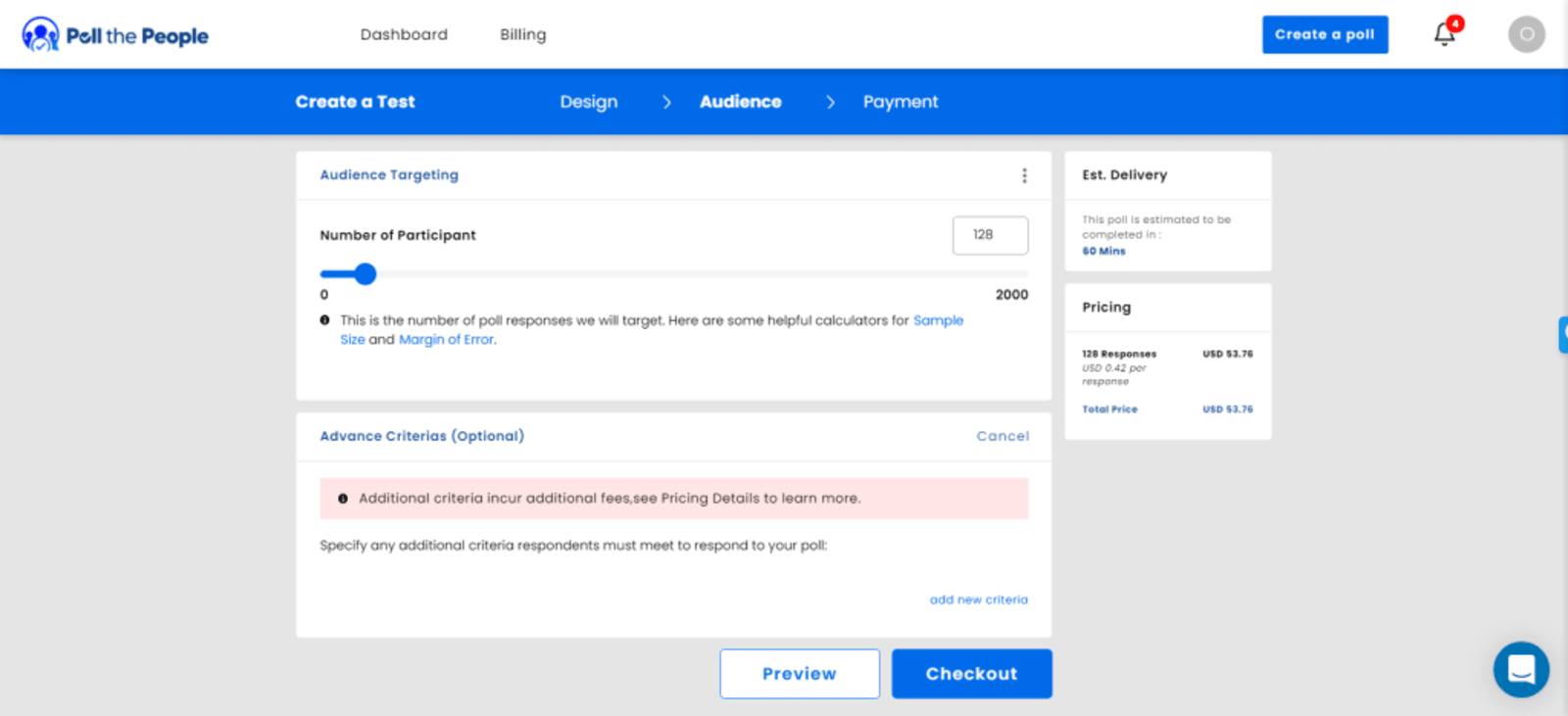
The biggest problem with hiring a remote team is managing the productivity of team members. Time Doctor is an employee monitoring and time tracking software that provides in-depth analytics about the productivity stats of your team. It essentially breaks down the amount of time spent by your team members on a task or project. It can also be used to re-evaluate time-consuming tasks.
Pricing: The paid plans start from $7 per user per month. Time Doctor also provides custom plans for enterprises and larger teams.
4. Renderforest – All-in-One Design Tool
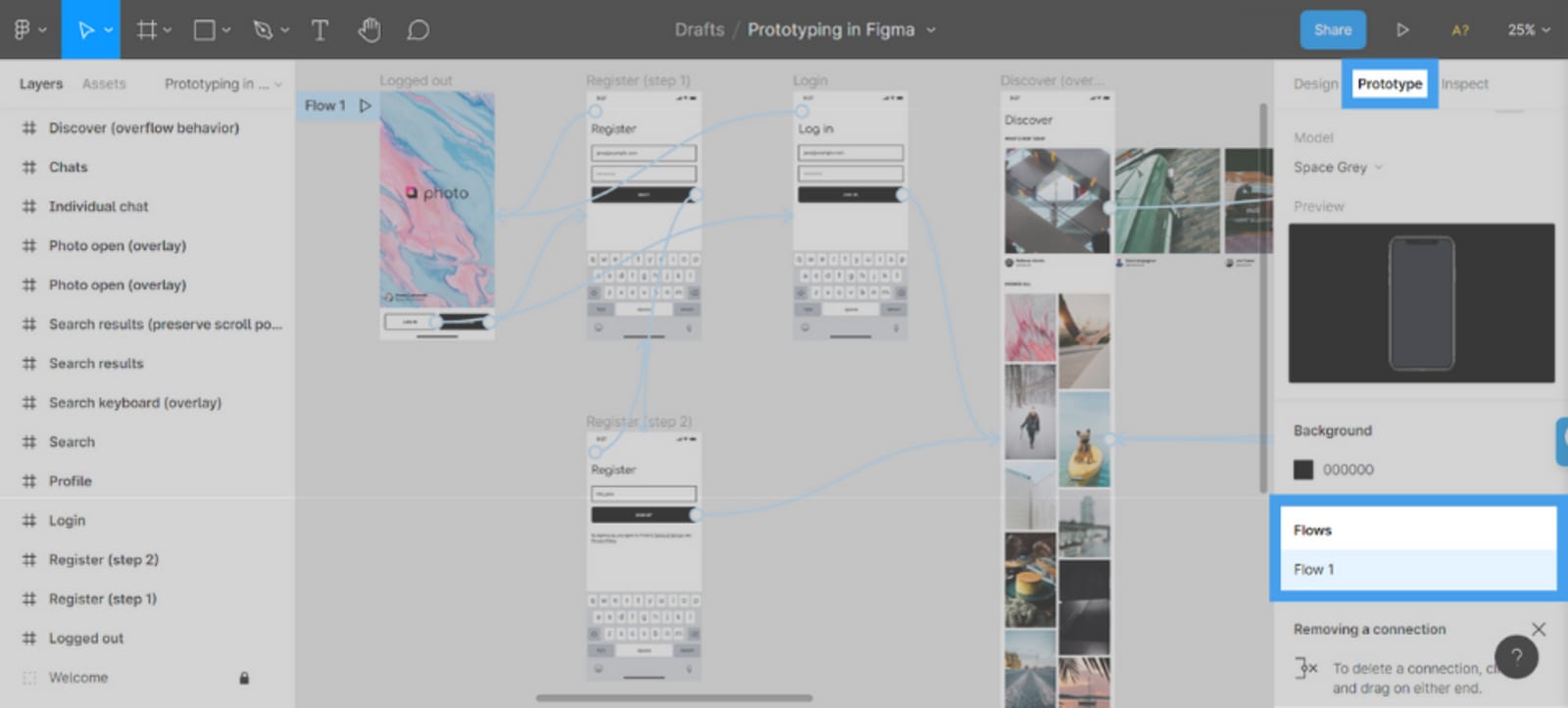
If you want to design beautiful documents for your projects in a collaborative way, then Renderforest is the tool for you. This tool can help your cross-functional teams in saving valuable time when they have to work on a project that needs graphics and design features. You can use Renderforest’s unified dashboard to create presentations, documents, logos, promo graphics, and more.
Pricing: Some Renderforest features can be used for free. The paid plans start from $6.00 per month (billed annually).
5. LiquidPlanner – Predictive Scheduling for Projects
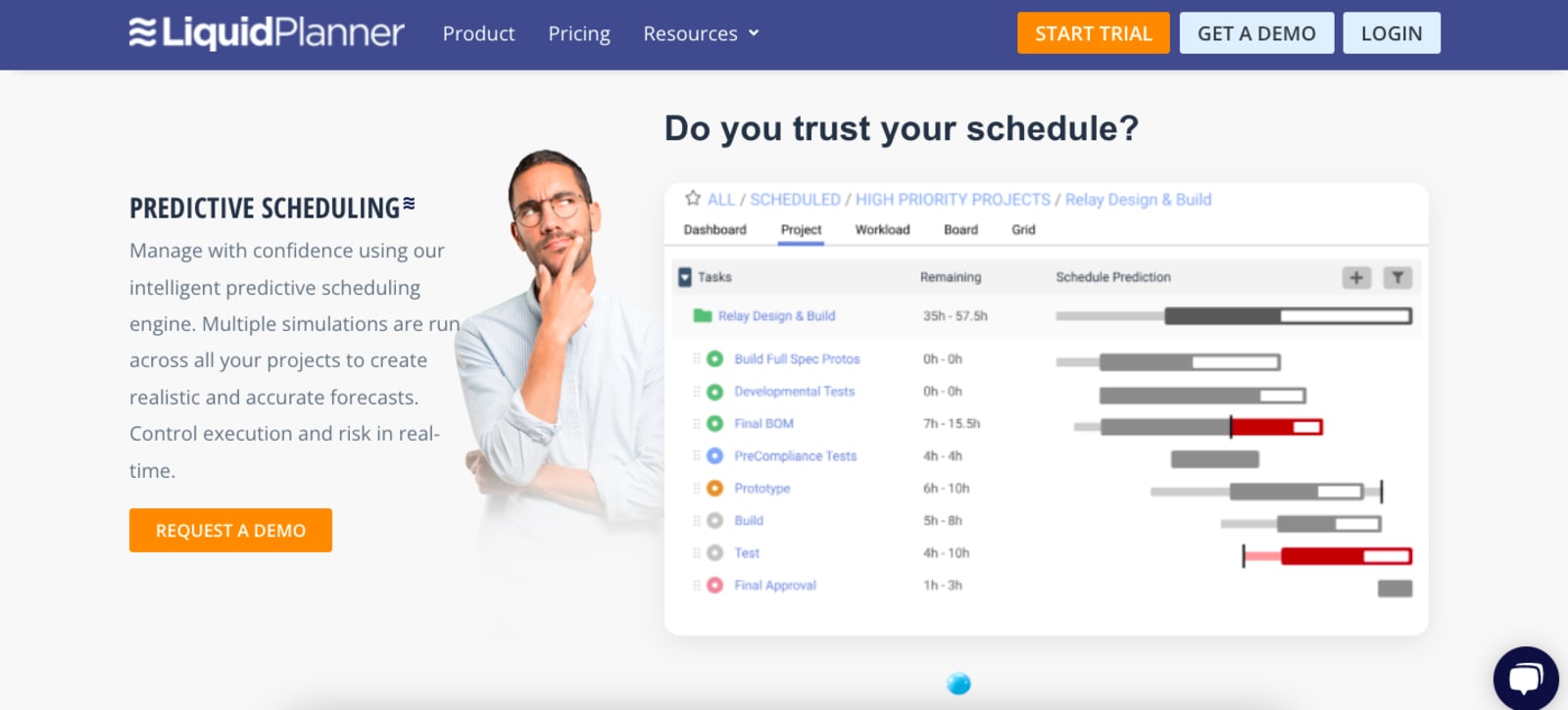
LiquidPlanner is a resource management tool that comes with a predictive scheduling option for the efficient management of projects. With this tool, you can ensure that the right team members are assigned the right tasks, similar to how an editorial calendar works. It helps remote cross-functional teams in prioritizing tasks, predicting the outcomes of projects, and performing with confidence.
Pricing: Small teams that are just starting out can use some of the features for free. The paid plans start at $15 per user per month.
How to encourage open communication and collaboration in a remote setting?
The basic building block of every efficient remote cross-functional team is good communication. Open communication helps in keeping the team cohesive and productive. Here are some tips to encourage open communication and collaboration in remote settings –
- Proactively communicate with your team.
- Set project expectations from the beginning.
- Schedule team meetings frequently.
- Enquire about the communication preferences of the team members.
- Adopt new technological tools.
- Prioritize video calls with team members.
- Provide more lead time for projects and tasks.
- Ensure that the office culture stays alive, even from home.
Conclusion
As the world gradually shifts to a remote work environment, it has become important to avoid cybersecurity risks for remote teams and focus on re-architecting the workflow with the use of the latest tools and technology. The tools stated in the aforementioned sections make it easier for remote cross-functional teams to contribute their full potential to projects.

Akshita Sharma is a content creator with Godot Media - a leading content marketing service. She has a penchant for turning complex topics into engaging and informative articles.











