
One of the most widely used and successful browser-based, collaborative prototype and design tools is Figma, which is quickly gaining popularity. The interface allows you to design varying levels of prototypes in collaborative environments to visualize concepts in real time.
Prototyping is an important part of the design process; it helps teams and organizations visualize their ideas and test them out before committing to a final product before going live. Prototypes can be as straightforward or complex as needed depending on the project. You might have encountered a situation where you develop your designs with Figma and believe they look and function as intended, just to have someone else notice errors and issues. Figma designs are a fantastic way to visualize concepts, but they need to be as effective as possible to enable the organization to learn from the prototyping process and gain actionable insights.
The user research and rapid testing process can be used with Figma prototyping to help optimize designs and concepts before they go live. It's essential to test your Figma prototypes with an effective testing tool to guarantee an effective final product and a great user experience Testing your Figma prototypes in the initial phases of the design process can help you and your business save money and time by revealing all the roadblocks in your designs well before launch. Having the right testing tool is all you need and it is a lot easier than you might think. With the right user research platform, you can quickly and easily test your prototypes. In this article, we'll walk you through exactly how to set up a rapid user test for Figma prototypes in just a few minutes.
Testing Figma Prototypes Quickly and Easily
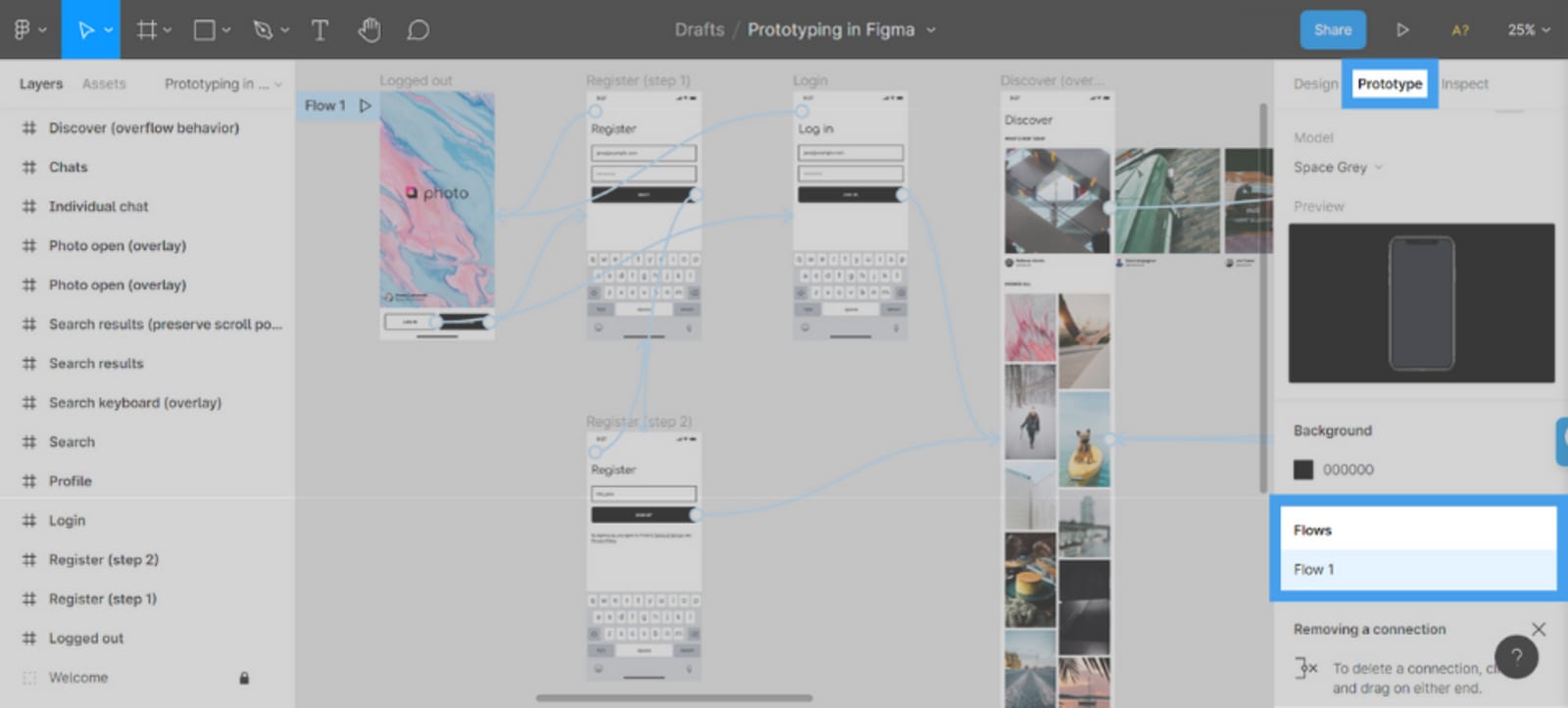
Designing prototypes with Figma is a great way to test out concepts before launching them, but if you keep the designs internal or fail to eliminate bias when analyzing the designs you run the risk of launching concepts that have issues that aren’t discovered until it’s too late.
The best way to improve these designs and create better prototypes before going live is with rapid user testing. User testing prototypes can help optimize prototypes by identifying potential design issues before they become real user roadblocks.
User testing Figma prototypes will help find and fix user experience and design issues, by adding a testing process to your prototyping procedure you will be able to use real feedback from your target audience to create better overall concepts. In the end your user will have a smooth and enjoyable experience with the final product once it does go live.
There are a number of ways to evaluate the usability of Figma designs, but using a remote, unmoderated testing platform is the most time and cost effective way to optimize prototypes. These platforms will provide you with a dedicated user panel of real people that will interact and give feedback on your prototypes.
Evaluation Figma designs is a valuable step in the prototyping process that can help ensure you are launching the best product, and that your designs are as good as they can be.
You may align product designs as well as user experience with both the needs and expectations of the user by identifying and resolving problems that your target audience has pointed out. To ensure that Figma prototypes are always being improved, user testing of Figma designs should be done early and often during the design process.
When to run a test on Figma Designs?
There is no one-size-fits-all answer to this question, when you should run a user test on Figma designs will vary depending on the project and your organization's specific needs. However, some general guidelines can help you determine the best time to launch a user test.
It's generally a good idea to conduct a usability test at the early stages of the prototyping, if you're developing a new product, or redesigning an old one. It will enable you to identify any potential interface issues prior to undertaking a significant amount of development work.But, if you're working on an existing product or making small changes, running a full user testing process might not be necessary.
Instead, you could perform a quick check of the new design to make sure it’s working as intended. If you’re unsure whether or not to run a test, it’s always better to be safe than sorry.
Most times it's better to spend some time testing and resolving any potential issues early in the design phase rather than dealing with them later when they may be more challenging and expensive to resolve.
How to Run a Usability Test on Figma Prototypes?
As we now know, user testing is an important part of the prototyping process, and how necessary it is to test prototypes early and often. You should conduct a test if you want to ensure that users have a great experience with Figma prototypes. The prototypes will not only become more effective and engaging for the end-user but it will also save your organization time and money in development.
When you do decide to test prototypes, setting aside some rules that design teams can adhere to consistently, is always a good idea. It allows you to run consistent tests that will give you great feedback on your designs before a lot of development effort has been done.
But you might be asking; how can you quickly and easily test your Figma prototypes?
Here are some guidelines for testing correctly and getting the most out of your user research.
Set clear goals for your test
Understanding your test results requires that you have a clear goal in mind for what you want to achieve. Make sure to set expectations for the test and identify the metrics that you want to track.
Choose your participants wisely
When testing Figma prototypes, be sure to choose participants who represent your target audience and those that might be familiar with Figma. You need your participants to give you actionable feedback and use the prototype in the same way a real user would once it goes live.
Run a pilot test
Before beginning the main usability test, it's always a good idea to conduct a pilot test. By doing so, you can evaluate the usability of the logistics and ensure that everything is operating as it should.
Ask the right test questions
Ask questions about the design and as for participant input while testing prototypes. You want to understand user experiences, needs, and expectations, asking them questions that help you identify the most important elements of the design and identify roadblocks users encounter.
Collect feedback.
The usability of the design should be the focus of participant feedback while testing prototypes. You need your feedback to help improve the designs, make sure to gather enough feedback to validate decisions and make changes.
Analyze your results
Once you have gone through the process of setting up your test, identifying the audience, asking test questions, launching, and gathering feedback, you need to analyze the feedback. Most user testing platforms give you an easy-to-understand results dashboard. They provide you with qualitative and quantitative data from users to fully understand the effectiveness of your Figma prototypes. Make decisions on the practicality of prototypes as well as the user-friendliness once you've analyzed your data and gathered all the necessary information.
You need to look into every response, all of the data, and make decisions based on the feedback to optimize designs.
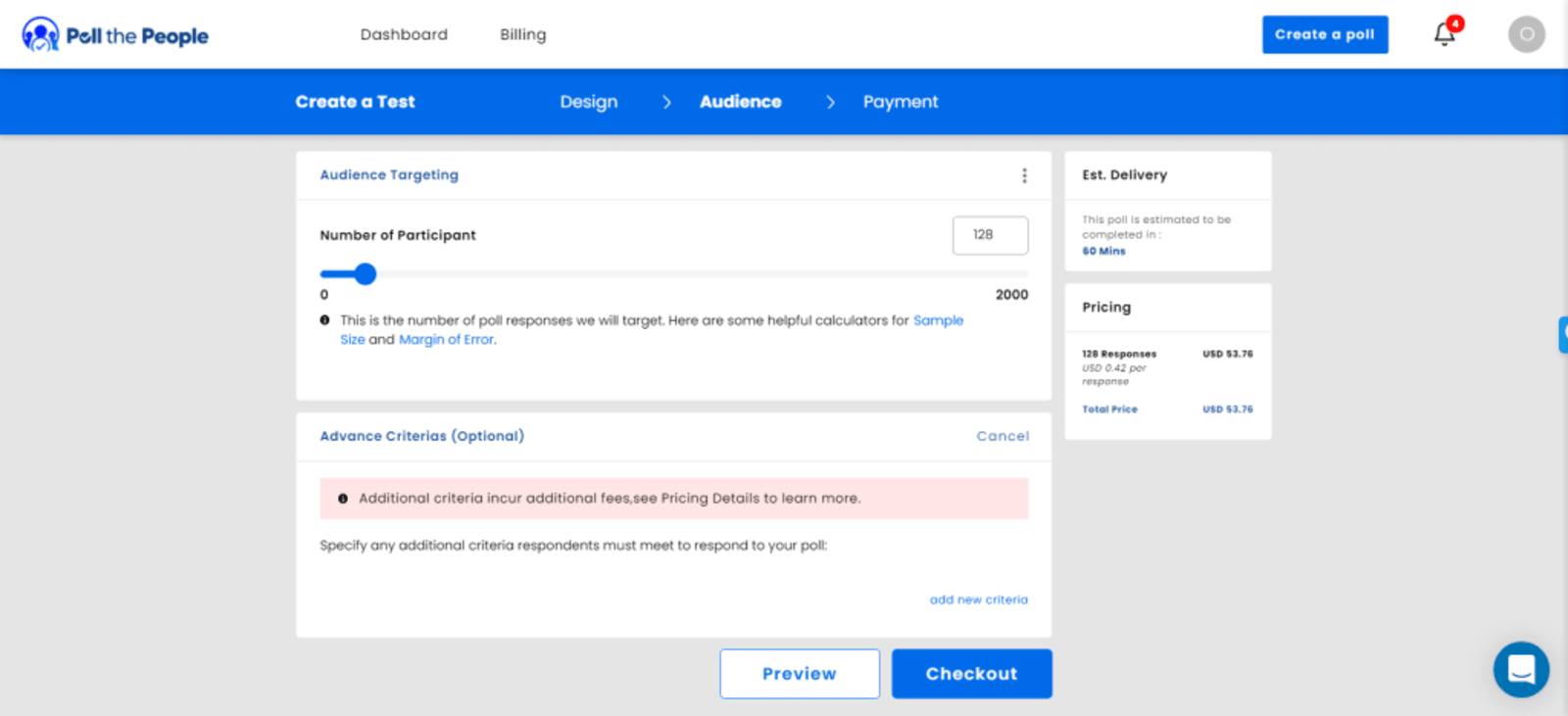
One of the best aspects of user testing Figma prototypes today is that the tests are easy to set up and can take just about an hour to complete. Instead of running expensive and time consuming focus groups or moderated tests, you can run a rapid prototype test.
Common Mistakes in Figma Design Testing
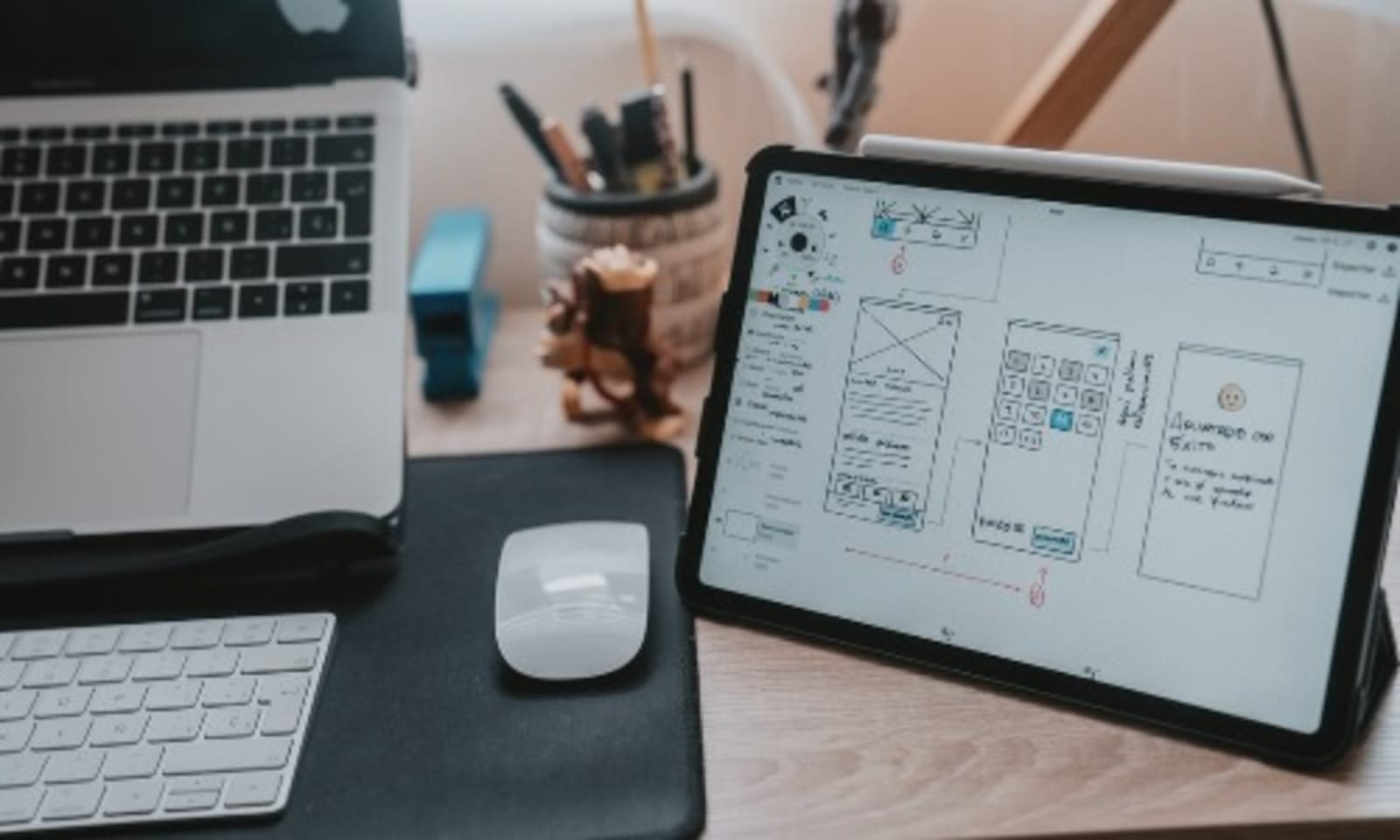
Testing is a great way to improve the usability of your Figma prototypes, by identifying and correcting common mistakes, you can ensure that your prototypes are as user-friendly as possible. Here, we'll look at some of the most common mistakes made while running user tests on Figma prototypes.
Among the most frequent mistakes is preventing users from finishing tasks. It's critical to allow users ample time to explore the prototype and provide the most accurate answers to your questions. When you give users enough time to interact with designs you’ll receive actionable insights quickly, otherwise, your feedback can be inaccurate.
The second mistake has been that we don't give users clear directions. For users to grasp what is expected of them, there must be clear instructions. Users cannot even provide you with the precise feedback you need if you don't give them a clear set of instructions on how to carry out the necessary activities; if they don't know what they are intended to accomplish, they won't be able to.
Another common mistake is not making the test simple enough to understand or failing to instruct users on the tasks they need to complete to finish the test. USers need clear instructions to understand what they’re supposed to do. If they don’t understand the purpose or structure of the test, they won’t be able to provide accurate feedback.
The next mistake that researchers often encounter is failing to provide enough context for the test. Users need to understand the context of the prototype, where it will be on the site, what purpose it serves, or how it will make their life easier. Unfortunately, this mistake makes the individuals who were invited to take part in this testing exercise very frustrated. If they don’t know why a particular feature is being tested, they won’t provide helpful feedback.
Finally, not utilizing user feedback is another common mistake. The point of running a user test isn’t to reinforce your bias or tell you that the prototype is perfect, it is to identify issues and use feedback to improve concepts. To completely comprehend the test findings, it's critical to delve into the feedback and understand the viewpoints of the respondents. You may recognize and fix usability problems prior to them becoming a problem by thoroughly analyzing the data you receive.
Avoiding these common mistakes will help you run more effective user tests on Figma prototypes in the quickest and easiest way.
Conclusion
In the process of designing, prototyping is essential, however, that does not imply that your work will be finished if you solely concentrate on prototyping. To find and address potential problems affecting the end-user experience, you need to launch a user test on Figma prototypes.
Today, these tests are simple and easy to set up, with a number of great tools available, you can find the test structure that helps improve your concepts. Additionally, these platforms allow you to create, launch, and analyze a test in an hour or less.
You can use the user feedback from your test to inform changes to the Figma prototypes to create concepts that your users love.
When you begin to incorporate testing into your Figma prototypes you need to answer these questions:
- When must Figma prototypes undergo usability testing?
- Who should the users be in these tests if they are to be conducted with actual people?
- What types of errors are frequently made when using Figma?
Follow our guide for the best way to quickly and easily test you prototypes, you will be able to use feedback to optimize designs, before going live.

CEO @ Poll the People With over 25 years of experience in digital marketing, Alden is an avid entrepreneur, digital marketer, and current CEO at Poll the People—a user testing platform that lets marketers and designers test their assets with real people. Formerly, Alden was CTO and co-founder of Chitika, which became the second largest contextual ad network after Google AdSense.











