As the world continues to grapple with the COVID-19 pandemic, virtual meetings, and events have become the new norm. With Zoom being one of the most popular video conferencing tools, it can be challenging to keep things interesting and engaging during long virtual meetings. One way to spice things up is to use creative Zoom backgrounds. In this article, I'll be discussing why you should use creative backgrounds for Zoom meetings, how to change your Zoom background, types of Zoom backgrounds, and creative backgrounds for work meetings and virtual parties.
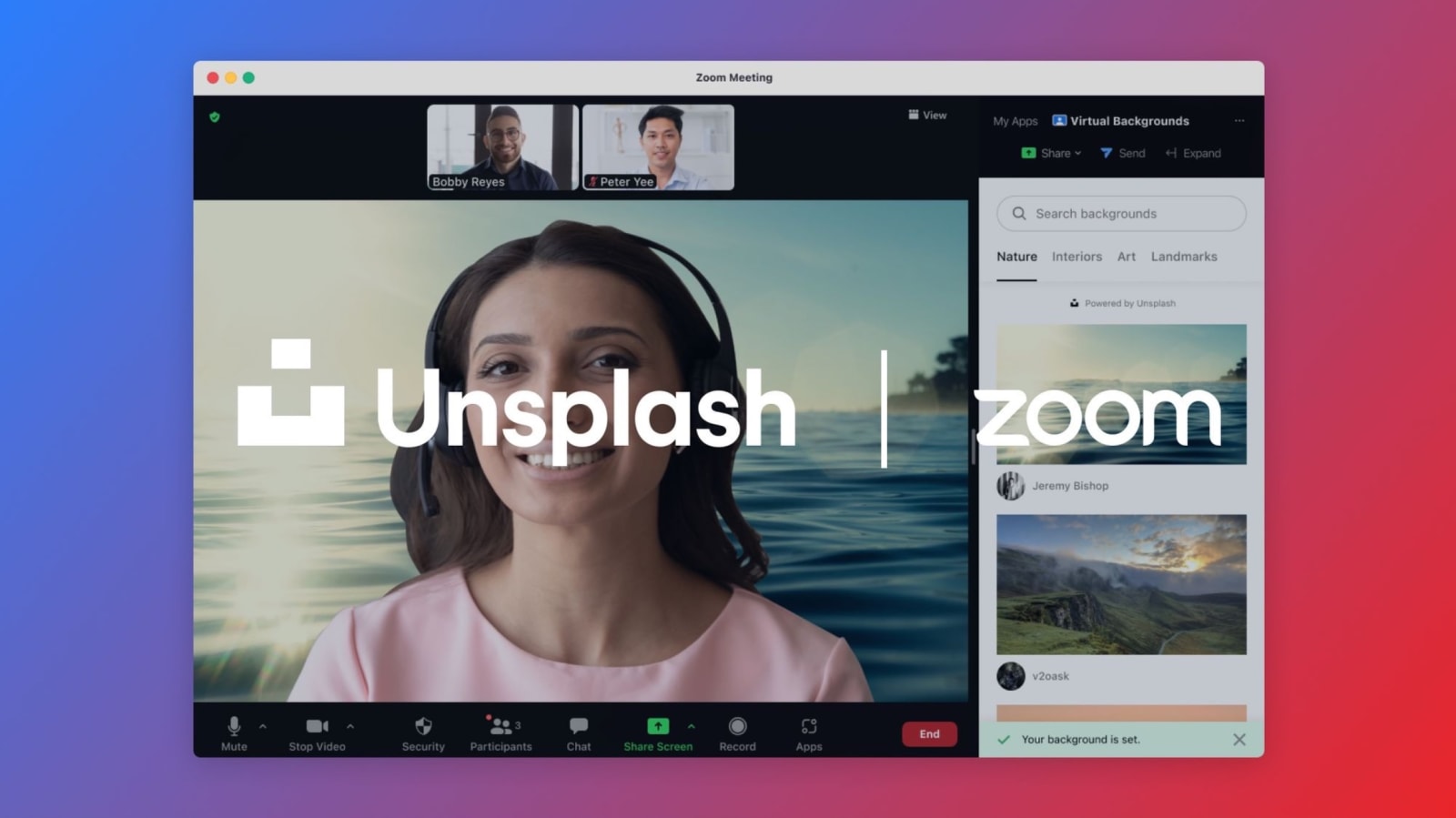
Image Source: Unsplash
Why Use Creative Backgrounds for Zoom Meetings?
Using creative backgrounds for Zoom meetings can make the experience more enjoyable, engaging, and personalized. It adds a touch of fun to an otherwise dull and monotonous virtual meeting. Creative backgrounds can help break the ice and create a relaxed and less formal atmosphere, which can encourage better communication and collaboration among participants. It can also help you express your personality and interests, making it easier for your colleagues or clients to connect with you on a personal level.
How to Change Your Zoom Background
Changing your Zoom background is a straightforward process. First, log in to your Zoom account and join or start a meeting. Once you're in the meeting, click on the up arrow (^) next to the "Stop Video" button and select "Choose Virtual Background." From there, you can select from the preloaded backgrounds or upload your own image. You can also enable or disable the "Mirror My Video" option, which flips your image horizontally.
Types of Zoom Backgrounds
There are several types of Zoom backgrounds that you can use, including:
Static Images
Static images are the most common type of Zoom background. They are images that don't move or have any animation. You can use any image you like, including photos, illustrations, or graphics. Some popular options include landscapes, cityscapes, and abstract designs.
Videos
Videos are another popular type of Zoom background. They are similar to static images, but they have motion and can last for several seconds. Videos can be more engaging and eye-catching than static images. Some popular options include nature videos, animated backgrounds, and video game backgrounds.
GIFs
GIFs are short, looping videos that can add a touch of humor and personality to your Zoom meetings. They are perfect for casual meetings or virtual parties. You can find GIFs on websites like GIPHY or create your own using tools like Canva or Adobe Photoshop.
Creative Backgrounds for Work Meetings
Using creative backgrounds for work meetings can help make the experience more enjoyable and less formal. Here are some creative backgrounds that you can use for work meetings:
Office Backgrounds
If you're missing the office vibe, you can use office backgrounds to create a familiar environment. You can use images of your actual office or find generic office backgrounds online. This can help you feel more productive and focused during the meeting.
Nature Backgrounds
Nature backgrounds can help create a calming and peaceful atmosphere during the meeting. You can use images of forests, beaches, or mountains to create a serene environment. This can help reduce stress and anxiety during the meeting.
Brand Backgrounds
If you're representing a brand or company, you can use branded backgrounds to create a cohesive and professional image. You can use images of your company's logo, products, or services to promote your brand during the meeting.
Creative Backgrounds for Virtual Parties and Events
Virtual parties and events are becoming increasingly popular, and creative backgrounds can help create a festive and fun atmosphere. Here are some creative backgrounds that you can use for virtual parties and events:
Party Backgrounds
Party backgrounds can help create a festive and colorful environment during the event. You can use images of balloons, confetti, or streamers to create a festive atmosphere. This can help make the event more enjoyable and engaging.
Holiday Backgrounds
Holiday backgrounds are perfect for holiday-themed parties and events. You can use images of Halloween, Christmas, or New Year's Eve to create a festive atmosphere. This can help get everyone in the holiday spirit and create a memorable experience.
Game Backgrounds
Game backgrounds are perfect for game nights or trivia parties. You can use images of popular games like Monopoly, Scrabble, or Chess to create a fun and engaging environment. This can help make the event more interactive and exciting.
DIY Zoom Backgrounds
If you can't find the perfect Zoom background, you can create your own custom background. Here's how:
Use Canva or Adobe Photoshop
Canva and Adobe Photoshop are great tools for creating custom Zoom backgrounds. You can use these tools to create any image or design you like. You can also add text, graphics, and other elements to make your background more interesting and engaging.
Use Your Own Photos
If you have a great photo that you want to use as your Zoom background, you can do so easily. Simply upload the photo to Zoom and set it as your background. This is a great way to personalize your Zoom meetings and showcase your photography skills.
Use Green Screen
If you want to create a more professional-looking background, you can use a green screen. This allows you to replace your background with any image or video you like. You can find green screens online or make your own using a green sheet or cloth.
Tips for Using Zoom Backgrounds Effectively
Here are some tips for using Zoom backgrounds effectively:
Use a High-Quality Image
Make sure your background is high-quality and not blurry or pixelated. This can make your Zoom meeting look unprofessional and unappealing.
Consider Your Audience
Consider your audience when choosing your Zoom background. Make sure it's appropriate and relevant to the meeting or event.
Avoid Busy Backgrounds
Avoid using busy backgrounds that can distract or overwhelm your audience. Stick to simple and clean backgrounds that enhance the meeting experience.
Conclusion
Using creative backgrounds for Zoom meetings can make the experience more enjoyable, engaging, and personalized. Whether you're using it for work meetings or virtual parties, there are several types of Zoom backgrounds that you can use. You can also create your own custom background using tools like Canva or Adobe Photoshop. Just remember to use high-quality images and consider your audience when choosing your Zoom background. So, the next time you have a Zoom meeting, try using a creative background to make things more fun and interesting.

Allaine is an ambassador at Delesign. She is an adventurer and a dreamer who believes in turning ideas into reality. She loves sharing links on human emotions, relationships, and all things digital.











