Designing a mobile game that is both fun and easy to use can be challenging. You want to make sure that the gameplay is engaging, but you also need to focus on the user experience and interface. Gameplay is the heart of a game, but good gameplay cannot make up for a bad user experience.
This article will discuss 10 tips that will help you create a better UX and UI for your mobile game. Follow these tips, and you are sure to see an improvement in your game's usability.
What Makes a Great Mobile Game Design?
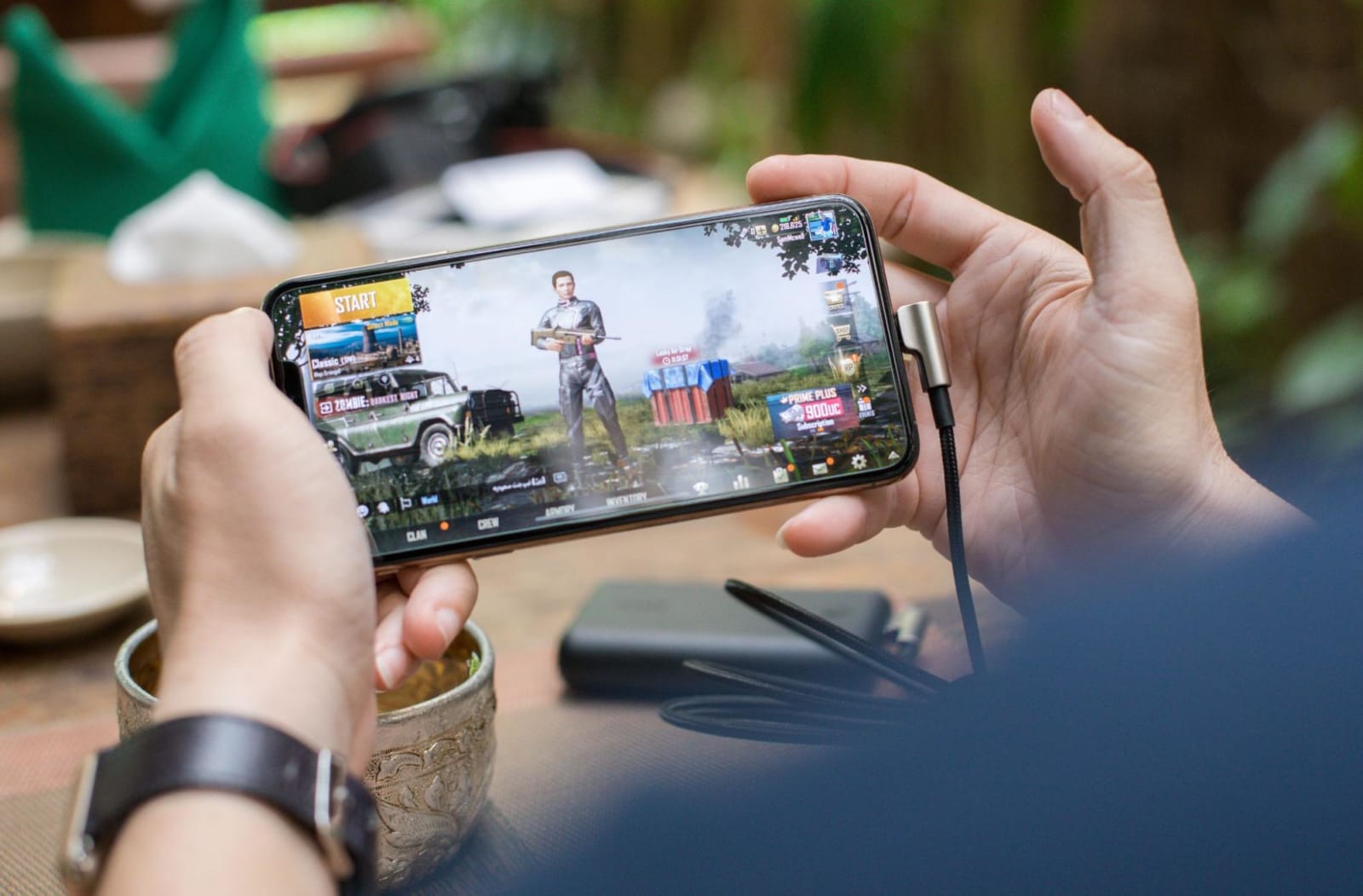
There are a few key elements that make up a great mobile game design. These include engaging gameplay, intuitive controls, and a user-friendly interface. If you can nail these three things, you are well on your way to creating a successful game.
However, it is also important to focus on the smaller details, such as font size and button placement. These may not seem like important factors, but they can make a big difference in the overall usability of your game.
According to a study, typography is used in 70% of user interfaces since it is the most effective way of interacting with people. Typography is a vital part of the user interface, and increasing your typographic design is an essential step toward bettering both the UI and the UX.
In addition, you also need to take into account the different screen sizes and resolutions of mobile devices. Not all devices have the same dimensions, so you will need to design your game accordingly.
Making sure that all of the elements in your game are well-thought-out will help to create a more enjoyable experience for your players.
How to Improve UX and UI of a Mobile Game
Here are ten tips for designing better UX and UI in your mobile games:
Tip #01: Keep It Simple
One of the most important things to remember when designing a mobile game is to keep it simple. You want to make sure that the controls are easy to learn and the interface is easy to navigate. Players should be able to understand how to play your game within a few minutes of playing it. If you include too many complicated controls or features, players will become frustrated and may stop playing your game.
Tip #02: Use Familiar Controls
When designing the controls for your game, it is important to use familiar controls. Players should be able to control the game using only a few simple gestures or taps. If you require players to use complicated controls, they will likely become confused and frustrated. Keep it simple, and your players will thank you!
Tip #03: Make Use of Gestures
Gestures are a great way to control your game without using too many buttons. When players make a gesture, it should correspond with an action in the game. This makes the controls feel more natural and intuitive. Gestures can also be used to provide feedback to players, such as indicating when they have hit something or completed a task.
Tip #04: Use Standard Icons
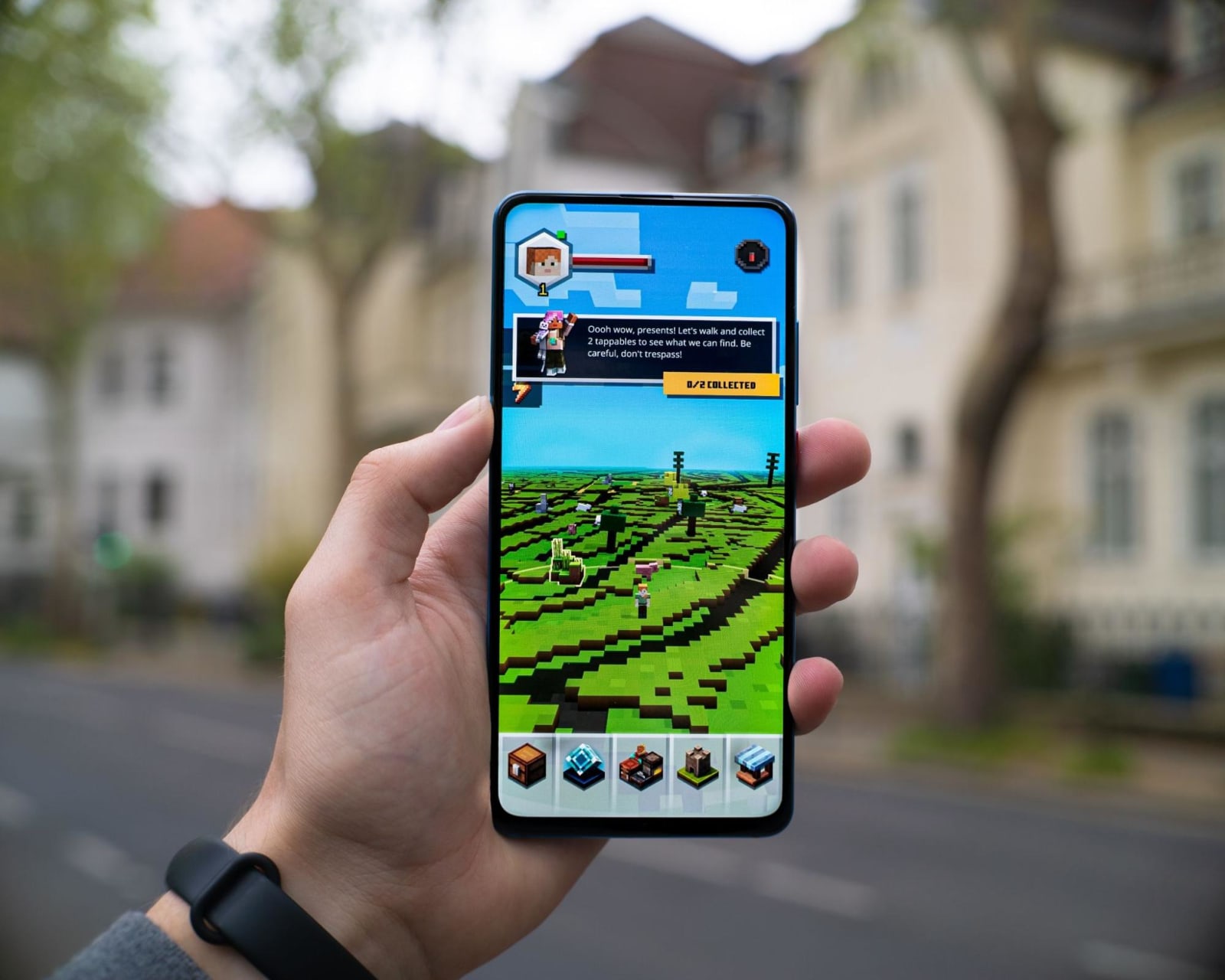
When designing your game's interface, it is important to use standard icons. This will help players to quickly understand what each icon represents. Icons should be easy to identify and understand, even when they are small. You may also want to consider using color-coded icons, which can further improve clarity and usability.
Tip #05: Use Appropriate Font Size
Font size is another important detail that you need to consider when designing your game. You want to make sure that the text is large enough for players to read easily. If the font size is too small, players will have a hard time reading it, and they may become frustrated. Conversely, if the font size is too large, it can be overwhelming and distracting. Finding the right balance is key!
Tip #06: Group Related Buttons Together
When creating your game's interface, it is a good idea to group related buttons together. This will help players to understand how the buttons work and what they do. It is also helpful to use clear labels for each button so that players know what they are pressing.
Tip #07: Use Simple Animations
Animations can be a great way to add some flair to your game's interface. However, you don't want to use too many animations, as they can be distracting and overwhelming. Stick to simple animations that are easy to understand and follow. This will help keep players focused on the game and not on the flashy animations.
Tip #08: Use Contrasting Colors
When choosing colors for your game, it is important to use contrasting colors. This will help players to distinguish between different elements in the game. For example, you may want to use a dark color for the background and a light color for the text. This will make the text easier to read and the interface more user-friendly.
Tip #09: Use Clear Labels
Labels are another important detail you need to consider when designing your game's interface. You want to make sure that each label is easy to see and understand. If players can't understand what a button does, they will likely press it by accident, which can cause confusion or even frustration.
Tip #10: Use Consistent Design Elements
When designing your game's interface, it is important to use consistent design elements. This will help players to understand how the game works and what each element does. It is also helpful to use a standard layout for your interface so that players know where to look for specific information. By using these design elements, you can help make your game more user-friendly.
Keep these 10 tips to help you create a better UX and UI for your next mobile game. If you need help with UI/UX design, feel free to reach out to us. We have experienced UI/UX designers that can work with you in creating a fun and engaging mobile game.

Krisana is a journalist turned SEO Content Writer with keen interest in tech, software, and innovations. She is an avid fan of Elon Musk and wants to be part of the future Human Mars Mission. In the meantime, she spends her time researching and writing about everything that could make life a better place on Earth. Outside of work, Krisana dedicates her time with her two lovely kids.











