As a marketer, you can greatly benefit from plugins and improve your workflow, giving your readers better functionalities and increasing your engagement. While some plugins are meant to help you optimize your website and rank higher in the search engines, others can also help you improve the user interface (UI) of your blog pages.
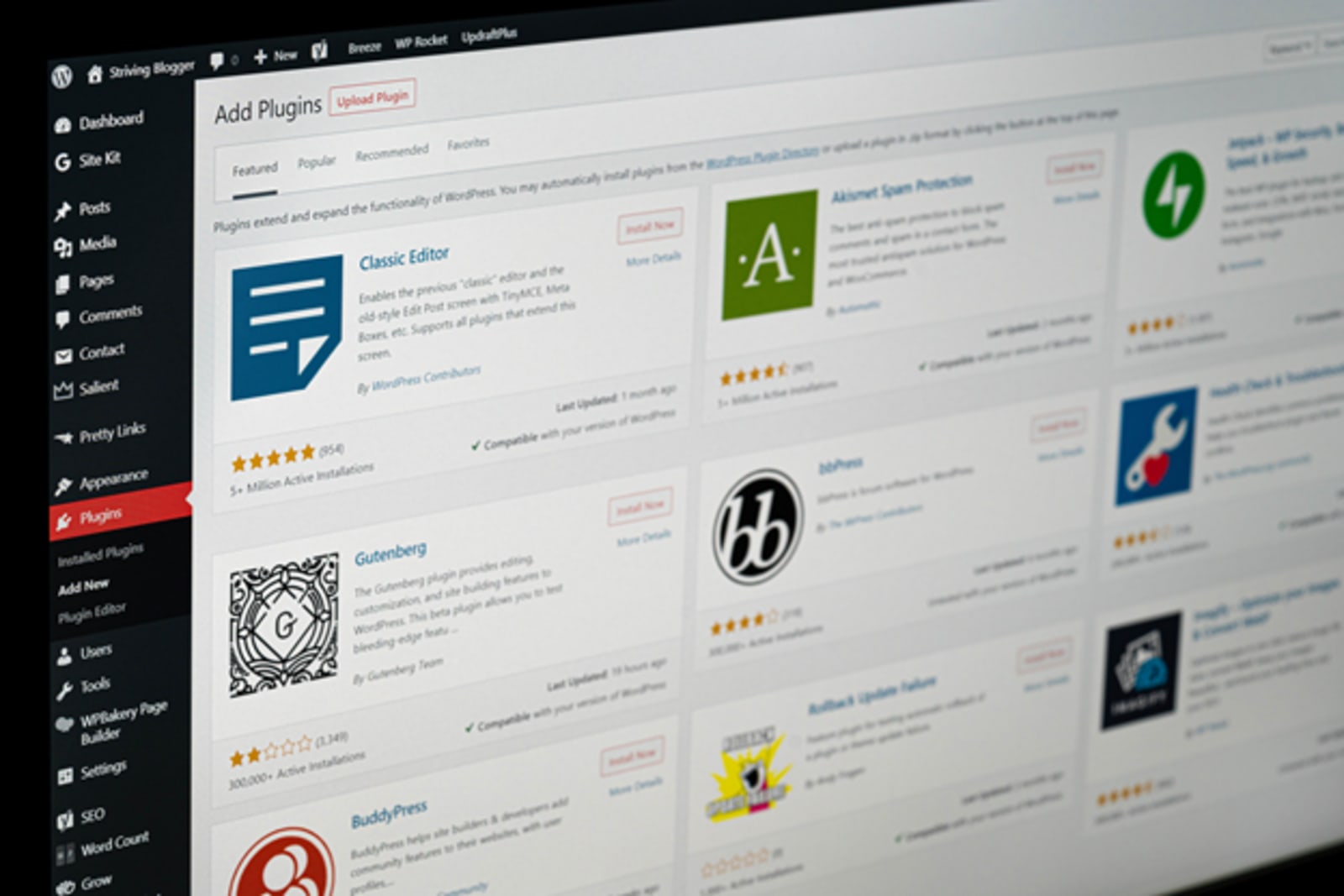
Why Do You Need Content Marketing Plugins?
Using the right set of plugins can also help you improve your newsletter sign-ups, or direct readers to specific pages and/or campaigns where they can learn more, buy your products, or request your services. There are plugins for literally everything – even ones that can help with planning your video series and new editions of your blogs as a way to repurpose content.
Creating a unique content marketing strategy is not easy. However, with the right marketing plugins, you will have many ideas on how to continuously improve your content and further optimize your website for better conversions. Moreover, you will truly understand what customers want in a website and narrow your content down to a more targeted audience. Smart marketers use tools like these to create better content that is data-driven, but also one that helps them generate even more traffic over time.
If your blog is running on WordPress and you want to utilize more plugins, you are on the right page. As the most popular and favorite platform for creators in each business, WordPress allows designers to continuously create new plugins and make it interesting for readers to engage with new content.
The Top 7 Marketing Blog Plugins You Should Shortlist
Now, it’s time to show you a list of our recommended plugins that you can use to make most of your website traffic.
1. MonsterInsights
MonsterInsights is a plugin that is often referred to as one of the best analytics plugins for WordPress. Basically, setting it up will show you how to properly install Google Analytics – the ultimate dashboard where you can see every bit of data on your user sessions, overall traffic, etc. Over 3 million website and blog owners use MonsterInsights and would agree that it is among the best user engagement plugins out there.
From the dashboard, you can see real-time analytics, understand which pages are your top performers, what are your top referral sources, best affiliate links, user demographics, and a lot more. Tracking user engagement is where MonsterInsights shines – you can use that to carefully plan your content strategy. Don’t like paying for this plugin? No worries, there is also a free version available!
2. SEMRush
SEMRush is your go-to SEO plugin that is used by thousands of professionals and bloggers. With it, you can gather analytics and insights that improve your website’s SEO. In other words, this plugin can help you understand what you need to do in order to improve your search engine rankings, how you should acquire backlinks, which are the top organic keywords you should focus on, and a lot more.
Another great feature that SEMRush has is its keyword and content discovery options, which lets you identify a niche with minimum competition and blog on that topic. This would help you gather a solid amount of traffic on topics that are not that competitive, but with good search intent. With SEMRush, finding out keywords and niches you can easily rank for is easy.
3. Canva
Not everyone is a born graphic designer. If you don’t really know your way around Photoshop or Illustrator, Canva is the answer to your prayers. The software helps you create beautiful images for your blog posts like a pro, without you having to worry about copyright infringements. Canva’s image editing tool runs in your browser, allowing you to choose from a number of templates, graphics, icons, banners, and more.
Besides running as a WordPress plugin, Canva can also be accessed in your browser, where you can discover many other ways to make your website’s visuals better. There is everything from logo ideas, infographic templates, ebooks, whitepapers, and even some great-looking CV (resume)templates you can fill in within minutes!
4. Grammarly
Think of Grammarly as a must-have plugin that can help you improve your writing and make sure your blogs are 100% grammatically correct. This plugin is one of the most popular browser plugins for bloggers – it works well with any writing area or industry.
You can install Grammarly as a browser add-on for your Google Chrome, Firefox, and even Microsoft Edge browser. Once you do that, it will show an indicator at the bottom right corner of the writing area – clicking it will show you the number of spelling, grammar, and contextual errors and suggestions on how to fix them.
5. PushEngage
Push notifications are one of the best ways to get more returning visitors to your blog. Plenty of studies confirmed this, showing that push notifications are frequently used by bloggers and marketing teams. As such, they are among the best traffic sources for new eyeballs on their blogs.
With PushEngage, you can set them up on your WordPress website – there is even a free plan that supports up to 2,500 subscribers and 120 notification campaigns every month! There are options to send personalized web push notifications using automatic segmentation of subscribers, as well as auto-responders that are easy to set up and of great value to every blogger.
6. LinkBuildr
The LinkBuildr WordPress plugin is a real treasure, and what it does best is help you quickly send emails to people that you have linked from your blog. Perfect for email outreach marketing, the plugin allows you to send thank you outreach emails to website owners you have linked. In exchange, these other bloggers/influencers can see that you have linked to them, and become aware of your brand.
Using outreach emails is a smart way to grow your blog. Besides boosting your brand awareness, you can build a better relationship with your linked resources, or even ask them to take certain actions such as sharing the article to their network or linking back to you, which will improve your SEO.
7.SocialSnap
Last on our list is SocialSnap, a tool that has a polished interface and a lot of features. This WordPress plugin also offers a limited free version at WordPress.org, which makes it easy to try out. With it, you can add great-looking share buttons for all of the most popular networks, as well as some unique placement options.
From total share counts to social meta previews, click-to-tweet options and social follow buttons, SocialSnap works like a charm. It even lets you add Pinterest-specific images to your website, as well as giving you statistics and analytics on how your content performs and which blog pieces generate the most shares on social media.

Final Thoughts
As you can see, our list above sums up everything from next-level design tools to SEO plugins and grammar browser add-ons, allowing you to run and increase the traffic of your blog. Do you have more ideas on top WordPress plugins for bloggers?

Christopher Jan Benitez is a freelance writer for hire who specializes in the digital marketing field. His work has been published on SEO and affiliate marketing-specific niches like Monitor Backlinks, Niche Pursuits, Web Hosting Secret Revealed, and others.











