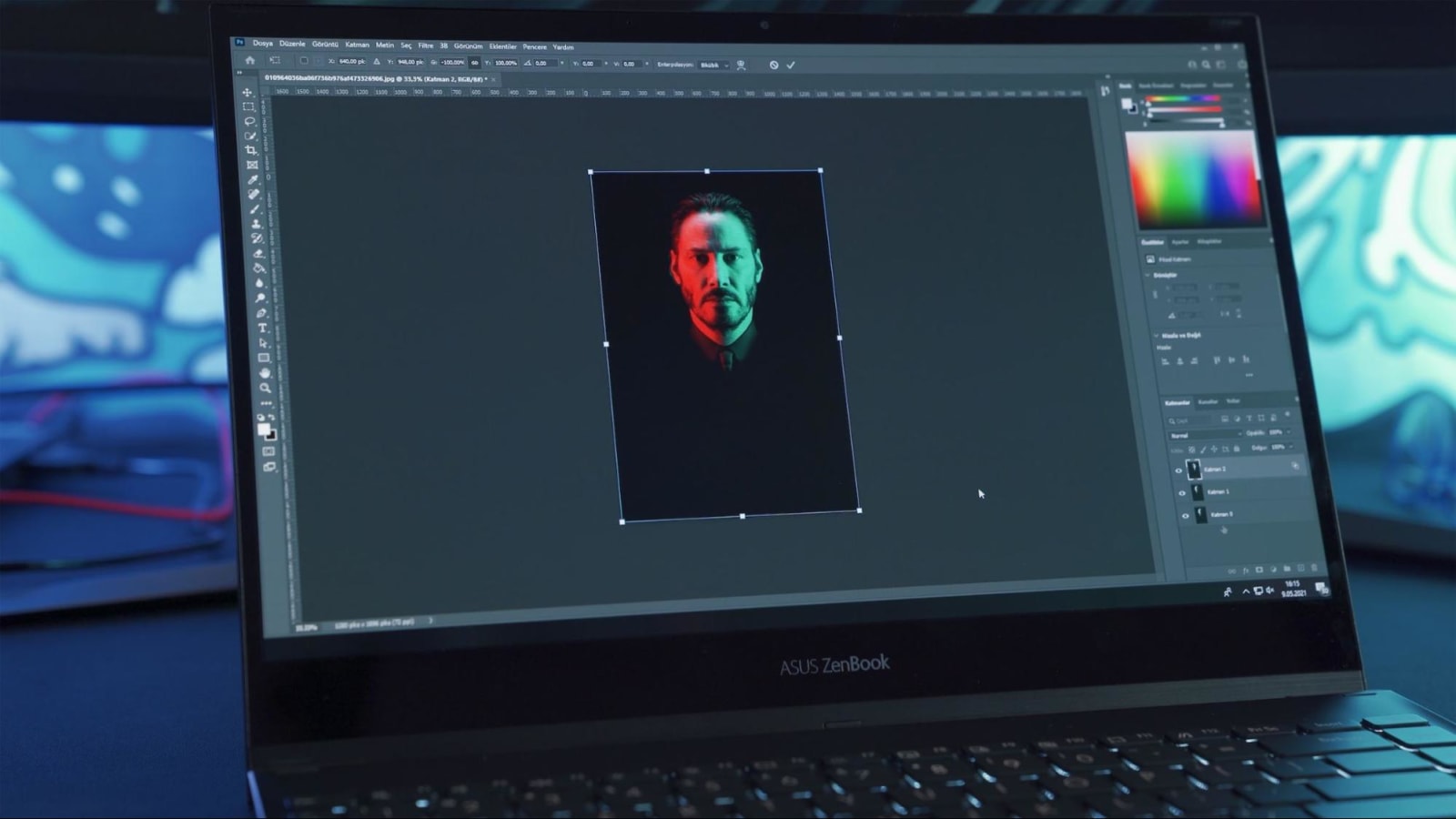
Have you ever wondered how to remove the background from an image? With AI tools, it's a breeze. Gone are the days when photo editing software was the only option (like Adobe Photoshop). We compared Removal.ai vs Segment Anything to see which tool works better in removing the background.
A Rundown of the Tools
Removal.ai
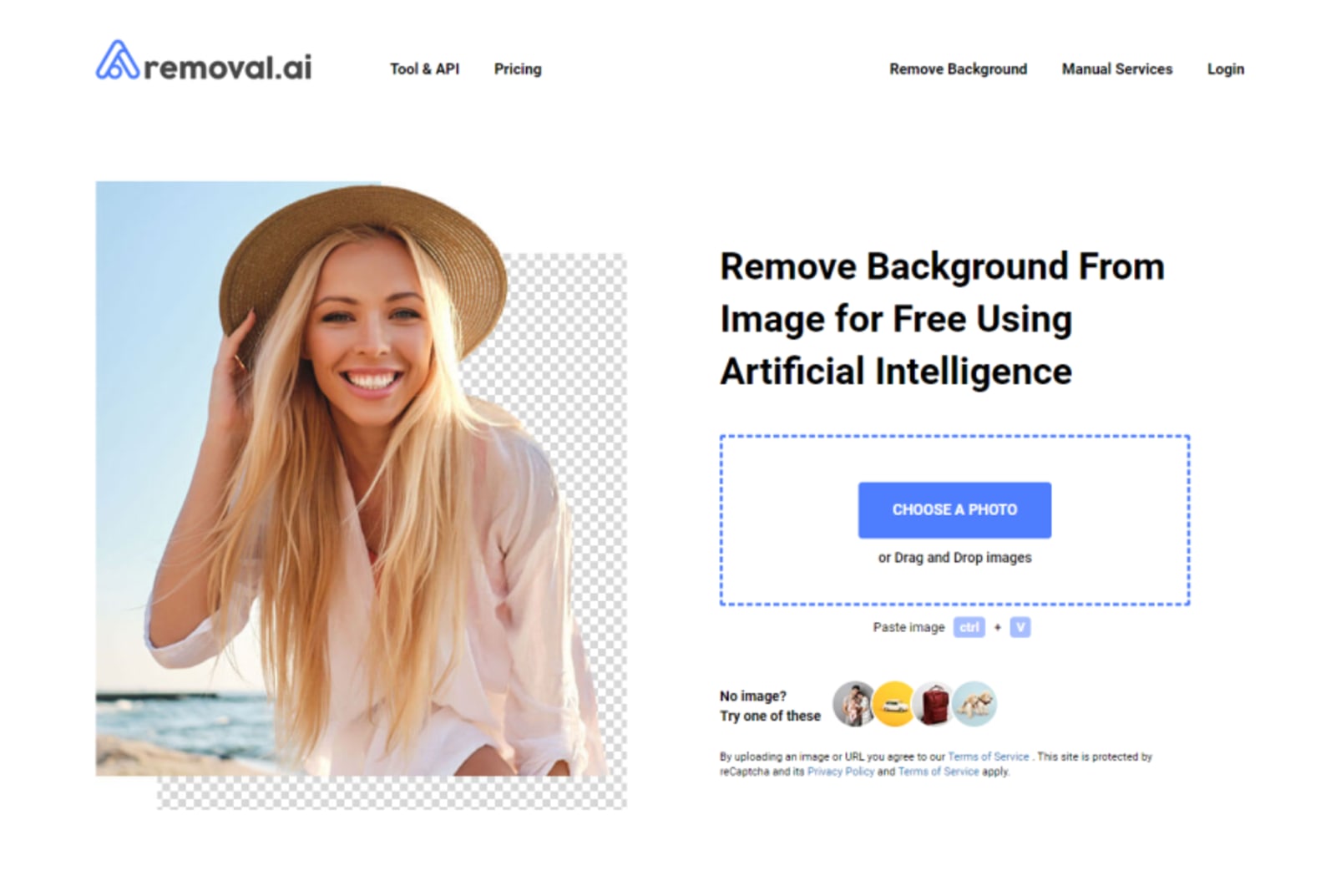
This is easily one of the go-to tools for people who want to change the background of an image. The tool is developed by a company that has offices in both the United Kingdom and Vietnam. It's a sort of generic tool to remove the background, with a few additional functionalities. Other than that, Removal.ai focuses simply on its background removal capacity.
Segment Anything

Meta, the company that owns Facebook and several other properties, doesn't want to get behind in AI development. So they built Segment Anything - which is a tool to select items from an image, thereby allowing changes to the background. The AI tool is also known as the SAM or Segment Anything Model. It's an AI tool that cuts out other elements from an image. This is how it does background removal.
Battle of Functionality
Removal.ai

The interface of Removal.ai provides a no-nonsense way of removing the background. It's as easy as uploading an image to the platform and then waiting for the background to be removed. Even non-creatives can get their hands on the Removal.ai tool.
The AI tool's ability to remove the background is also complemented by other features. This includes a photo editor, allowing the user to add text or any visual effects on the image once the background is removed. Another useful tool is that you can also change the aspect ratio of the image.
There is also a brush tool to remove other unwanted details that may not have been removed. However, it's difficult to maneuver around the image using only a mouse. It would've been more useful if there was a pen tool option to remove granular details that the tool wasn't able to remove. These are just some of the downsides - mainly for additional functionalities and finishing touches of the image. But still, it's a pretty fast, straightforward, and easy-to-use AI tool that gets the job of removing backgrounds easily.
Segment Anything

Now, with Segment Anything, the first interface explains everything about the technology. You need to click a few more buttons to get to the demo page, where you can do the work. Once you're on the actual AI page, you have the option to either upload an image or test the tool first by selecting from its gallery of pre-selected images. This is a great feature so you can see first how it works before using the actual image that you want to remove the background from.
The SAM or Segment Anything Model has a segmentation system that you can operate by sending a prompt. It has zero-shot generalization capability to isolate unfamiliar objects and images. You can start using the tool with the "hover" button and click feature. Interestingly, SAM can automatically crop even small parts of the segmented object. The "box" button option is useful if you need an entire object to be selected. Then finally, the "everything" option - segments all elements it can detect within the image.
What makes SAM far more useful is it identifies specific items in just a few clicks. It can identify individual objects or items in the image, which you can then separate from the rest of the image. SAM provides more control over the image instead of merely removing the background. However, the learning curve to use SAM isn't easy. You need to explore the buttons first to get the most out of the AI tool. It's not as straightforward as a background removal tool. Instead, it's more of an image segmentation tool that has more features.
Output Comparison
Removal.ai

The quality of the image from Removal.ai is reduced once you use the tool. You will only be provided with a preview image, which is a lower-quality version of the original image that you uploaded.
A subscription plan is available if you want to download the original high-quality image with the background removed. Thus, you still have the option to download a high-quality image provided that you pay for a subscription to their AI tool. Our graphic artists who tried the AI app recommend it for product shots and other images that don't necessarily need a high resolution.
While removing the supposed background, Removal.ai tends to remove some default and random images. It may also add other details to correct the background. In one instance, a detail from a chair image was also removed, presumably considered by the tool as part of the background.
Segment Anything

The SAM AI tool has similar background removal capabilities. Although, Segment Anything does a better job of isolating objects. Its useful features allow you to select which items you want to retain without necessarily removing the entire background. This is useful if you have an image that has a lot of fine details that could mistakenly be erased during the background removal process.
However, the mask tends to be fuzzy on the edges once you segment an item in the image. The cut-outs of the segmented object or item aren't perfect - it can overlap or cut some parts. If your image doesn't have a lot of intricate details, you can forego some of these minor drawbacks. You have the option to clean up the output or do the finishing touches once exporting the image from the SAM tool.
The SAM AI tool can be an excellent backup tool for masking activities. It can work for static graphic design images. However, it is generally recommended as a more useful tool for video editing. If you need to segment objects for motion tracking, the SAM tool functions well to identify individual objects. This is one area where Meta may consider developing its SAM AI tool.
Manual Image Editing
When comparing Removal.ai vs Segment Anything, you may also wonder how it compares to manual image editing. Do these AI tools make Photoshop obsolete in terms of background removal capabilities? Here's what we found out.
Time Saved
If all you need is a quick background removal, then AI tools are arguably the fastest way to do it. In a minute or two you get the image you want, which can consume a minimum of 5 minutes when done via Photoshop or other manual image editing software. But then again, the resulting image exported via AI still needs clean-up, which can increase the time spent if the background removal is not polished well.
Ease of Use
AI tools win hands down when it comes to ease of use. Unlike Photoshop or other image manipulation software, you don't need to click on several buttons. Just a quick upload and click, then voila! No more background.
Image Quality
The question is with the image quality. With AI tools, you better not expect the same high-quality image to be maintained. Or retain granular elements from the image. This is vastly different when you're doing manual background removal as you have full control of the image size and quality.
To Conclude
AI tools are your best bet for quick background removal tasks. However, if you need to make a high-resolution image, then choosing to do it via Photoshop or other software is a better option. It doesn't take hours to simply remove the background - a graphic artist can simply do it in just a few clicks.
Removal.ai could easily become a graphic designer's tool for fast removal of the background. This is especially for smaller images - think landing pages, icons, and other properties that don't need to have a good quality retained.
Meanwhile, Segment Anything or SAM is a complete AI tool built for object segmentation. It doesn't function merely to remove the background. You can crop specific objects or separate items from the same image.
Removal.ai vs Segment Anything is more about the question of your intent to edit the image. Do you only need to remove the background and change it into something? Or do you want to separate object(s) from an image? It all boils down to your desired function. When it comes to users, though, Removal.ai vs Segment Anything is all about non-creatives versus professional artists. Removal.ai - anybody can use them. But Segment Anything - a bit of skill and experience allows you to maximize its various functions.
Both AI tools can work as complementary tools. As per the observation of our designers who used both tools, you will still need a bit of work to make the AI-generated output usable. These AI image manipulation tools make the job of a graphic artist faster and more efficient. It cuts down the time needed for a simple task of background removal. This is why graphic design services like Delesign incorporate AI tools for a fast and efficient work process - all the while maintaining the creativity and intuitive design aspect of our graphic artists.

Raffy is involved in SEO and digital marketing. He gravitates towards upcoming technologies, startups, and is an avid learner.











