When you're managing staff, you need to keep track of their working hours and then process the invoices for their compensation. Usually, a spreadsheet will do. Alternatively, there is software for these purposes, such as SpringAhead. As it's a paid software, you have to make sure that the SpringAhead pricing is worth its features before paying for the tool.
What is SpringAhead App?

SpringAhead is a SaaS application that eases up timekeeping and billing. The platform has capable functions when it comes to calculating the wages of staff against time spent working.
Some of its features include the following.
- Filling of timesheets
- Timecard approval
- Creating invoices
- Foreign currency conversion
- Project expense reporting
While most software comes up with different price tiers, SpringAhead only requires one type of payment to use it.
SpringAhead Pricing
The cost of using the software starts at $75 per company per month for its basic plan. There are no other plans to choose from SpringAhead, only the $75 SpringAhead pricing. The software also has no free trial version, so the price they provide is what you need to pay for the license to use it.
The cost may vary if you want to get custom functions or have add-ons to the software. Though, the flat monthly SpringAhead pricing of $75 monthly already has the tools you need for timekeeping and payroll invoicing.
User License
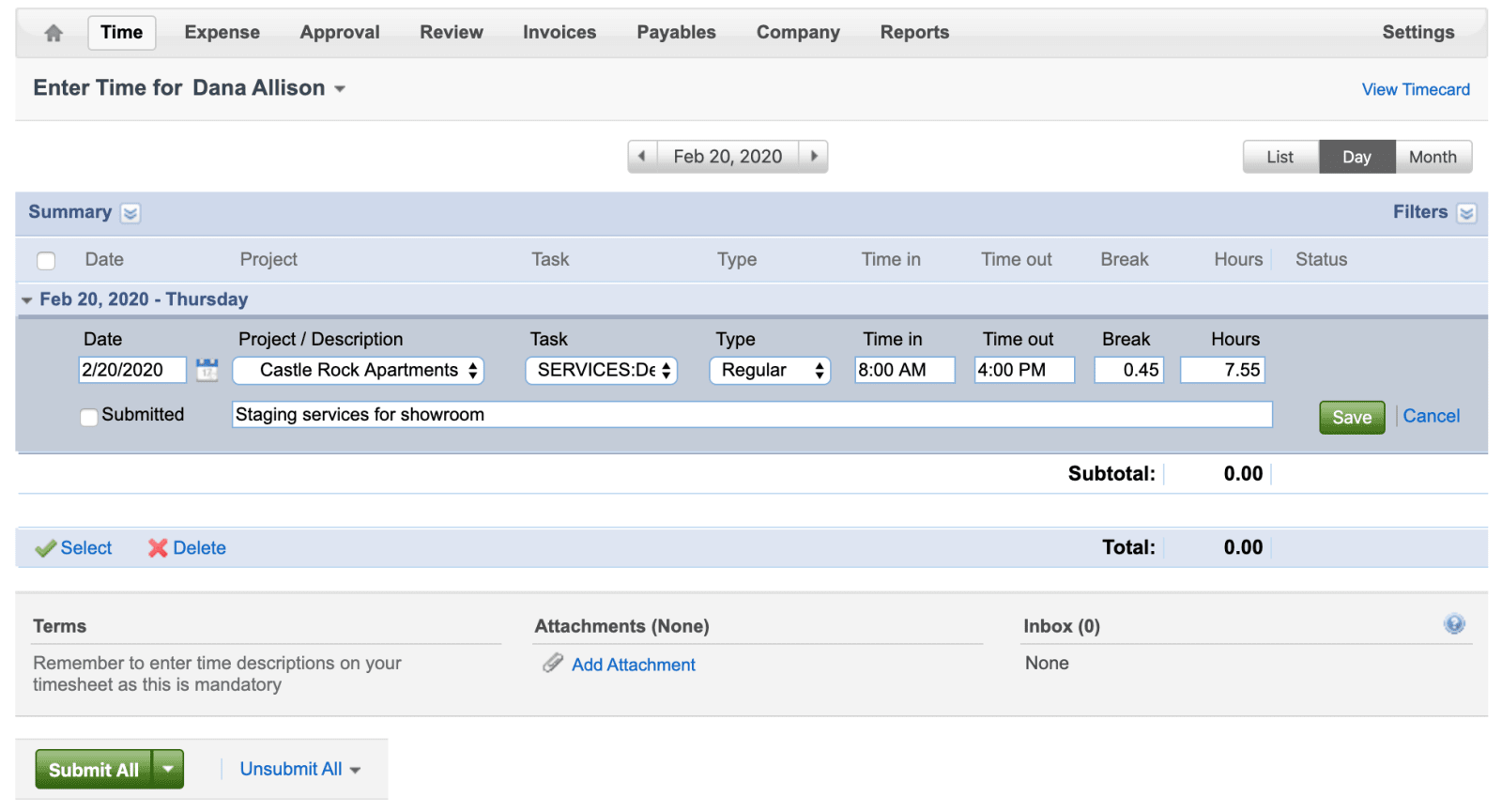
The payment for the software is for a maximum of ten users. Each of the users will have one license to use SpringAhead. Aside from the license per-user, it is also applicable for up to ten times of using it.
When you divide the cost per month, you will be paying $7.50 per license. It will be up to you if this is strictly on a per individual basis or a shared-use as long as it does not exceed ten.
There's no option to pay for only one license if it's your first time to pay. You will have to shell out the whole $75 per month for one company upfront.
However, the per license pricing is flexible already in the next succeeding months. You only need to pay $7.50 for each license every month. SpringAhead allows you either add or remove them upon company activation.
The additional license payment applies only to the actual user who will access SpringAhead. The license payment will not apply to other roles, such as the managers or administrators using the software.
If you want to use SpingAhead for at least a year, it will cost you $90 for a single license. Annually that will be $900 for all the ten user licenses you'll be paying.
Management and Approvals
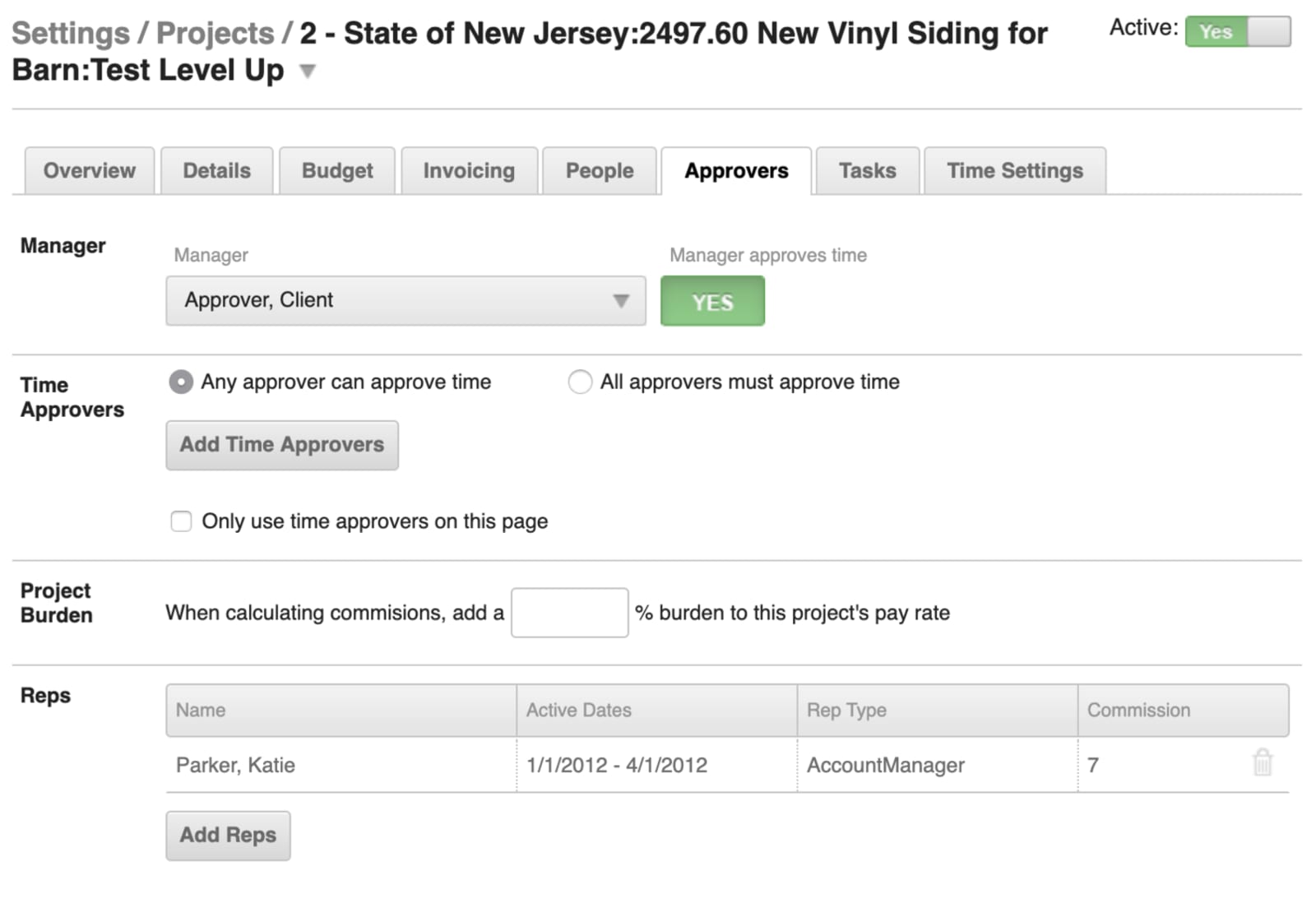
While the license you will be paying is strictly only for up to ten users, SpringAhead allows an unlimited number of managers to access the software.
You can have all people involved in administering the staff take a look at the timesheets. From managers to approvers, they can have access to the SpringAhead software.
There's no need to choose which administrators will manage the billing and time tracking of the staff. Every one of them can review the time cards of employees to monitor overtime or vacation hours.
Hence, if you want to use SpringAhead, the SpringAhead pricing per license is only for the users or staff who will input their time. You don't have to pay for those who will use SpringAhead to review the employee's time input.
Software Integration
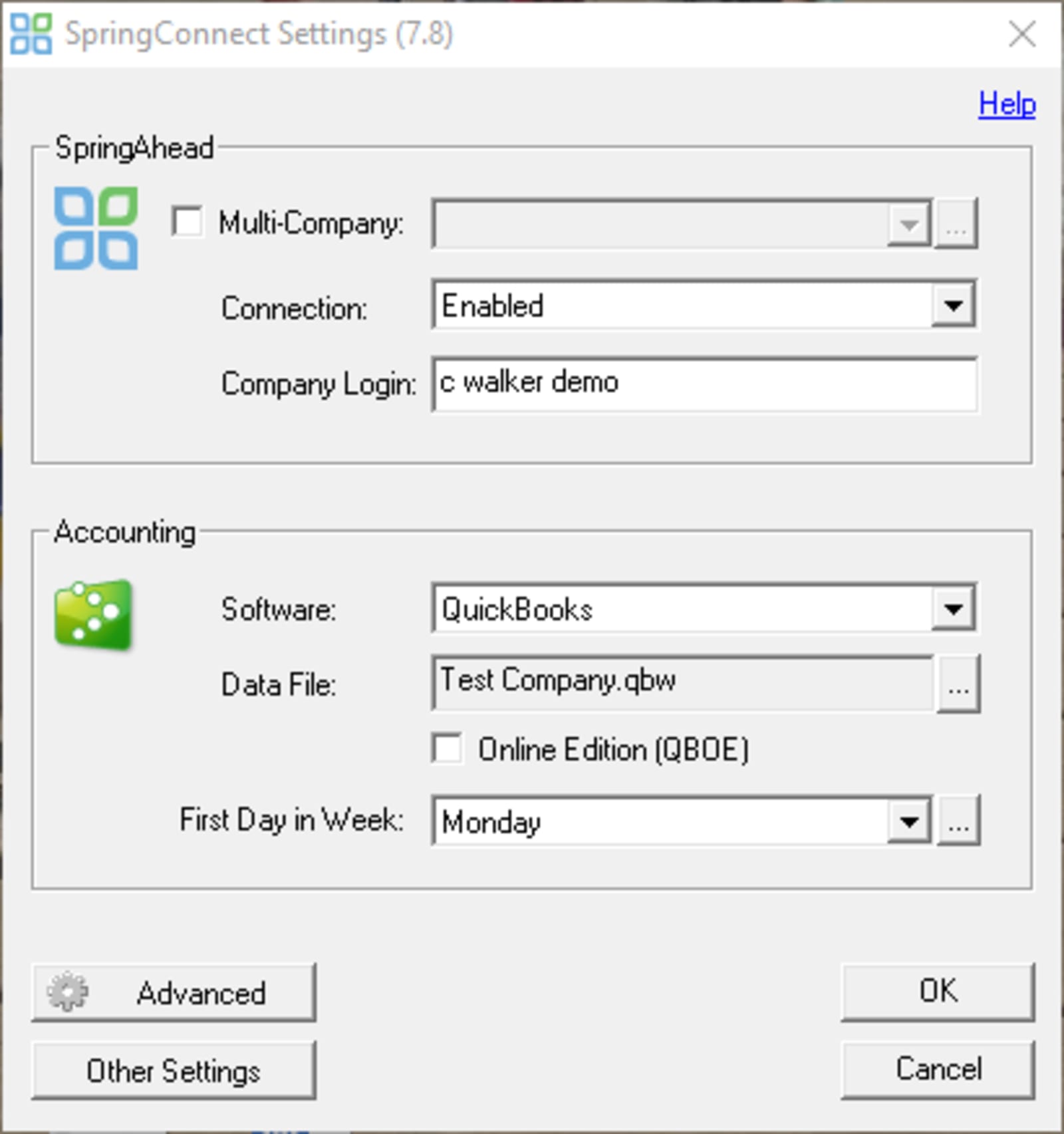
You can integrate more than 200 payroll software to SpringAhead to seamlessly consolidate the time records into staff invoicing. The catch here is that SpringAhead will only connect the payroll provider if their tool enables the importing of files.
For managing the payroll from the SpringAhead tool, you can integrate the time tracking with the following software, for instance.
- Quickbooks
- Bill.com
- PayChex
- SurePayroll
As SpringAhead works in keeping track of employee's time, you may also look to integrate it with recruiting tools. Some of the platforms that you can combine with SpringAhead functions are as follows.
- BullhornMaxhire
- Sendouts
- WinSearch
For the SpringAhead pricing of less than a hundred per month for every license, these integrations are worth the price to pay.
Invoicing
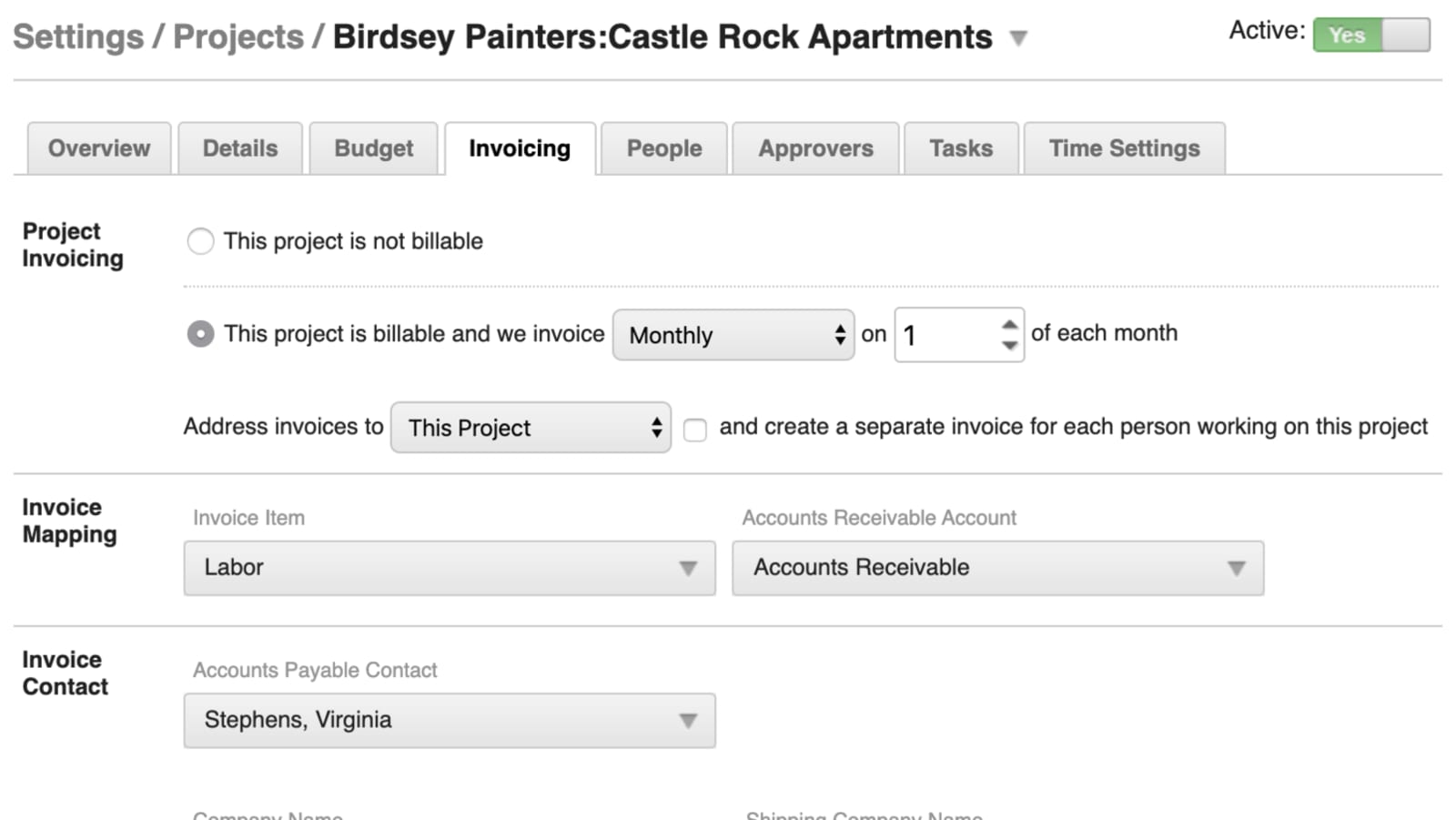
Working with multiple staff at once means having a lot of billing and invoices from the employees. SpringAhead enables you to have as many invoices as you need.
With an unlimited invoicing feature, you can revise, approve, or keep track of every single staff expense. SpringAhead allows you to process all of them. There's no limit on how many invoices you can make with SpringAhead.
The cost to pay for the SpringAhead software is intended only for the license to use. When it comes to invoicing, there's no additional cost as it's already built-in.
Expense Reporting
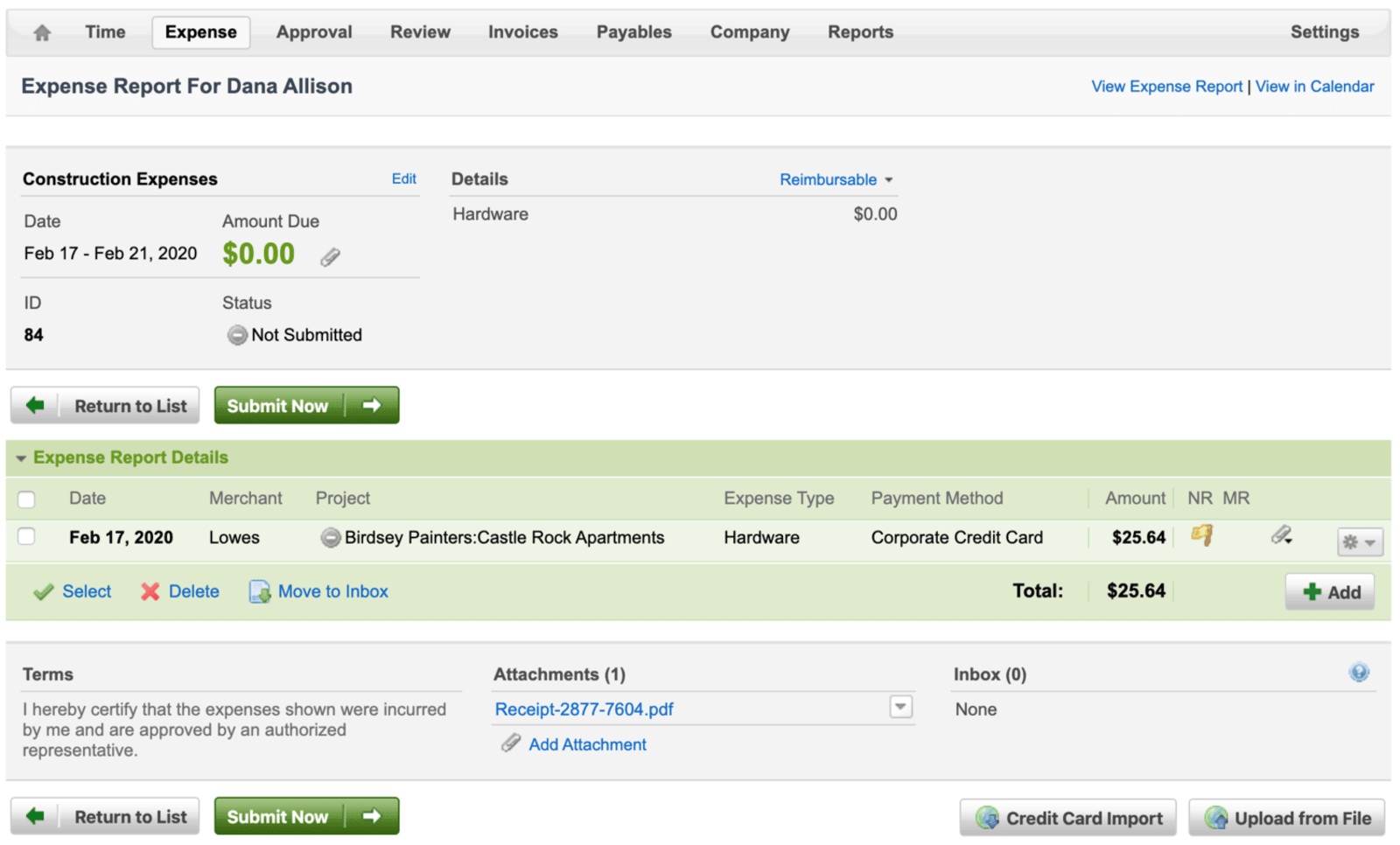
With only one type of SpringAhead pricing, you may have an impression that the app is only capable of timekeeping since it's just less than a hundred dollars to pay.
Aside from its function in tracking the employee's time, SpringAhead also provides you with a report to monitor the project expenses. SpringAhead is not only for use in tracking time and invoicing. Additionally, the financing tool also works as an expense management software.
SpringAhead Add-ons
Aside from the basic plan that SpringAhead provides, there are add-ons to access more features. These add-ons are an additional cost, though worth trying if you find their plan limiting.
The timekeeping capabilities of SpringAhead already provide you with the right tools at flat monthly pricing. However, you might need a bit more functionality or level of support, and SpringAhead has some of them.
- Premium Support
- Assisted Implementation
- Email Notifications
- Configuring Payroll
These additional features come at a cost other than the SpringAhead pricing that they have. Each of the add-ons has different pricing, depending on what you need. You will need to contact SpringAhead to get a quote on these features.
Time Tracking Software Cost Comparison
You may be wondering how SpringAhead compares to other similar software when it comes to pricing. The following table shows other alternatives against the benchmark cost of SpringAhead at base pricing of $75 a month for ten users. With that, SpringAhead costs $7.50 per user or license monthly, which will be the basis in comparison.
License price per user SpringAhead $7.50 TimeDoctor $9.80 TSheets $8.00 Harvest $12.00
From the cost comparison, SpringAhead is the lowest priced option when it comes to per-user charging. However, you also have to remember that the per-user license fee is only applicable once you already have an account with SpringAhead. The platform requires a company to pay for the $75 base payment, equivalent to ten user licenses. Therefore, a minimum of ten users is necessary upfront.
Once your company already has an account with SpringAhead, you can then proceed with the per-user licensing payment. You will have the option to either add or reduce the number of licenses.
The investment cost associated with SpringAhead is not just the payment for the timekeeping capabilities of the software. You also have access to other features packed in the platform, such as expense reporting and unlimited invoicing.
If your only goal is to have an app to keep track of your employee's time, other software may suit well at more or less the same price range as SpringAhead. With SpringAhead, the price to pay for using the platform already gives you robust functionality. Not to mention the add-ons that provide more benefits if your operations will need them.
SEO Score: https://prnt.sc/wknvml

Raffy is involved in SEO and digital marketing. He gravitates towards upcoming technologies, startups, and is an avid learner.











