
If you are still deciding between Toggl vs RescueTime, here we're going to explore the features of both apps in a side-by-side comparison of these two widely-used apps to track time.
Time tracking apps are becoming a vital tool nowadays to have a better view of your productivity. However, it is surprising to know that only 17% of people monitor their time despite the availability of these platforms.
There is a need to evaluate how much time we spend on specific work-related activities. A 2019 study by RescueTime mentions that workers spend only an average of 2.8 hours of productive work on a day. Additionally, employees spend nearly 80% of their time on low-value tasks.
Using a time tracking app provides several benefits as you record your time spent on work activities. This includes the following:
- Assess your workload
- Monitor time spent on activities and apps
- Identify duplicate tools
- Balance the workload of employees
- Increase productivity
- Forecast project timelines
Various time tracking applications are available in the market today. And two of the most commonly used are RescueTime and Toogl. Let's compare Toggl vs RescueTime to see which would be a better fit for either your individual needs or your organization.
What is Toggl?
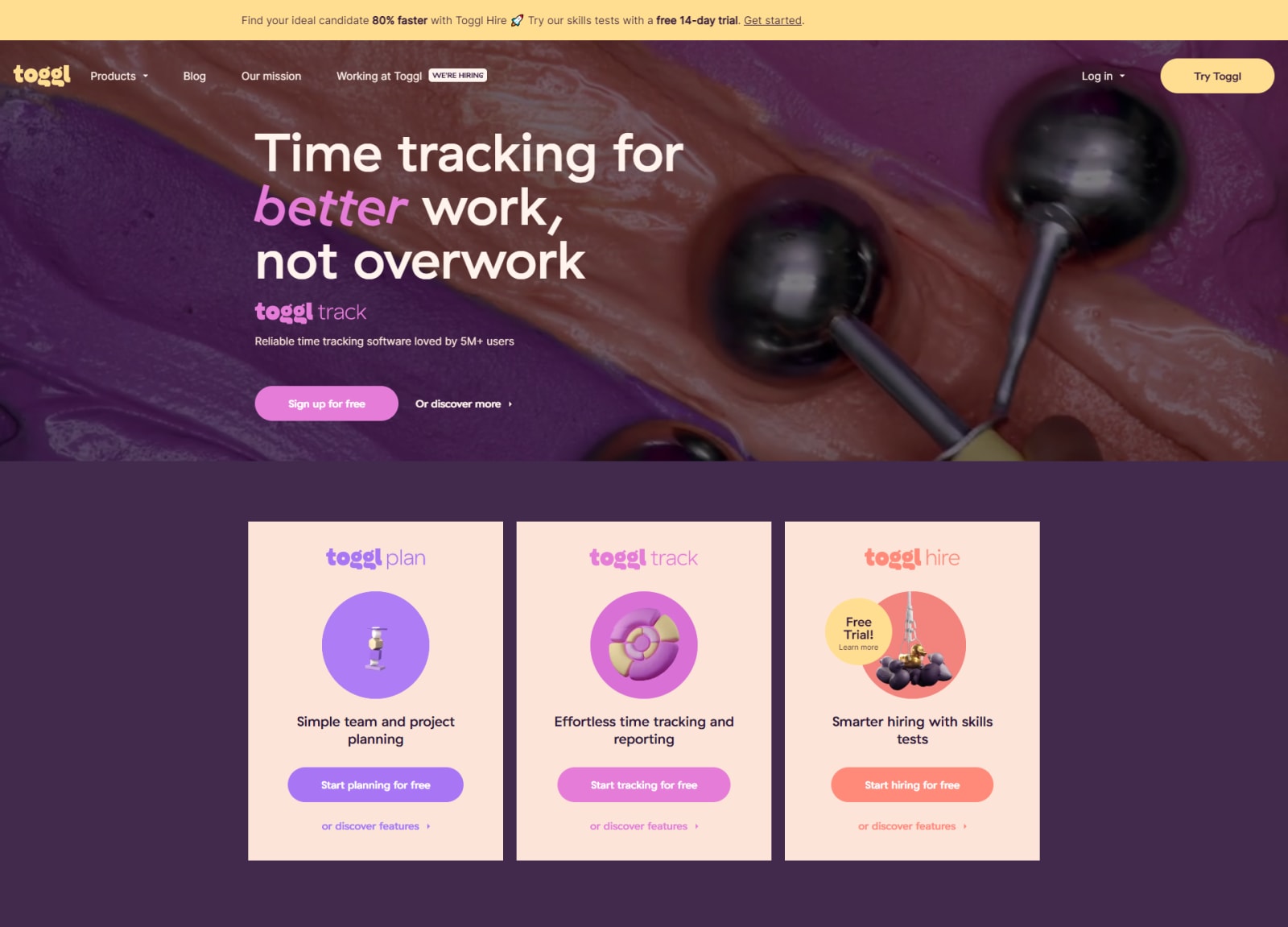
Many companies across the globe use Toggl to monitor their remote workers and to track time as an individual as well. The flexibility of Toggl allows you to check unspecified time schedules. Hence, those without fixed working hours may find Toggl useful for them.
While Toggl is applicable for various job types, most of its users are freelancers and consultants looking for a better way to manage their time. The flexible time tracking allows users to track their time on-demand without sticking to a schedule or blocking hours.
The company based in Estonia started the earliest version of their software way back in 2006 and has since then increased its user base to more than 160 countries.
Is Toggl Free?
Toggl provides up to 30 days or a one-month free version of their time tracking app. You can access the more advanced tools limited in the free version when you opt for its paid plans. There are two versions of their paid plans, the Starter at $10 and Premium at $20. The pricing is for one user per month. The costs go lower as well when you choose an annual subscription.
What is RescueTime?
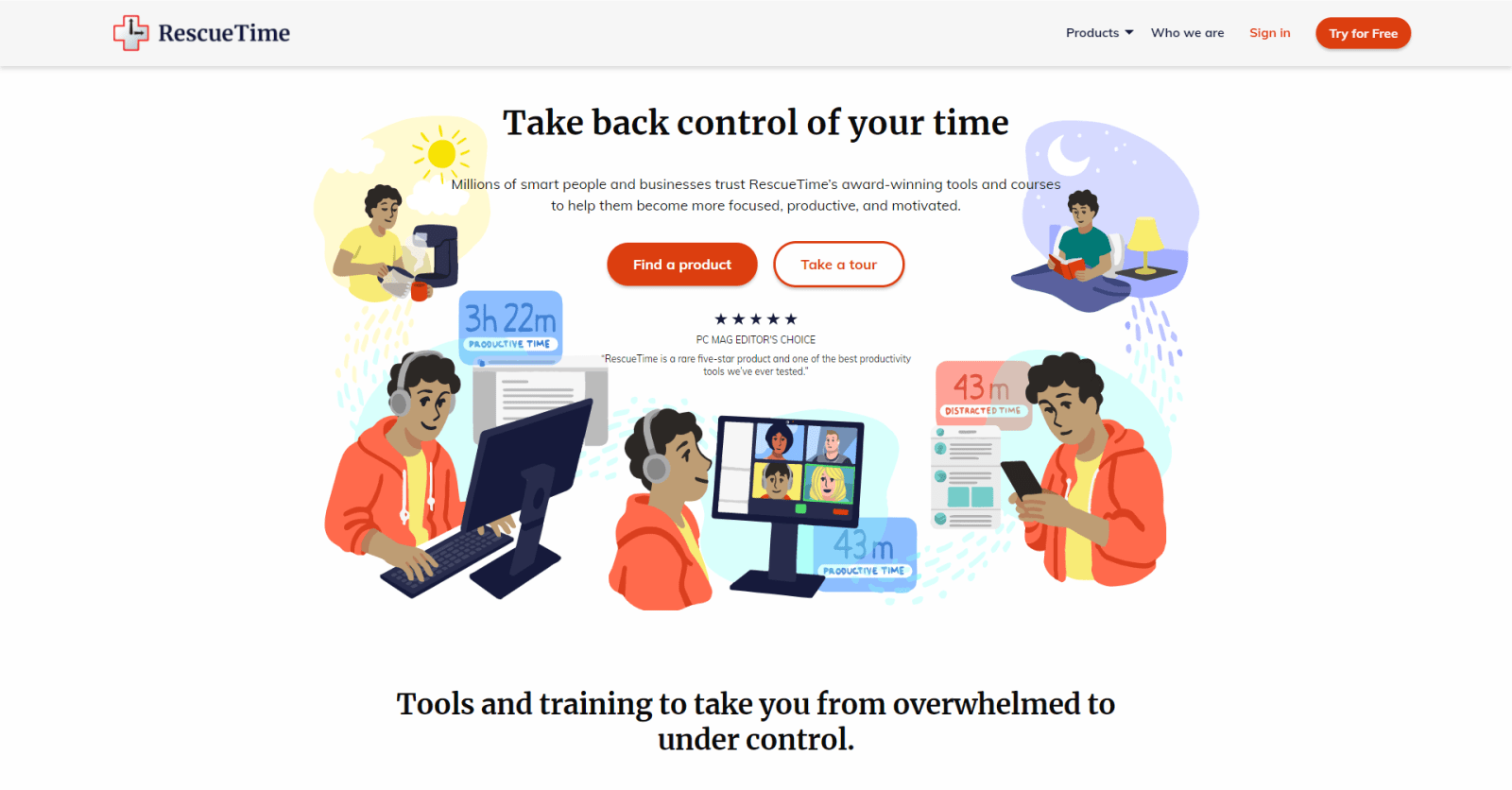
RescueTime enables you to review how much time you are spending on specific applications and websites. The time tracking platform focuses on optimizing work by identifying apps and tasks where you can improve efficiency. If you need to get more done in less time, RescueTime allows you to check your productivity and daily tasks.
No manual entry is needed to track time in this application. Once you download RescueTime, you will only need to indicate which window on your computer to start tracking. RescueTime will then automatically log your activities on the window you specified.
RescueTime has been providing time tracking for its users since 2007, with its headquarters based in the United States. According to the company website, they have already helped 2 million people optimize their time.
How Much Does RescueTime Cost?
RescueTime has a 14-day free trial version. After which, you will need to pay either $6.50 for one user per month if you're an individual user or $6 per user per month if you will be using it as a team.
Toggl versus RescueTime Comparison
Both time tracking applications are robust enough for time monitoring capabilities. However, each one can have a feature that may not be available from the other app. Compare the functions of Toggl vs RescueTime to decide which app to use.
Time Recording Function
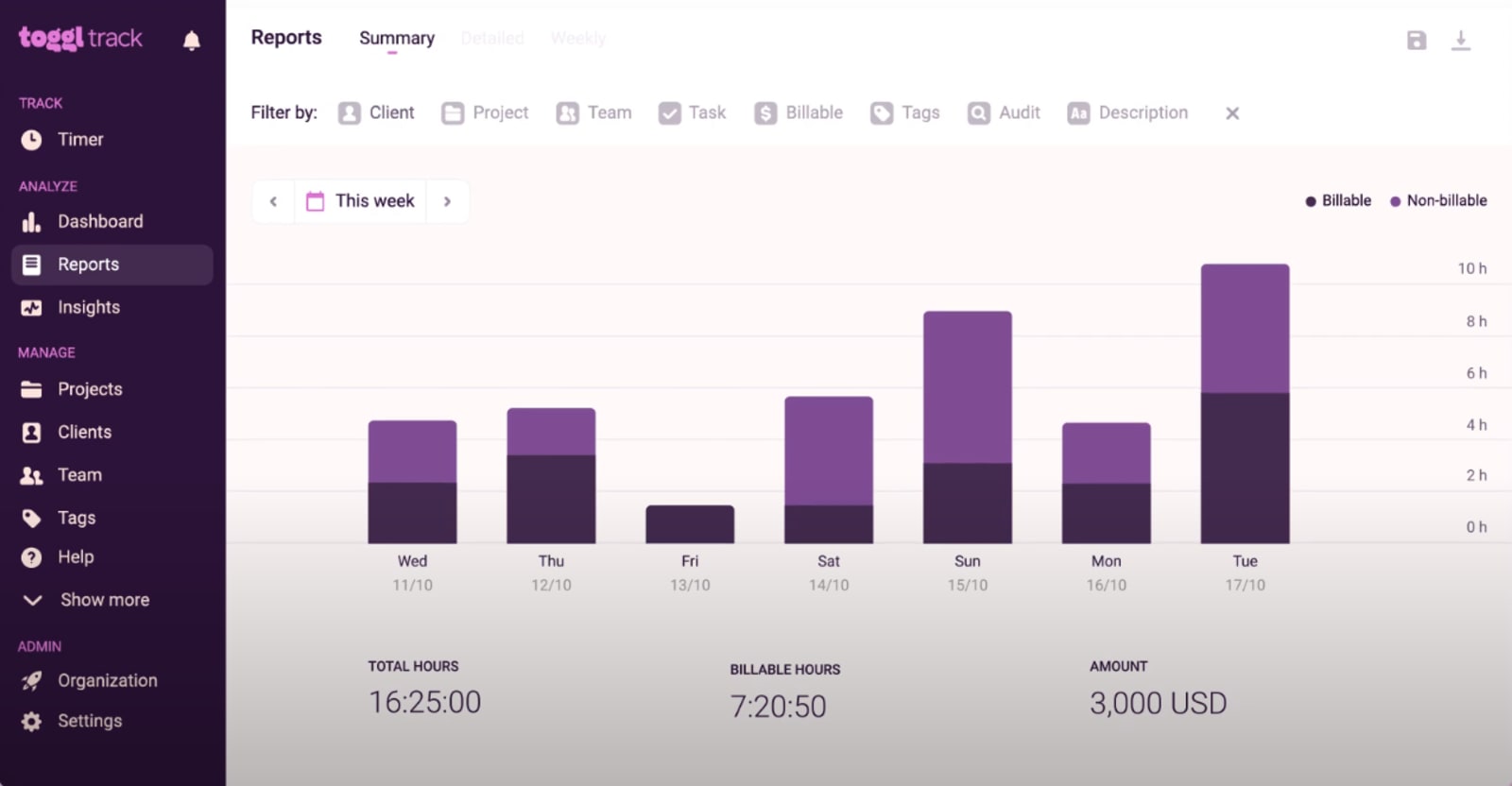
The software specifically built to track time is called the Toggl Track. They provide an easy-to-use dashboard for teams to use with the option to tag a project as billable or not. There is also a feature that helps balance the workload of each staff member.
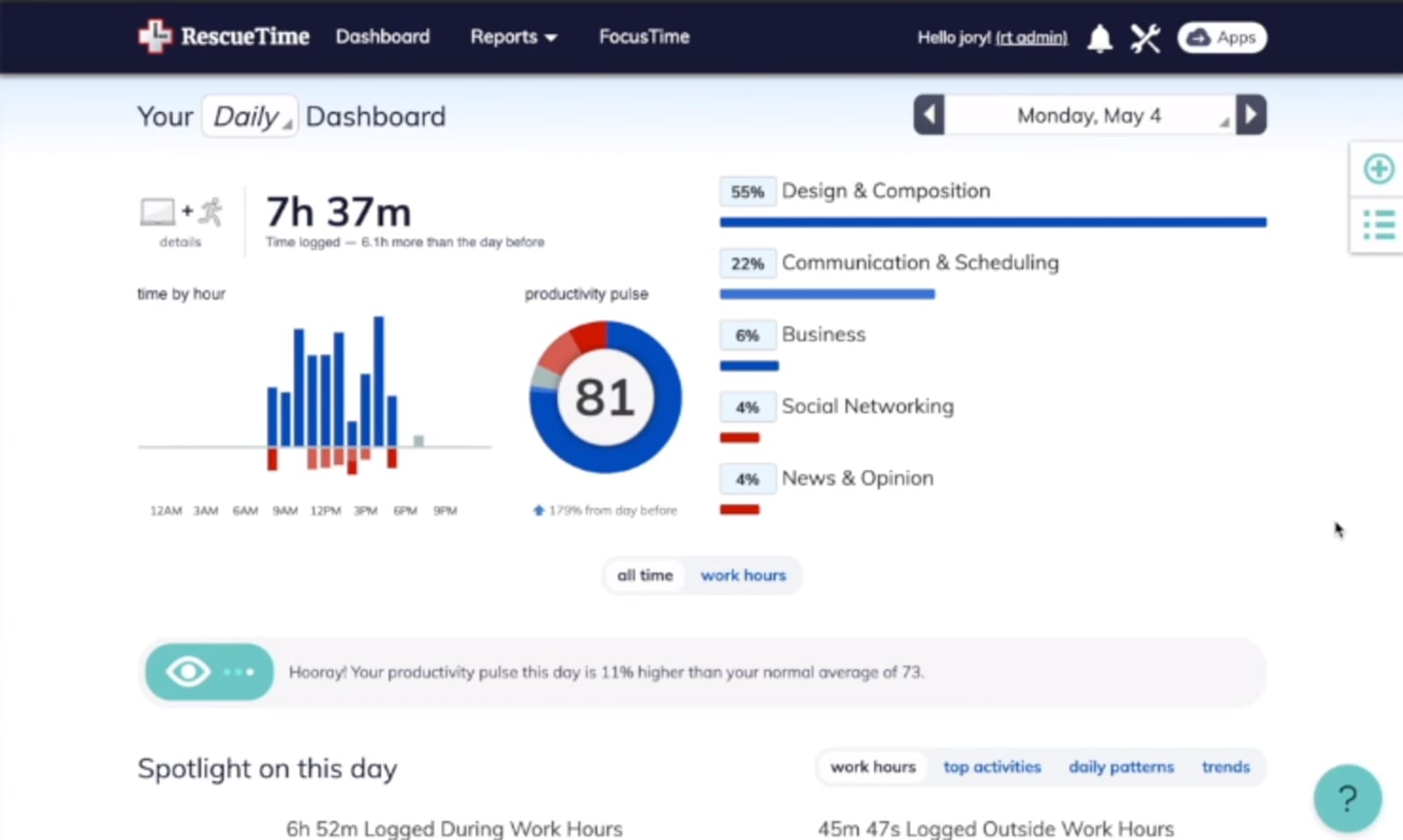
Meanwhile, RescueTime is a software dedicated solely to automatic time tracking. The time capture function runs automatically, so you do not need to input time manually. Another additional feature of RescueTime is its distraction blocker, which comes in handy when you need to block access to apps that distract your work.
Device Compatibility
Both apps work well on mobile, be it iOS or Android. You will need to download the mobile app versions of Toggl or RescueTime to monitor time even while on the go.
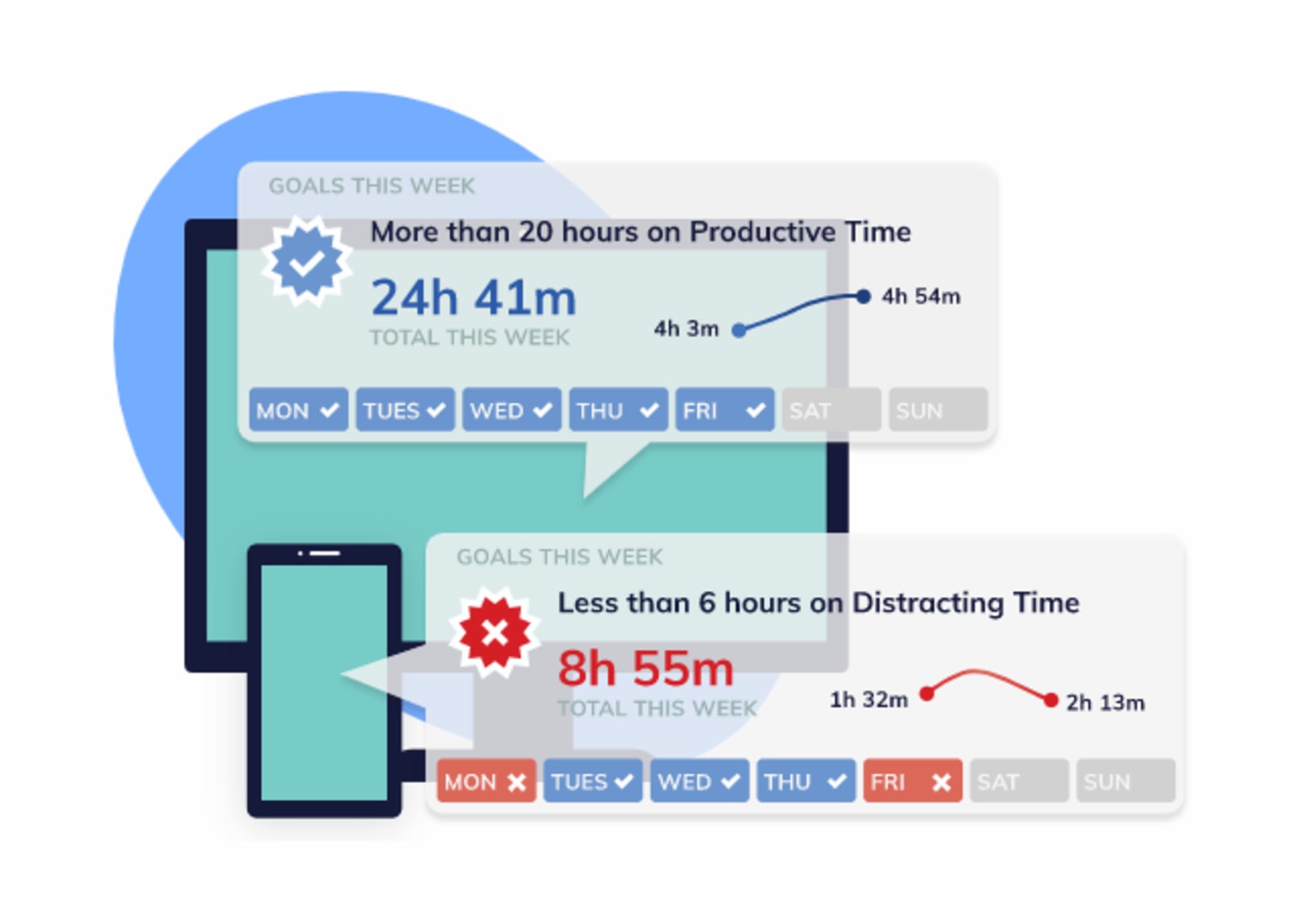
For RescueTime, the web-based app and mobile app can track time specifically for each device only. When you have RescueTime on a mobile device, it will only log activities on the mobile device where you install it. The tracking will be separate on the web-based platform and track only that computer's activities. However, you can still view data for both mobile and web-based versions of RescueTime.
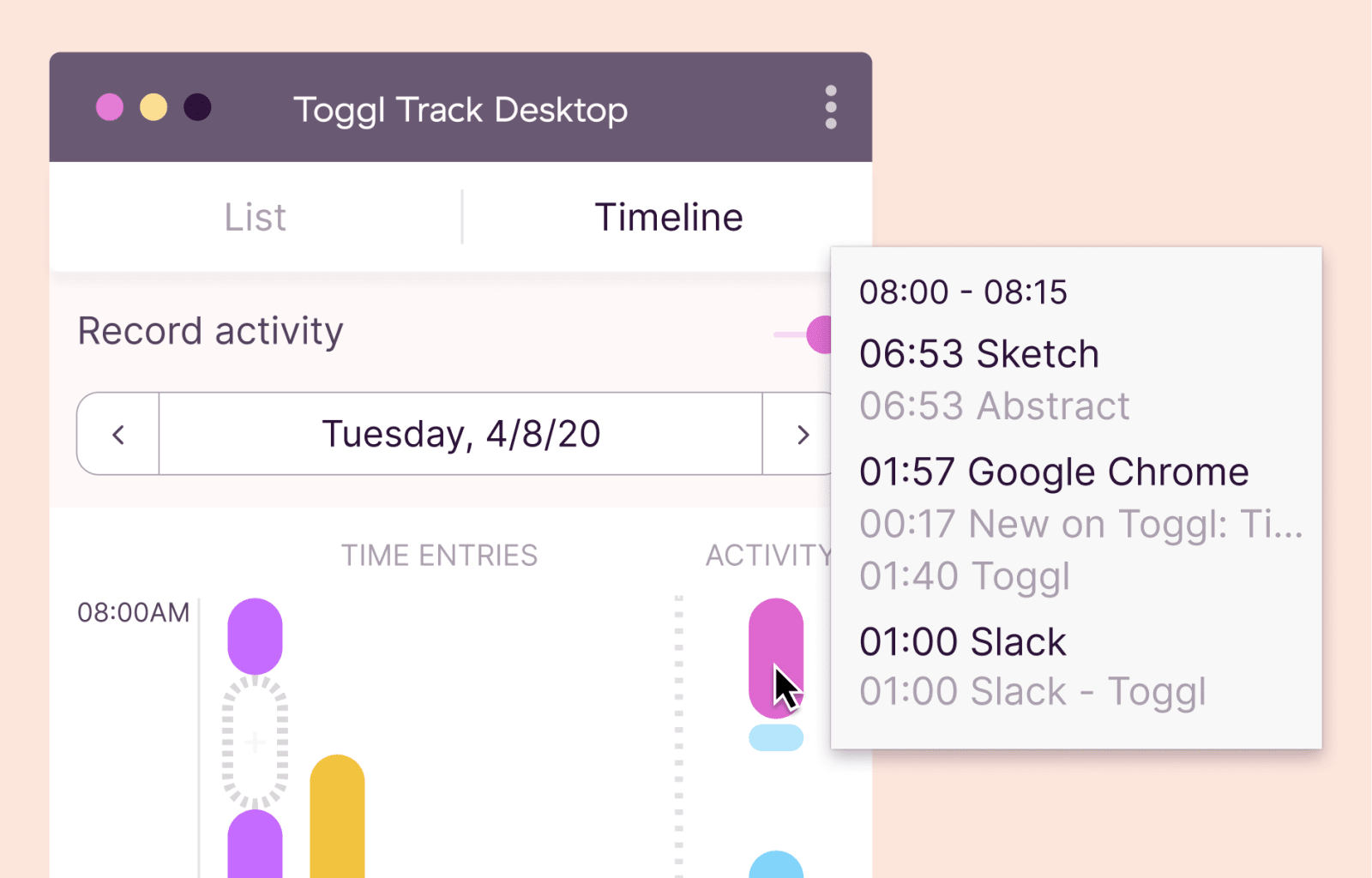
Toggl provides syncing of data for either mobile or web-based apps. You can create a project even while using the mobile app and reflect it when you log in later on a desktop. If you have already started tracking time on a desktop, you can also continue to track the time on a mobile device and start recording from the last time you ended a session.
Managing Projects
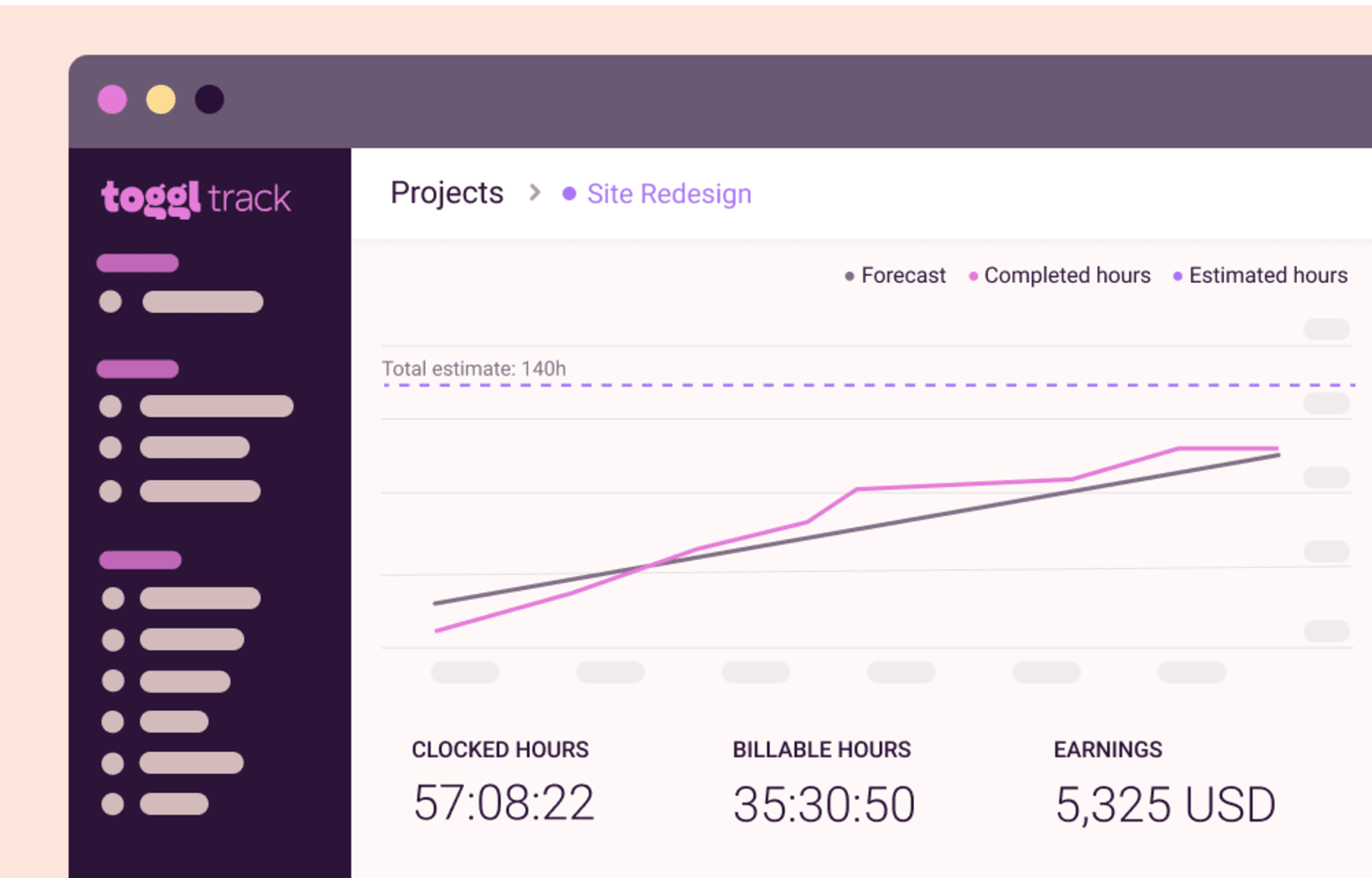
A single dashboard provides all the data you need when you use Toggl. With this app, you have a forecasting tool to evaluate the project timeline. Another is the ability to indicate the equivalent revenue of the project or the time you are tracking.
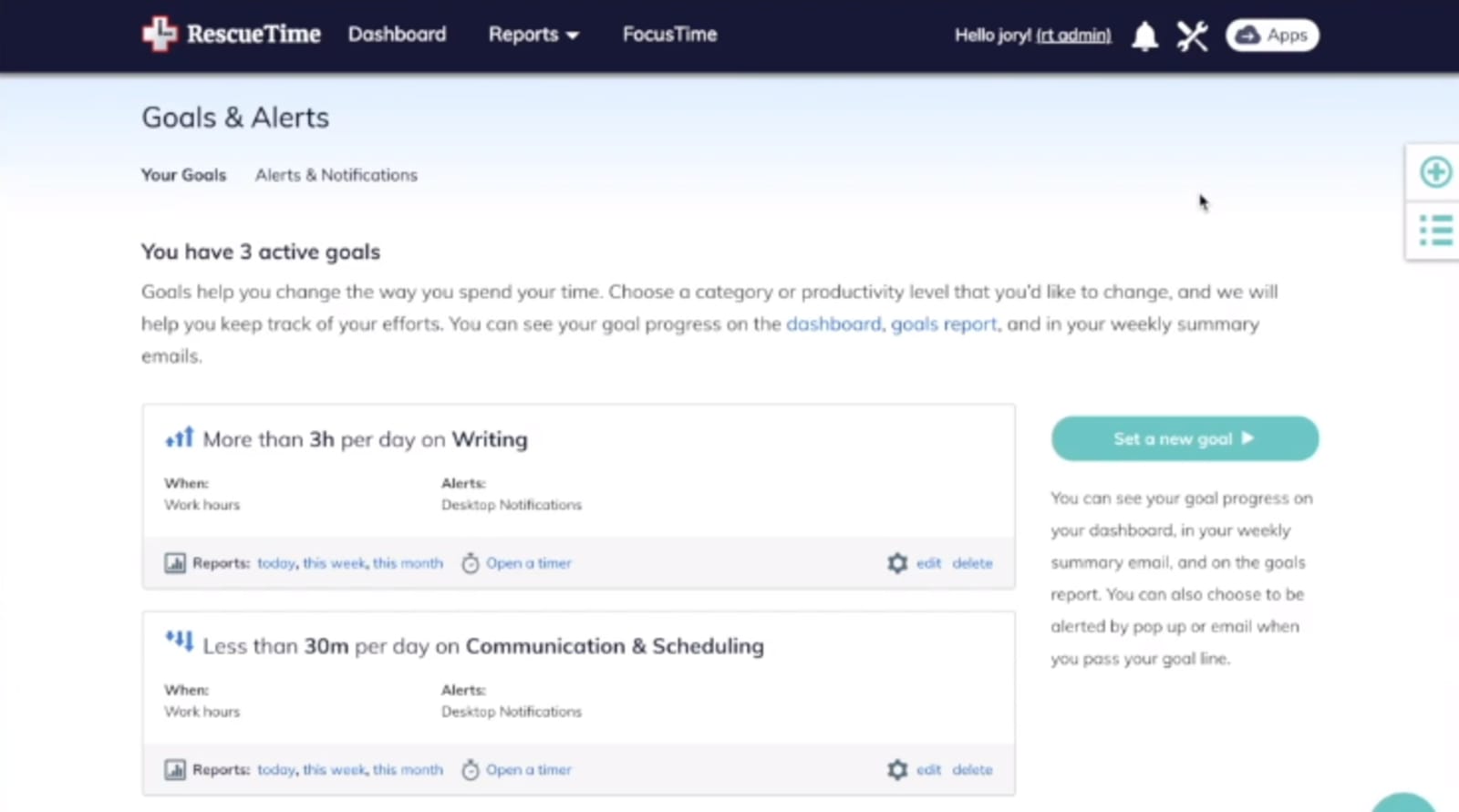
In RescueTime, you have access to various functions, including goal-setting for the day. The goal-setting feature provides real-time feedback while you are currently working. Additionally, RescueTime provides a 6-week training on how to make the most out of the software.
Tracking of Leaves
Processing vacation and other forms of leaves are not included in either Toggl or RescueTime. Both applications are more focused on the specific time tracking activity rather than holistic employee scheduling software.
Available Integration
When it comes to integrating third-party applications, both Toggl and RescueTime allow you to connect to a few widely-used apps.
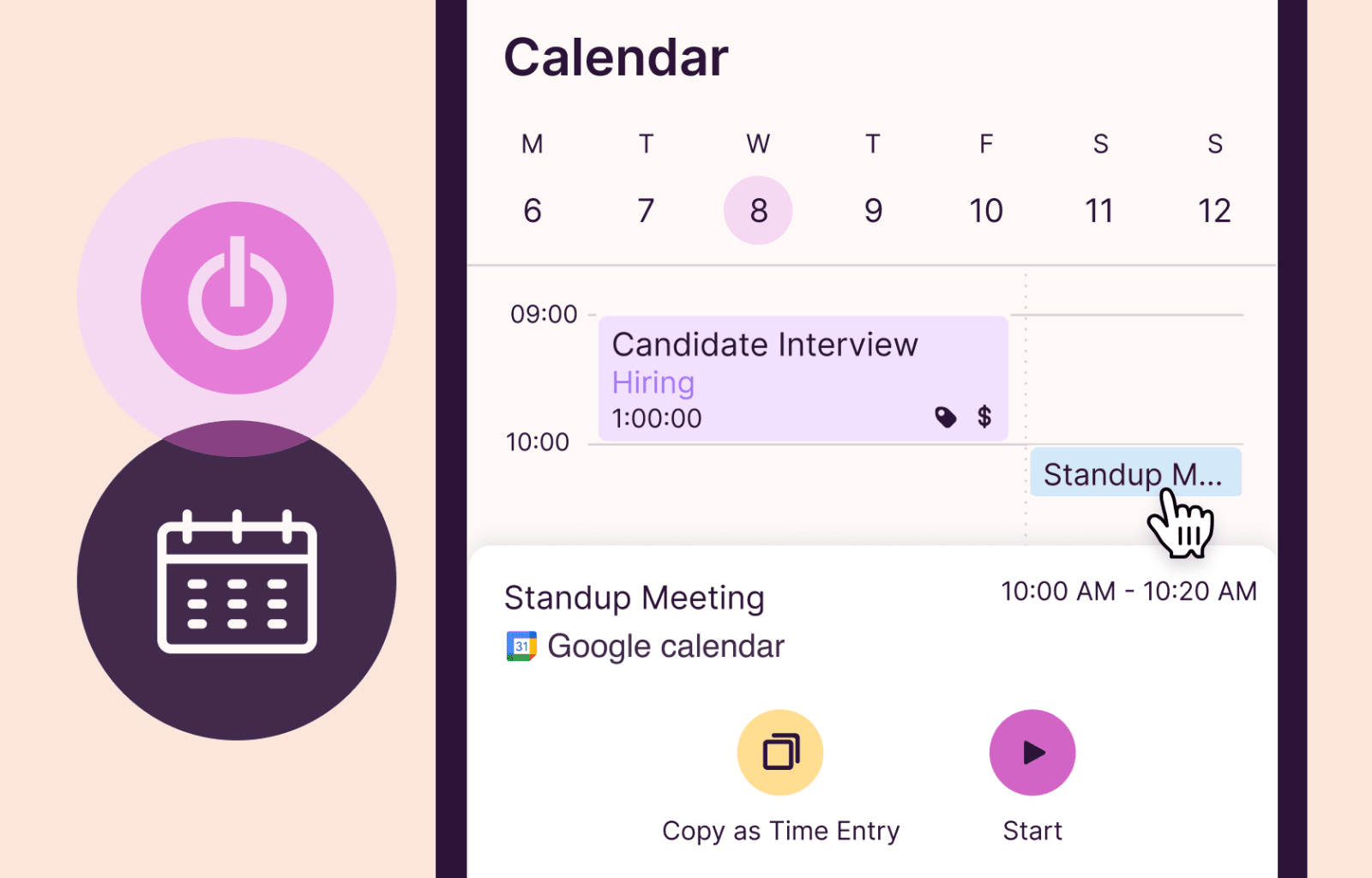
Toggl has a Google Chrome extension that integrates with a lot of software, including Asana and Evernote. You can also integrate your Google Calendar using this platform.
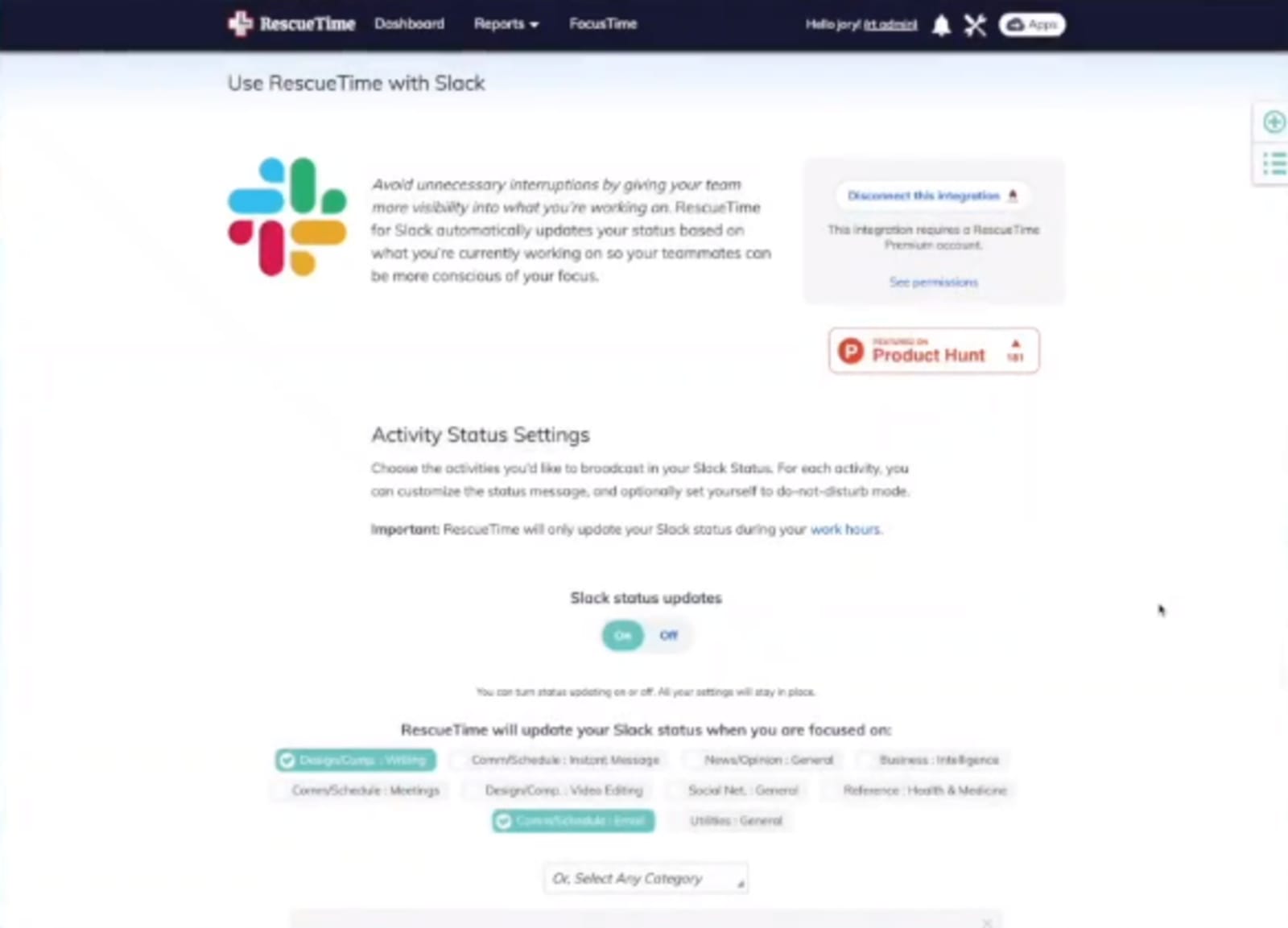
RescueTime has a more direct approach to integration and works well with Slack, Office 365 Calendar, and many others.
When you also need to use Zapier to connect to various apps, there is no need to choose between Toggl vs RescueTime. Both time tracking applications are compatible with Zapier, giving you access to more tools.
Staff Database
Keeping a record of your employees working remotely is easier whether you choose RescueTime or Toggl. The apps can help you manage the number of staff on your team, each with individual profiles and productivity records.
Productivity Monitoring
Detailed reports are available for both time tracking platforms. On both platforms, you can view the record for a specific time and date. Productivity reports from each individual are also included for these time tracking apps.
The difference between Toggl vs RescueTime is in the specific data they provide on productivity.
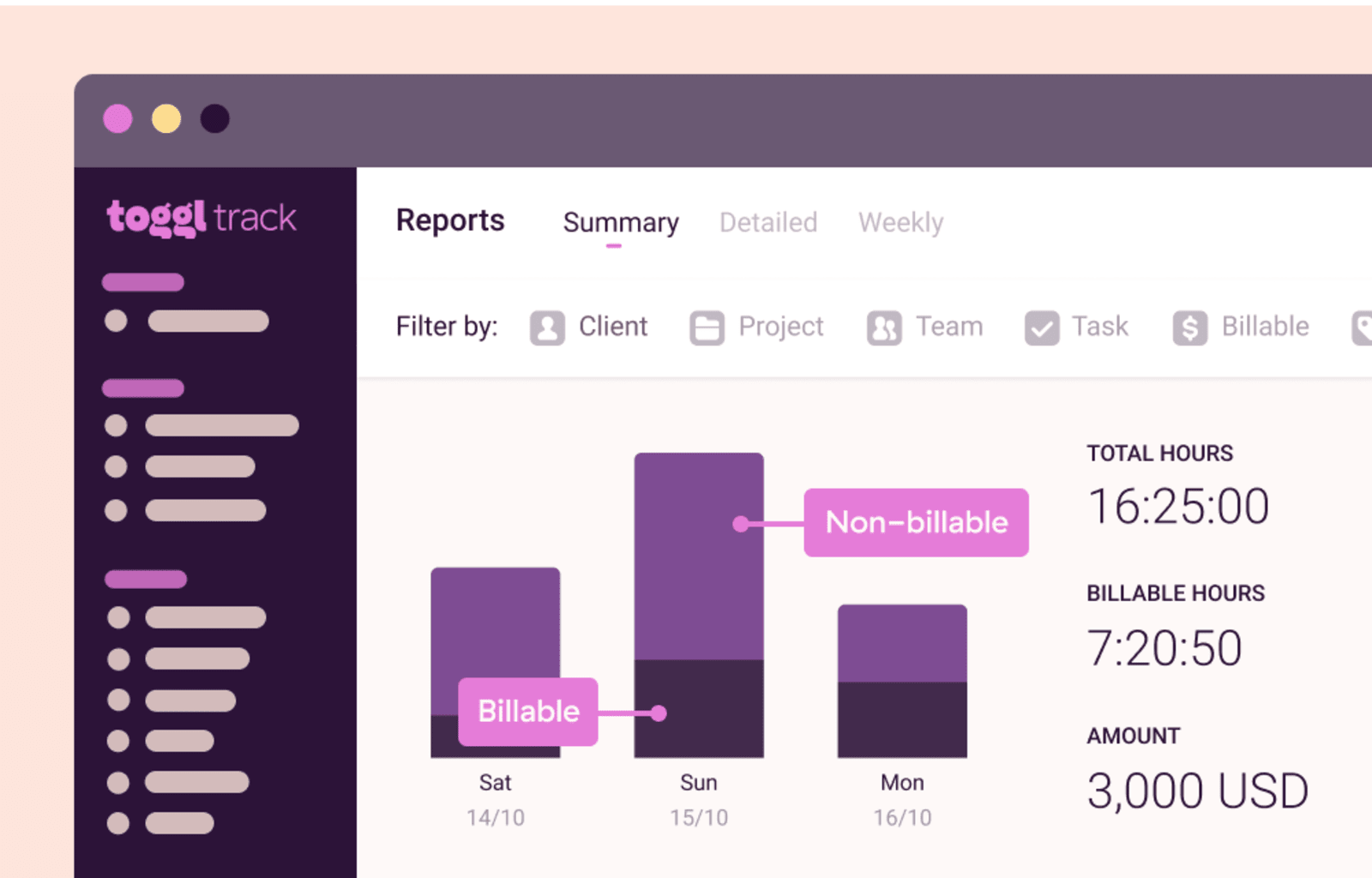
Toggl goes beyond the usual data to check productivity by adding billable hours for every project or task. The app also lets you see the total amount of time you have tracked on a week.
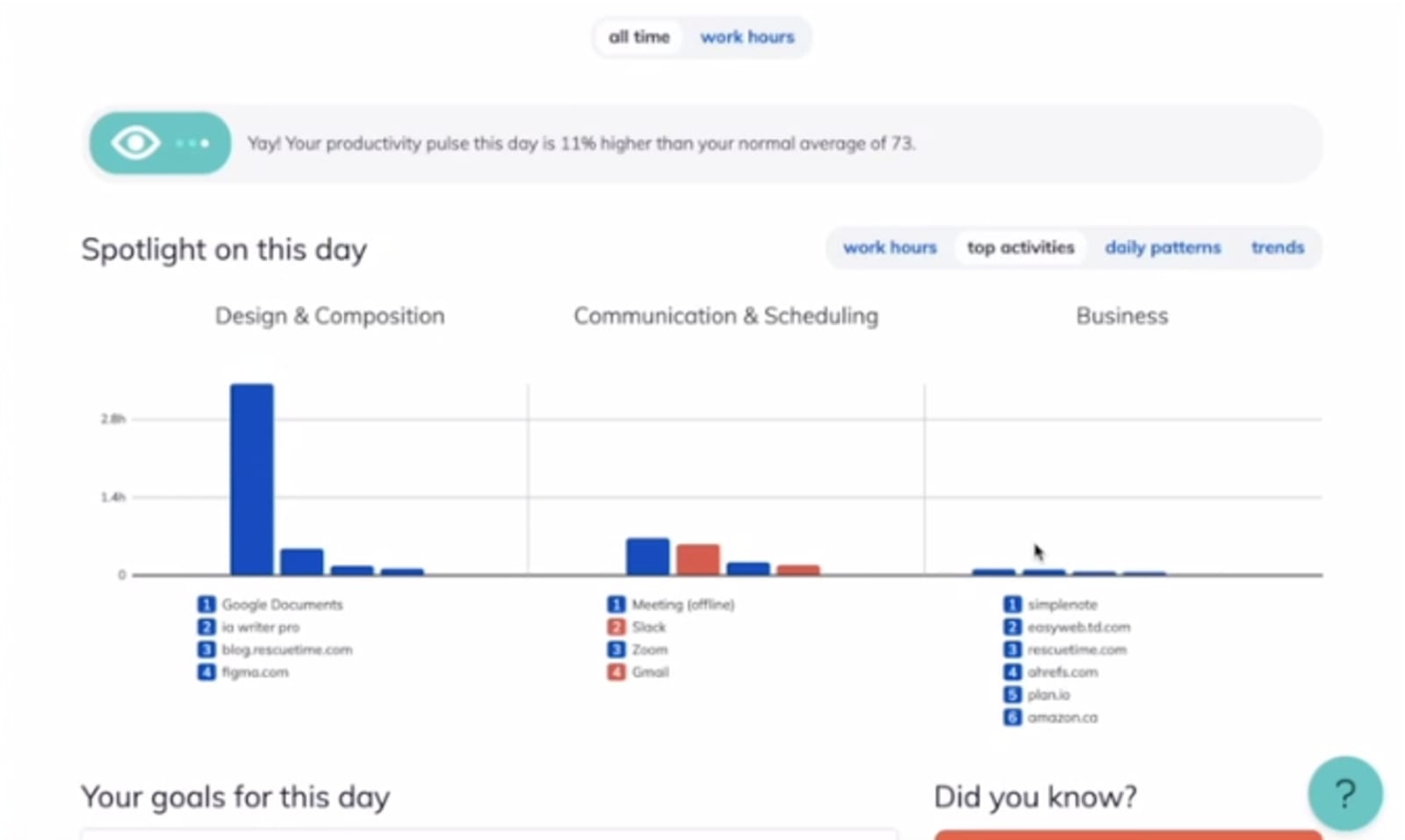
RescueTime focuses on identifying specific websites and applications where you spend most of your time. It allows you to see usage from different apps and has a productivity rating as well.
A Conclusion on What Is the Best Time Tracking App
If you prefer to track time regardless of the working hours or device to use, Toggl would be a suitable alternative. On the other hand, you can focus on optimizing your productivity by using the suite of tools available from the RescueTime app.
Toggl has other products to assist in hiring and a separate application for project planning. The additional capabilities of this platform are a good choice to find a remote worker and map out your project plans.
Another feature of RescueTime, aside from time tracking, is a productivity course available for subscription. The separate package comes in handy when you want to improve the efficiency of your team.
Choosing between Toggl vs RescueTime is all about your needs as an individual or organization. Whether you're a freelancer, company, or staffing firm, both time tracking apps can have specific features that will be most beneficial to you. Identify your workload and the functionality you require for your time tracking needs to pick the best platform.

Raffy is involved in SEO and digital marketing. He gravitates towards upcoming technologies, startups, and is an avid learner.











