Trello skyrocketed as one of the most reliable online tools used by teams worldwide since its birth in 2011. However, Trello alone lacks features necessary for more complex project management.
Fortunately, some of the Trello extensions Chrome sells are what an Agile project manager looks for in a more productive project management tool. Chrome Web Store has numerous Trello extensions Chrome offers proven to be extremely useful for organizations.
Make it a habit to always read the reviews for each of the add-ons and extensions to check the good or bad feedback of users. Also, limit the extensions and add-ons as these affect the speed of Chrome performance.

A. SCRUM Trello Extensions Chrome Offers for Agile Project Management
A project manager using the SCRUM method may not be satisfied using Trello alone. Fortunately, several Trello Chrome extensions are now available to address the Scrum needs.
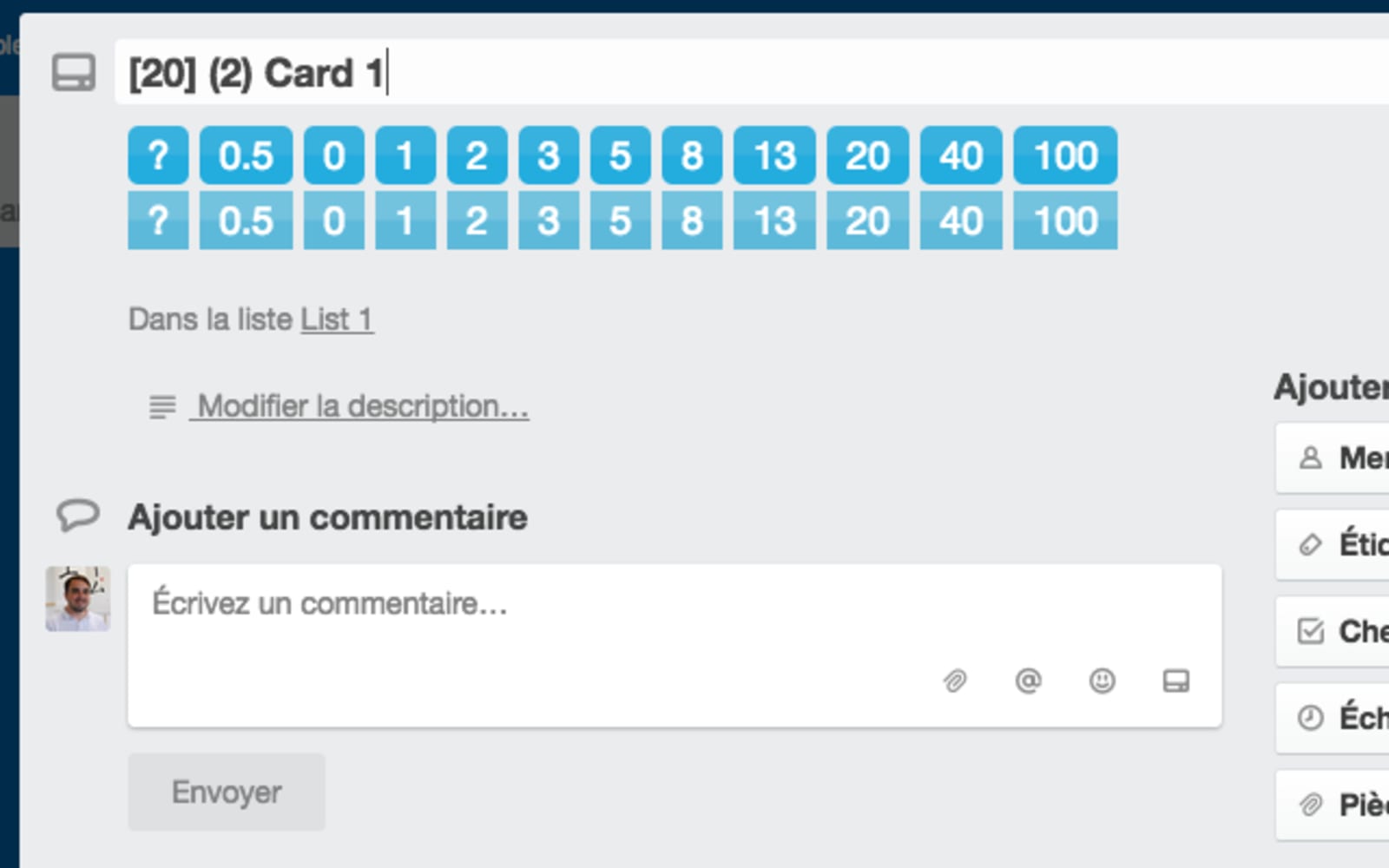
1. Agile SCRUM for Trello Boards
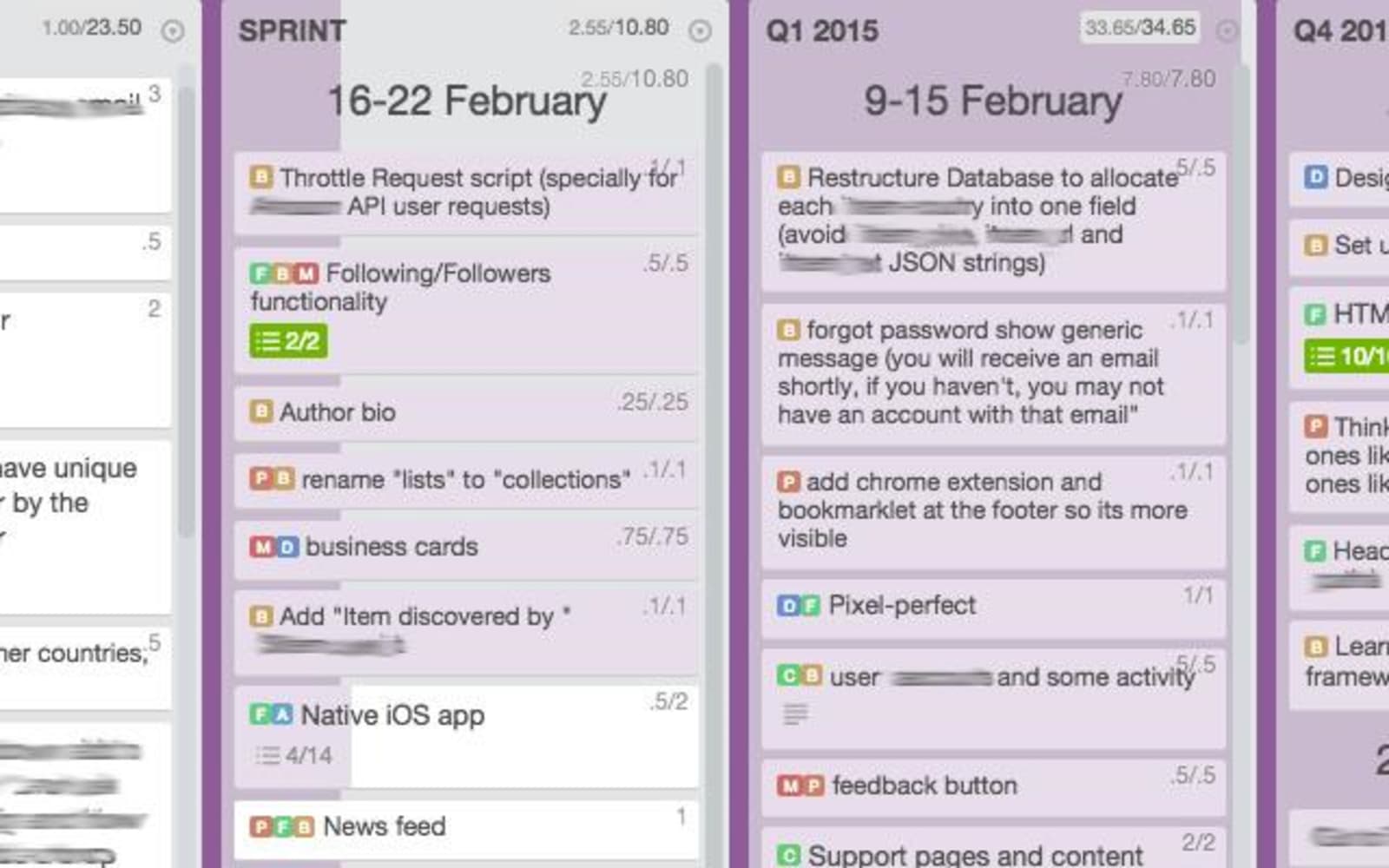
A must-have Trello Chrome extension for Agile project managers is Agile SCRUM for Trello boards. It adds power to the app by enabling SCRUM features such as tags, story points, unique progress bars, and time spent.
It gives a quick overview of seeing how many cards and lists have been completed. Progress bars can be configured to instantly track progress.
2. Corrello
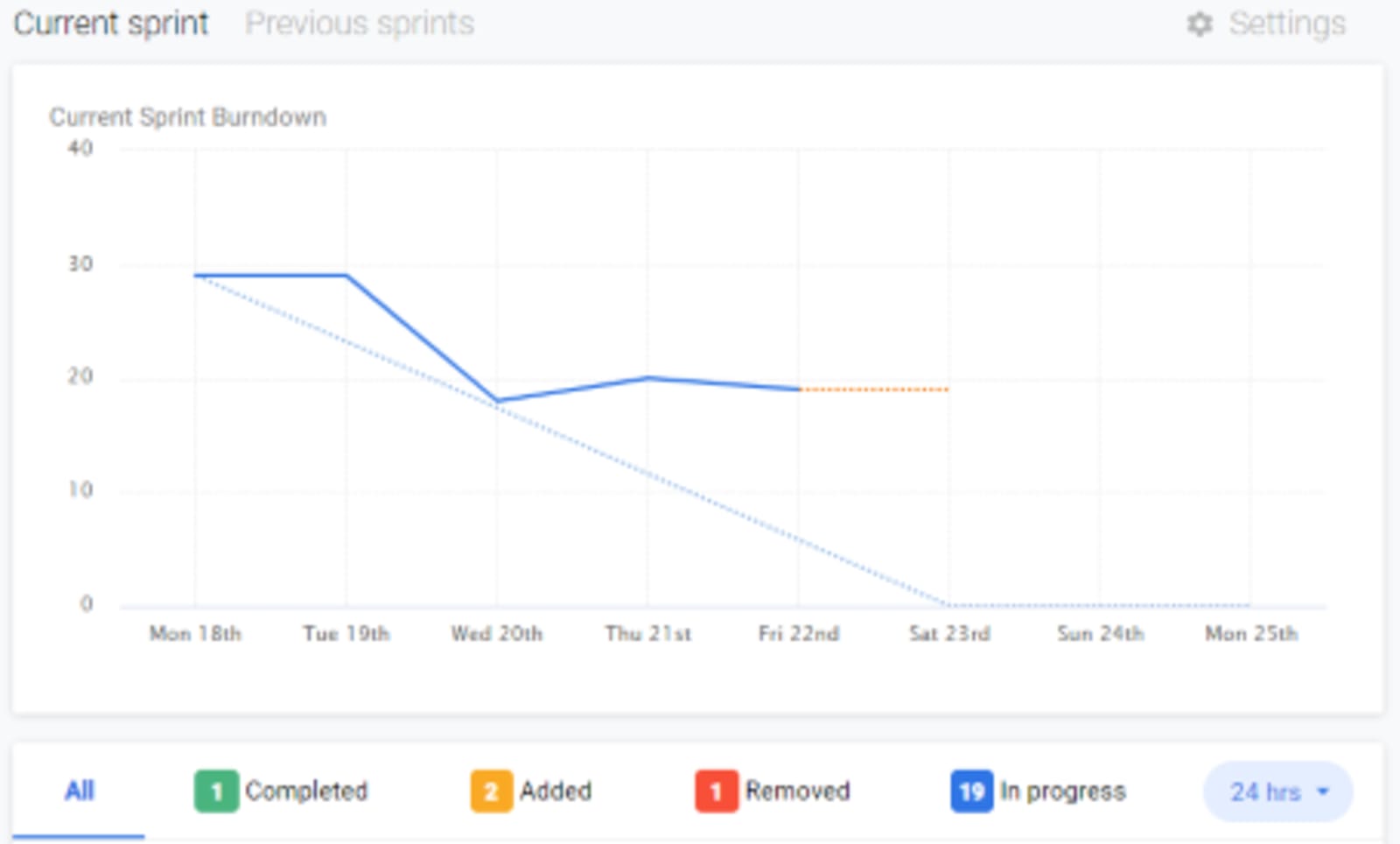
Burndown charts are another way to visualize progress. Corrello is a Trello Chrome extension that lets you create high-level views of the Trello boards. Some of its features include a cumulative flow diagram, burndown charts, counts of bugs, and cycle time charts.
3. Plus for Trello
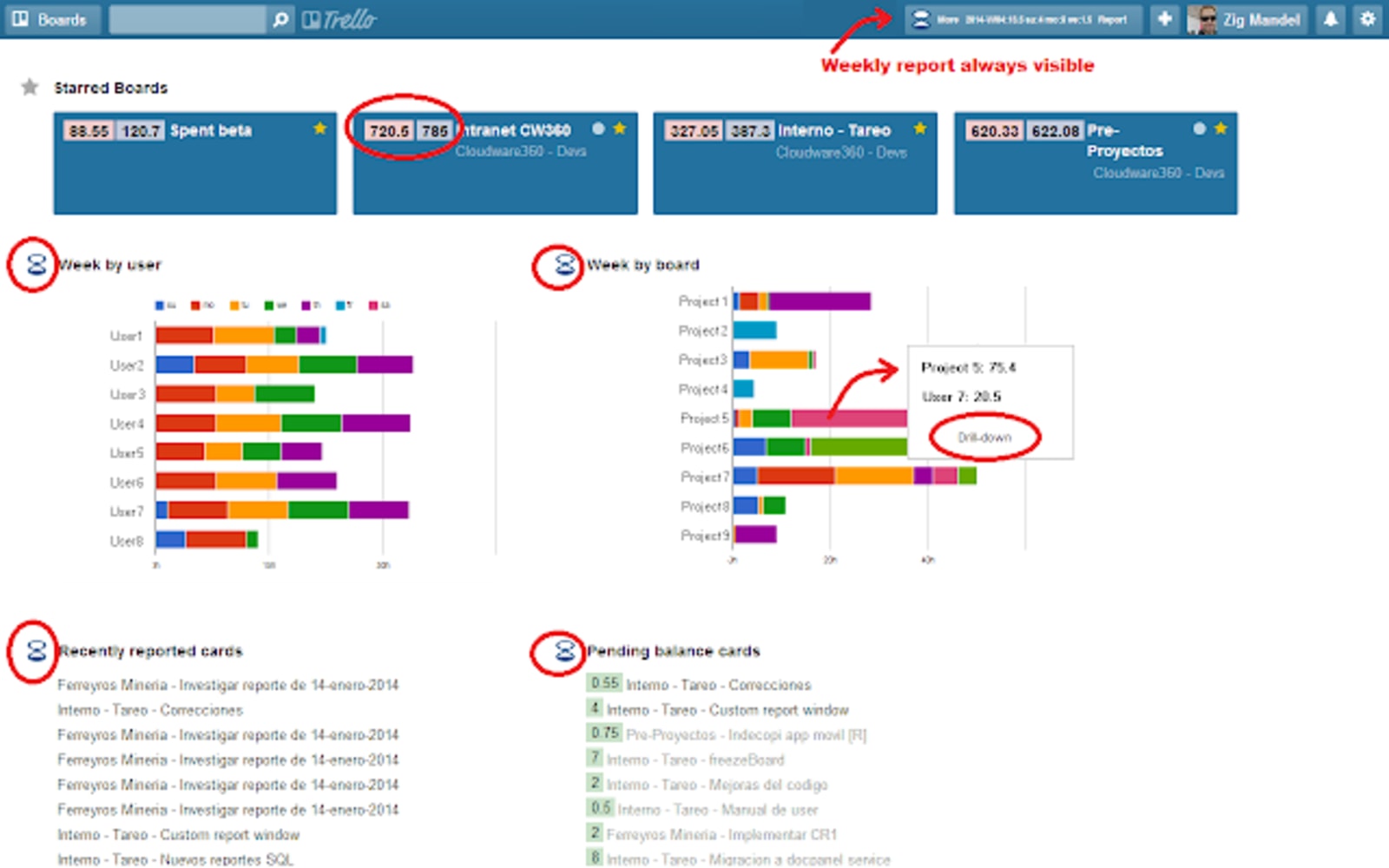
A free and open-source Trello Chrome extension and mobile app, Plus for Trello, add useful features to the tool. Board burndowns are used to visualize milestones, board history and help anticipate completion dates.
Embedded charts are also used in quick analysis and detection of issues. A nice feature includes estimation. Estimates can be assigned to a user card. Changes in the estimate can be viewed, as well as the amount spent and accomplishment. Completion dates can also be projected.
4. SCRUM for Trello
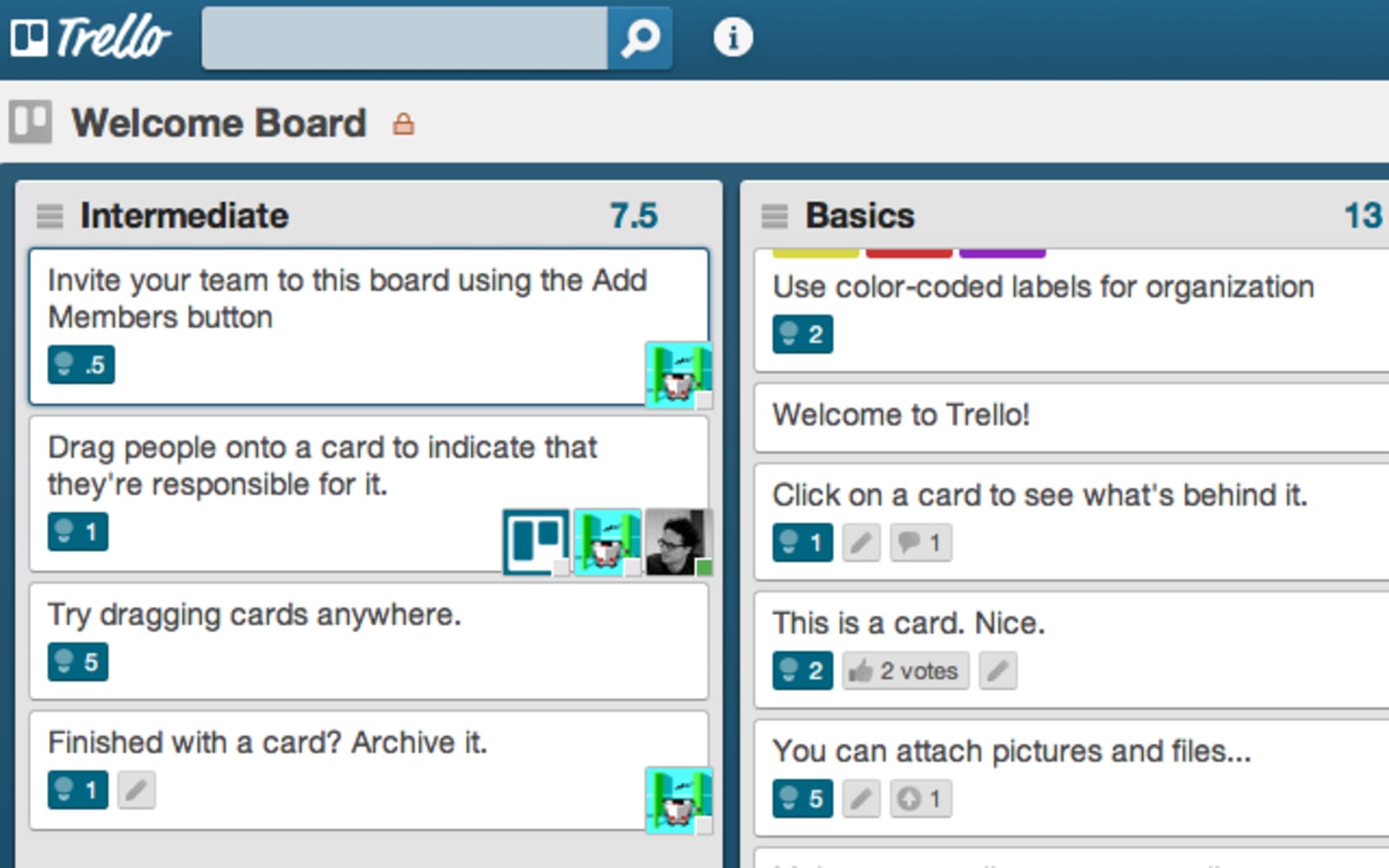
This Trello Chrome extension is also available in Safari and Firefox. SCRUM for Trello adds estimates or records the time spent on the Trello cards. Users can also easily set and display points per list and per card. This extension highlights the point so that the user won’t be missing anything.
5. ScrummerTheodo
Similar to SCRUM for Trello, ScrummerTheodo is also a Trello Chrome extension available in Safari and Firefox. It likewise adds post-estimation points, story points, and card IDs to the app. This extension is a big help to project management’s post-estimation points.
ScrummerTheodo uses no external library for optimum speed.
B. Aesthetics Trello Extensions Chrome Use in Beautifying Trello Boards
Colors matter, no pun. The colors or highlights of boxes could cause stress and strain to your eye vision. Tweaking the look and UX of Trello would make it more bearable to the eyes after a prolonged period in front of a computer.
Fortunately, many Trello chrome extensions make it possible to customize the size of lists, background colors and designs, and even the interface. The small changes make a big difference with long hours of working.
1. Trelabels for Trello
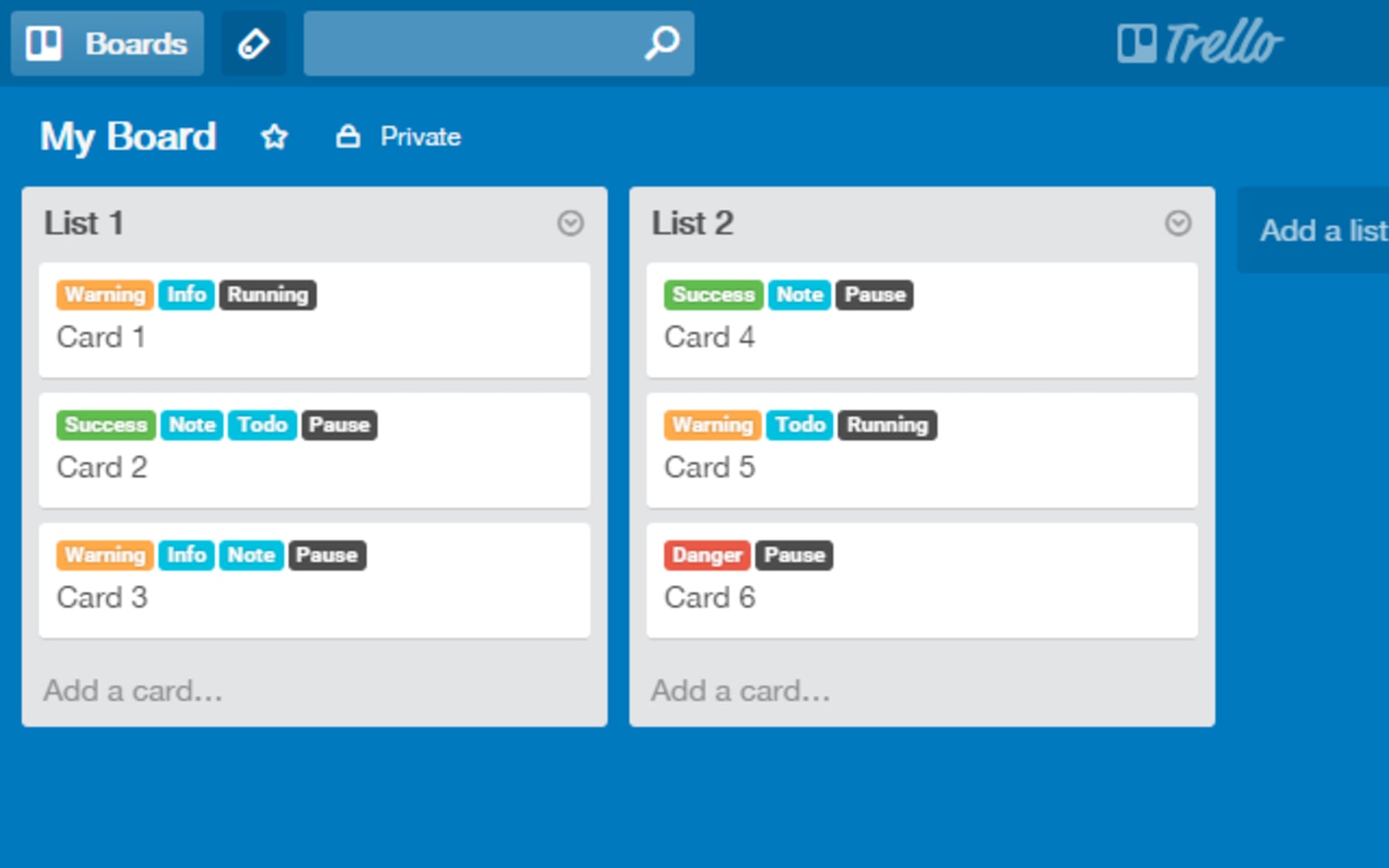
Small visual changes make a great impact on how an online tool appears. Trelabels for Trello answers the problem of every user who struggles to remember what the colored labels represent. This Trello Chrome extension offers four additional label styles. One of the styles features label names on the label itself.
2. Beautify for Trello
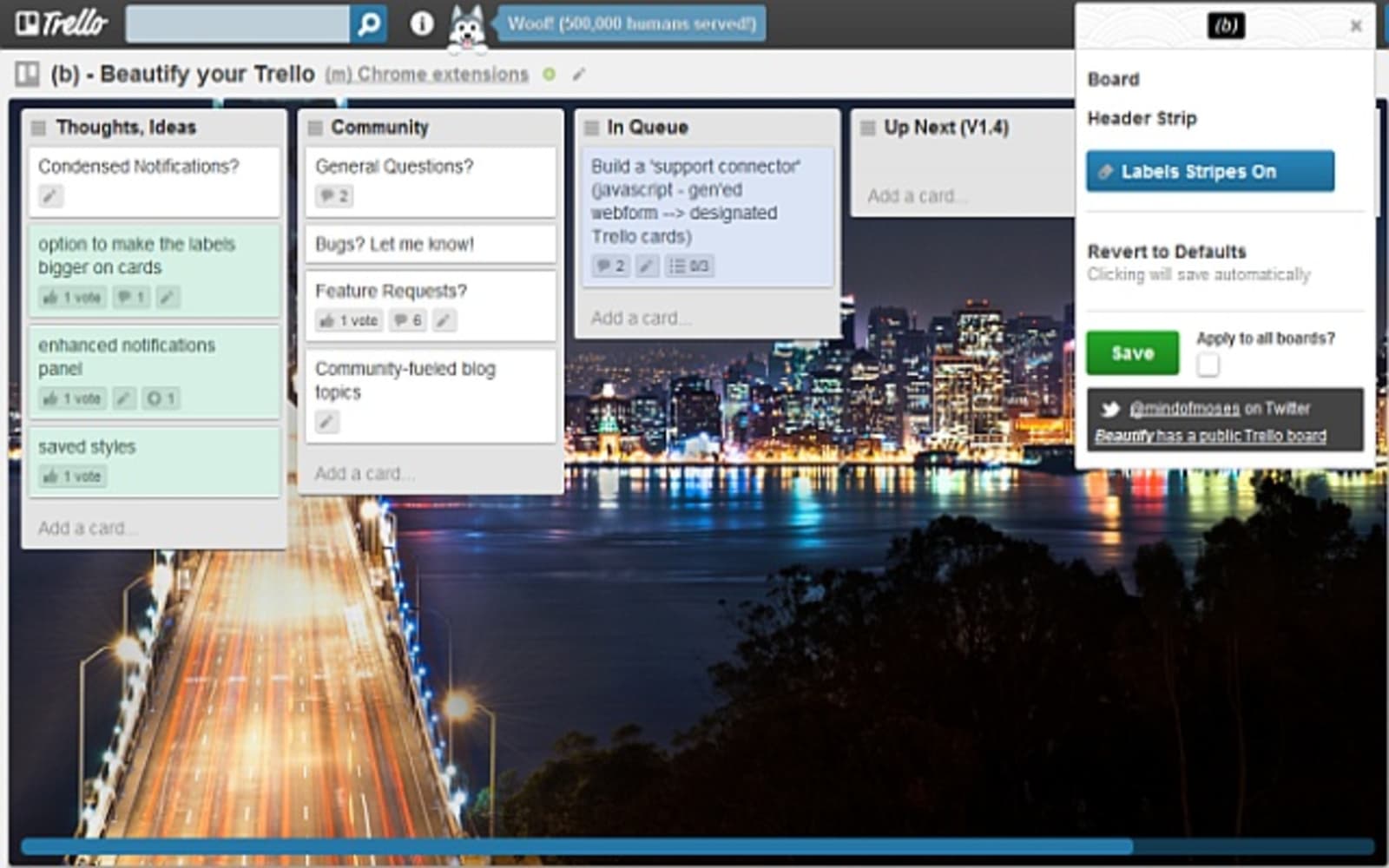
Beautify for Trello lets you add background images, colors, etc. to the Trello boards. Beautify lets you customize header and boards in the app by choosing new colors. A background image can also be uploaded from the computer to add more personal touch. A few usability toggles are also made available for easier reading of the app.
3. List Highlighter for Trello
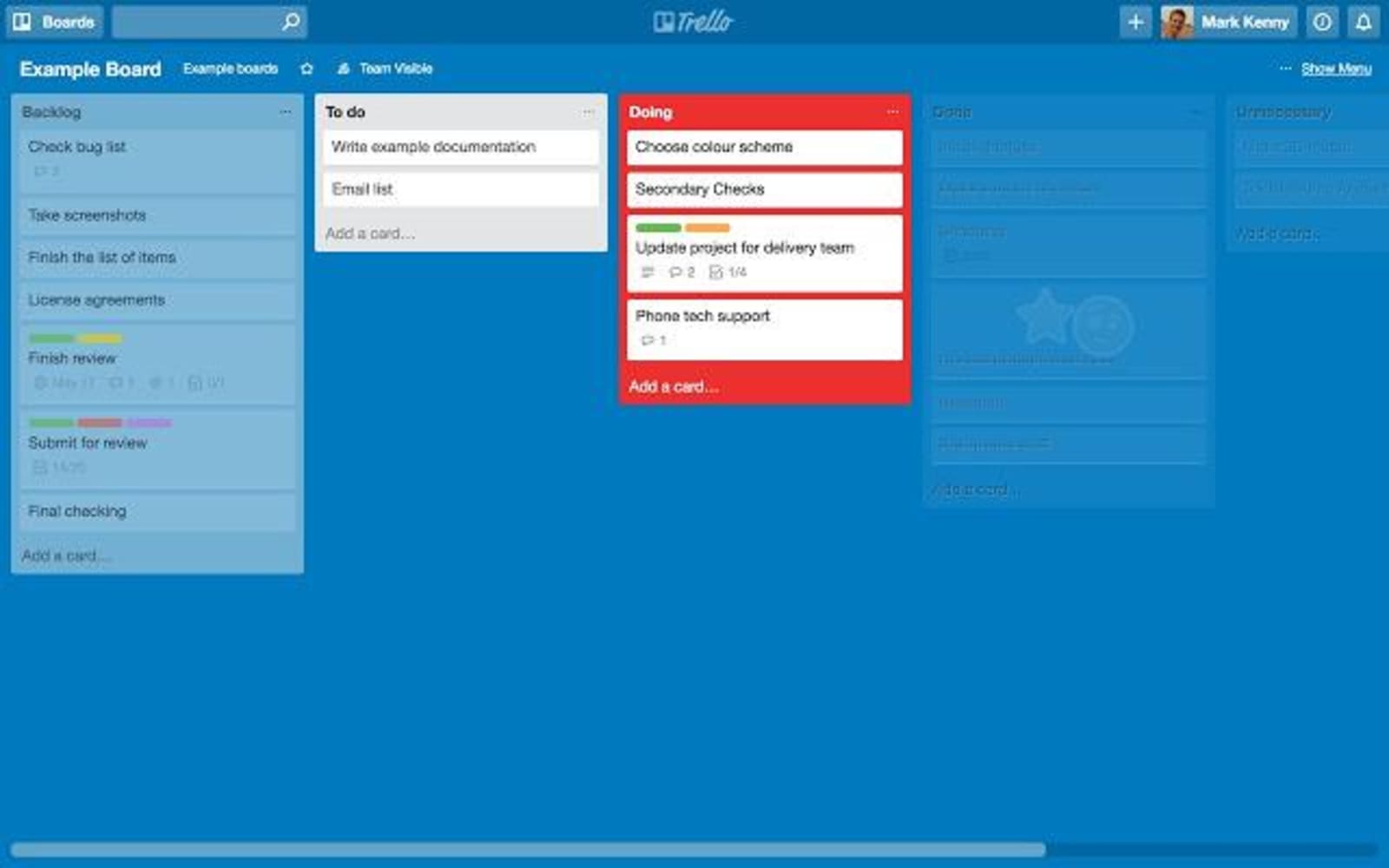
Kanban practitioners would be satisfied to use this Trello Chrome extension. List Highlighter makes you focus on the current task, while the other lists are de-emphasized. It categorizes the tasks by detecting “To Do,” “Doing,” and “Done” (or other specific hashtags applicable to the lists).
List Highlighter visually highlights the most important list while dimming the others.
4. Pro for Trello
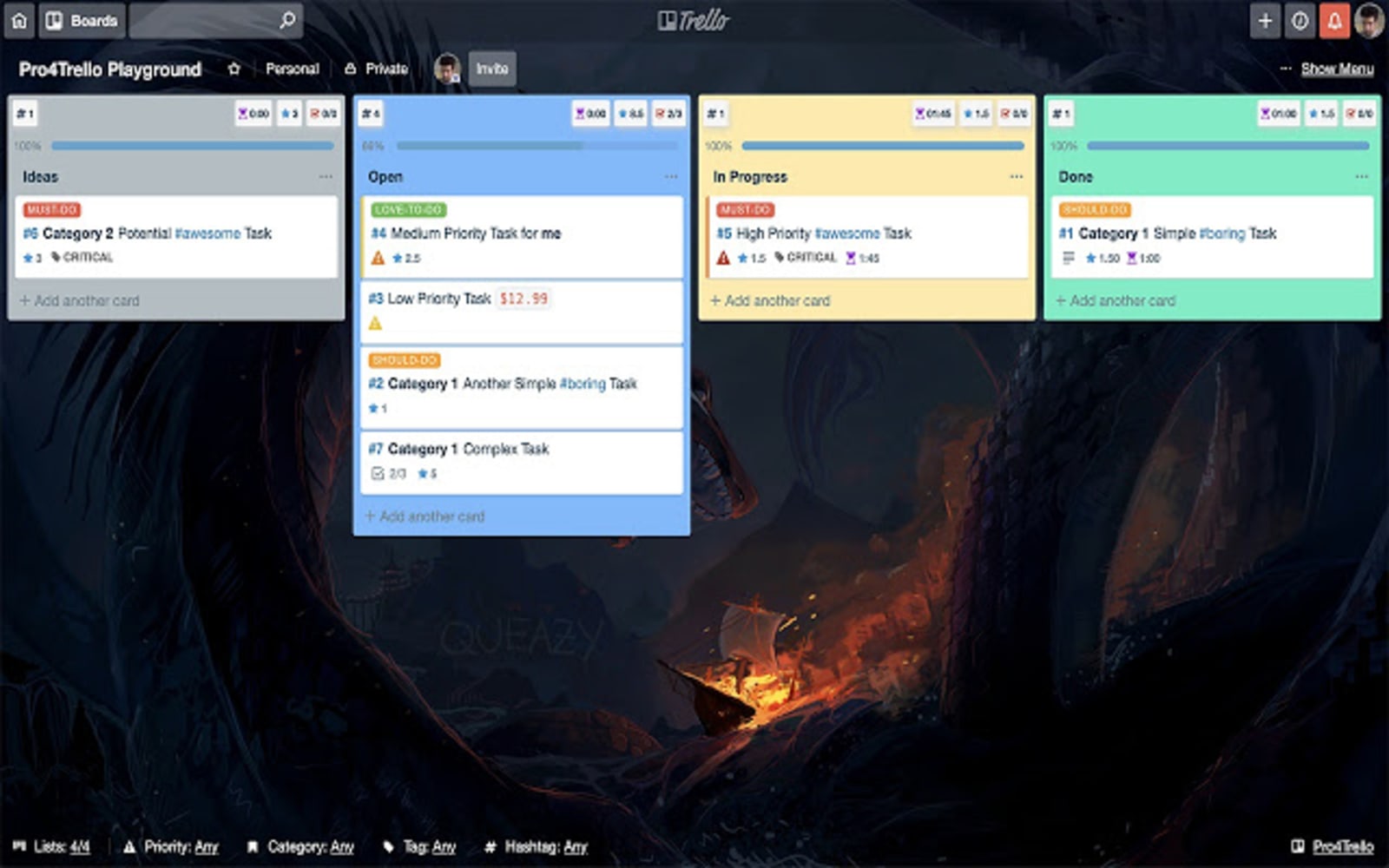
This Trello Chrome extension allows customization of Trello boards in several ways. Some of its key features include grouping cards, displaying label names, setting priorities, recognizing time entries, etc.
Pro for Trello lets you configure things in the app-specific to your needs.
5. Colored Hashtag for Trello
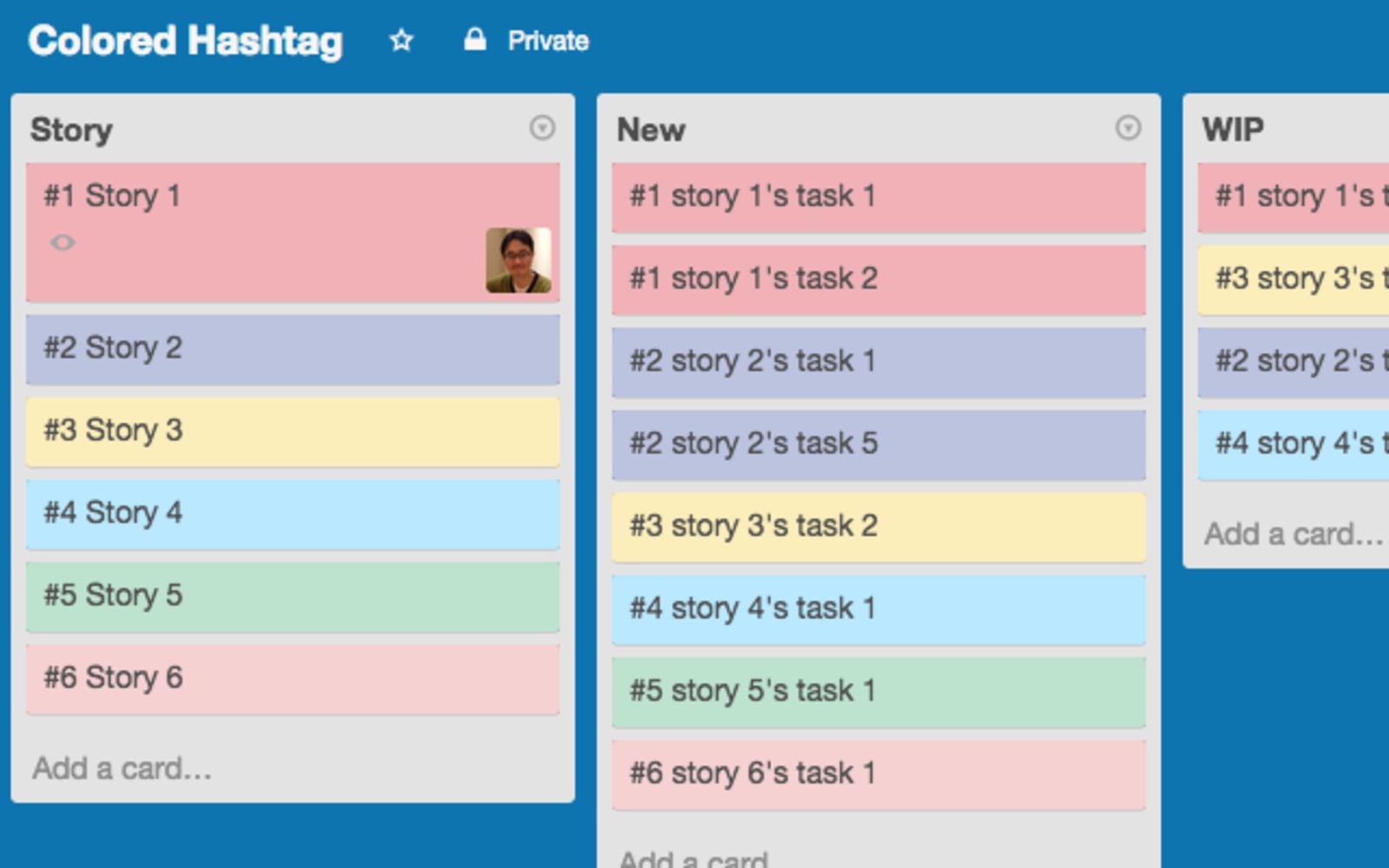
Any visual person would enjoy playing with colors as this Trello Chrome extension offers ten different hashtags. Each of the hashtags is assigned with color codes. The ten colors are hardcoded but proved to be useful.
Colored Hashtag for Trello uses hashtagged cards to distinguish them immediately. Only ten colors are present. More than ten colors would share the same color. Also, if multiple hashtags were used in the title, the former’s color would be applied.
C. Time Tracker Trello Extensions Chrome Offers for Monitoring Team Efficiency
Most often, a time tracker increases the productivity of the workforce. Tracking the time comprises a huge chunk of project management. From monitoring progress, calculating timelines to anticipating dependencies, several Trello Chrome extensions now offer the time tracking feature.
1. Planyway
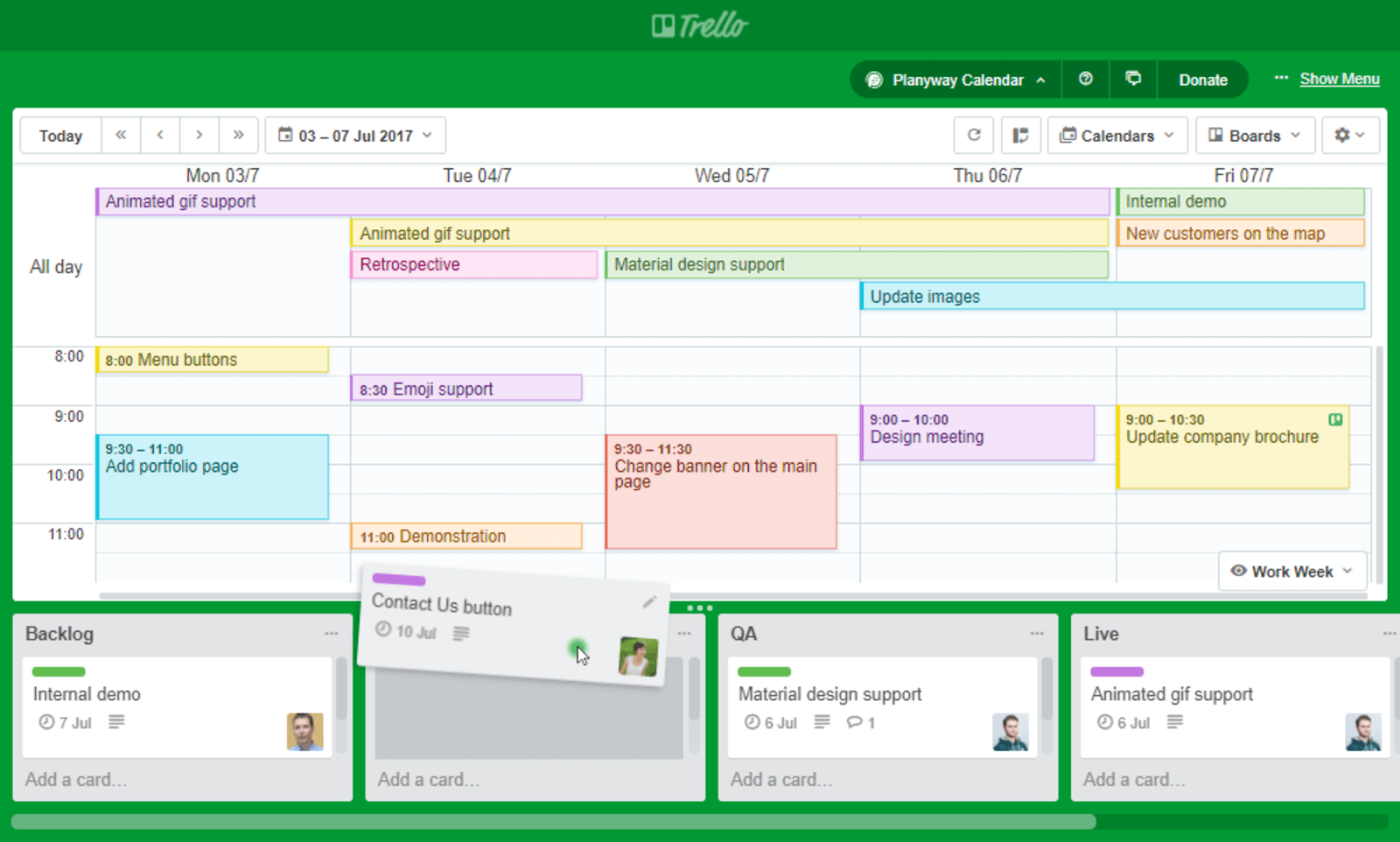
Planyway has various features such as calendar view, timeline view, and time tracking. This Trello Chrome extension easily drag and drop cards from the app lists, which adds fun to planning.
Planyway has a team calendar, Gantt chart, project timeline, portfolio management, time tracking, and other useful elements – all use time as an agent in the measurement of productivity.
2. Clockify
A simple time tracker, Clockify, is a Trello Chrome extension that lets your team measure the hours rendered across projects. It may be the only 100% free app with unlimited users.
Clockify tracks productivity, billable hours, and attendance as it starts and stops the timer as you work. Hours can also be entered manually.
3. TrackingTime
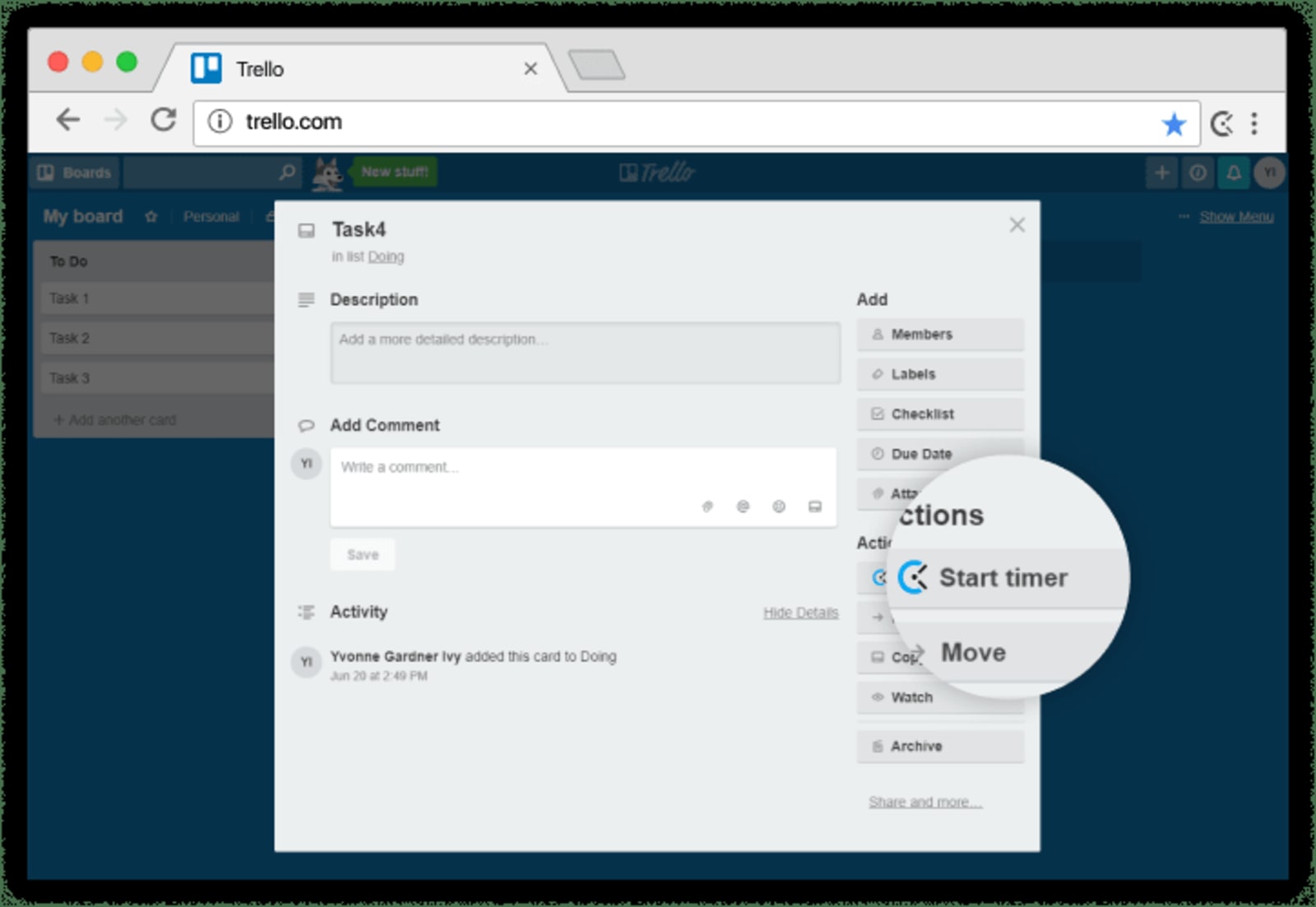
Using the TrackingTime Trello Chrome extension, the project management app is enhanced with time tracking. No set-up is required for the extension.
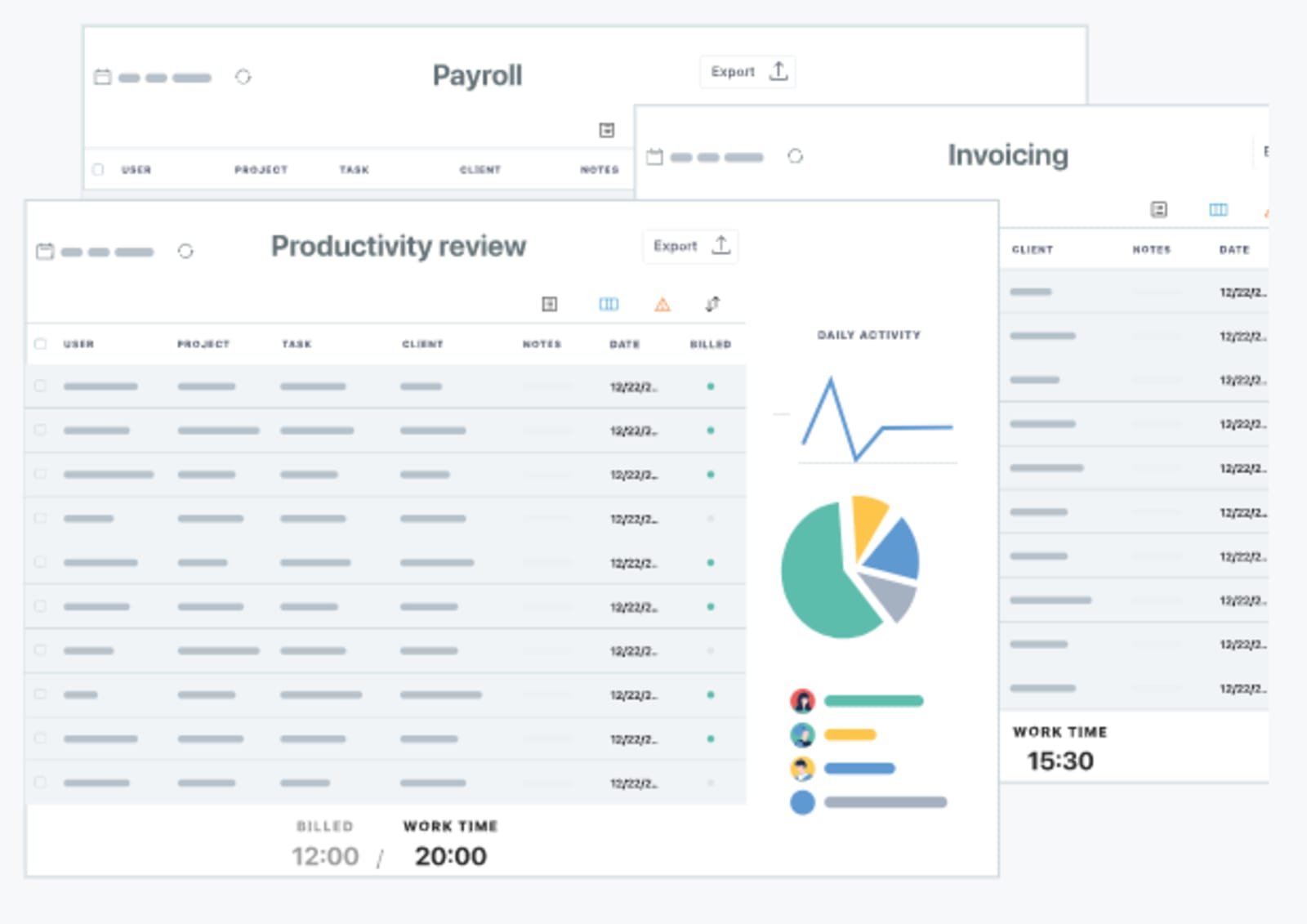
Automatic timesheets are generated when using the app, and in-depth analytics is provided.
Monitoring the time of the project and tasks bears a crucial part of project management.
4. Gantt for Trello
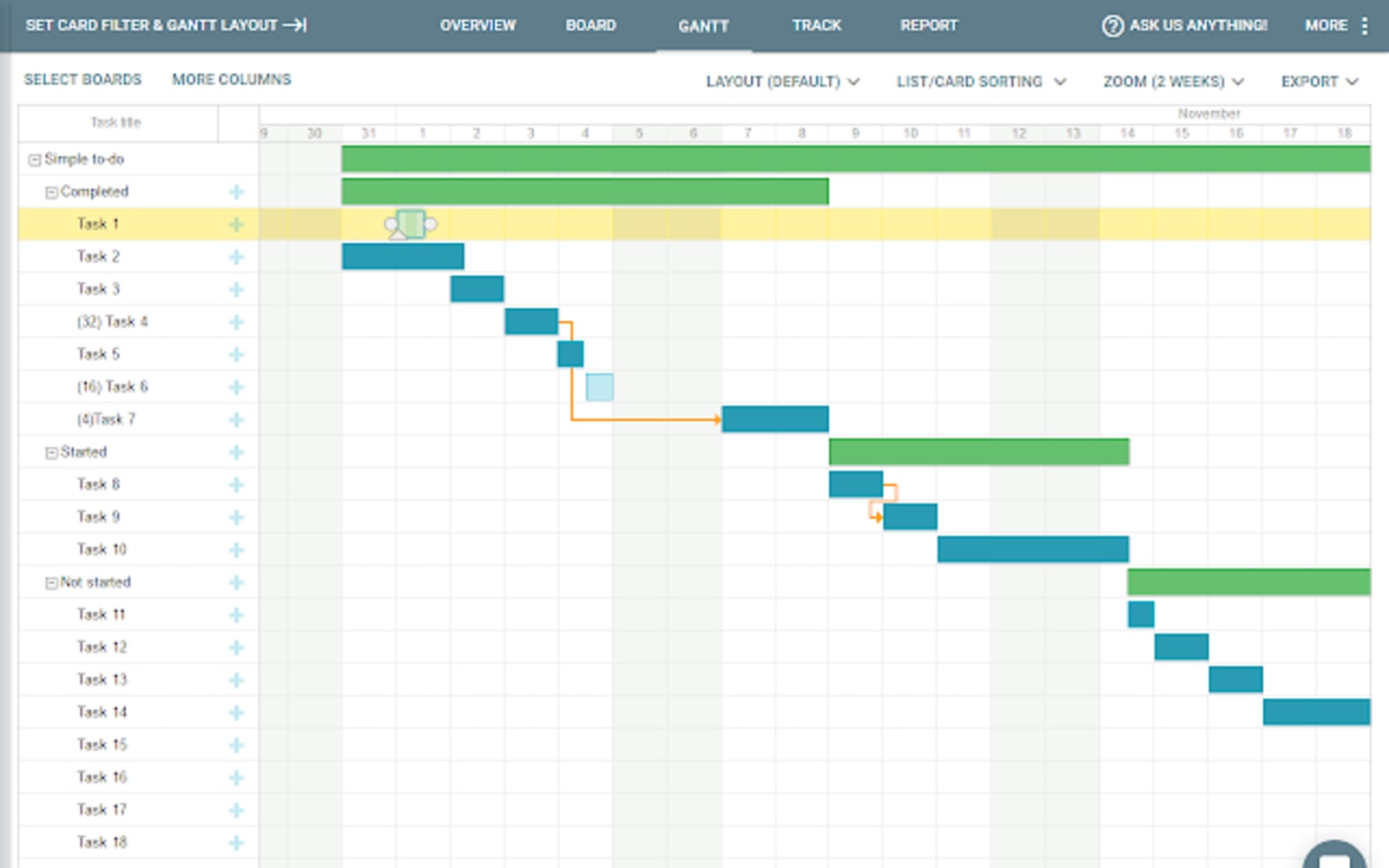
A Gantt Chart or a project schedule effectively displays project progress and accomplishment. Gantt for Trello is an impressive Trello Chrome extension that allows users to build dashboards as an overview of the task.
Gantt for Trello can also convert the charts into PDFs or .png static files. The files can also be exported to MS Project, iCal, or a spreadsheet.
5. Harvest Time Tracker
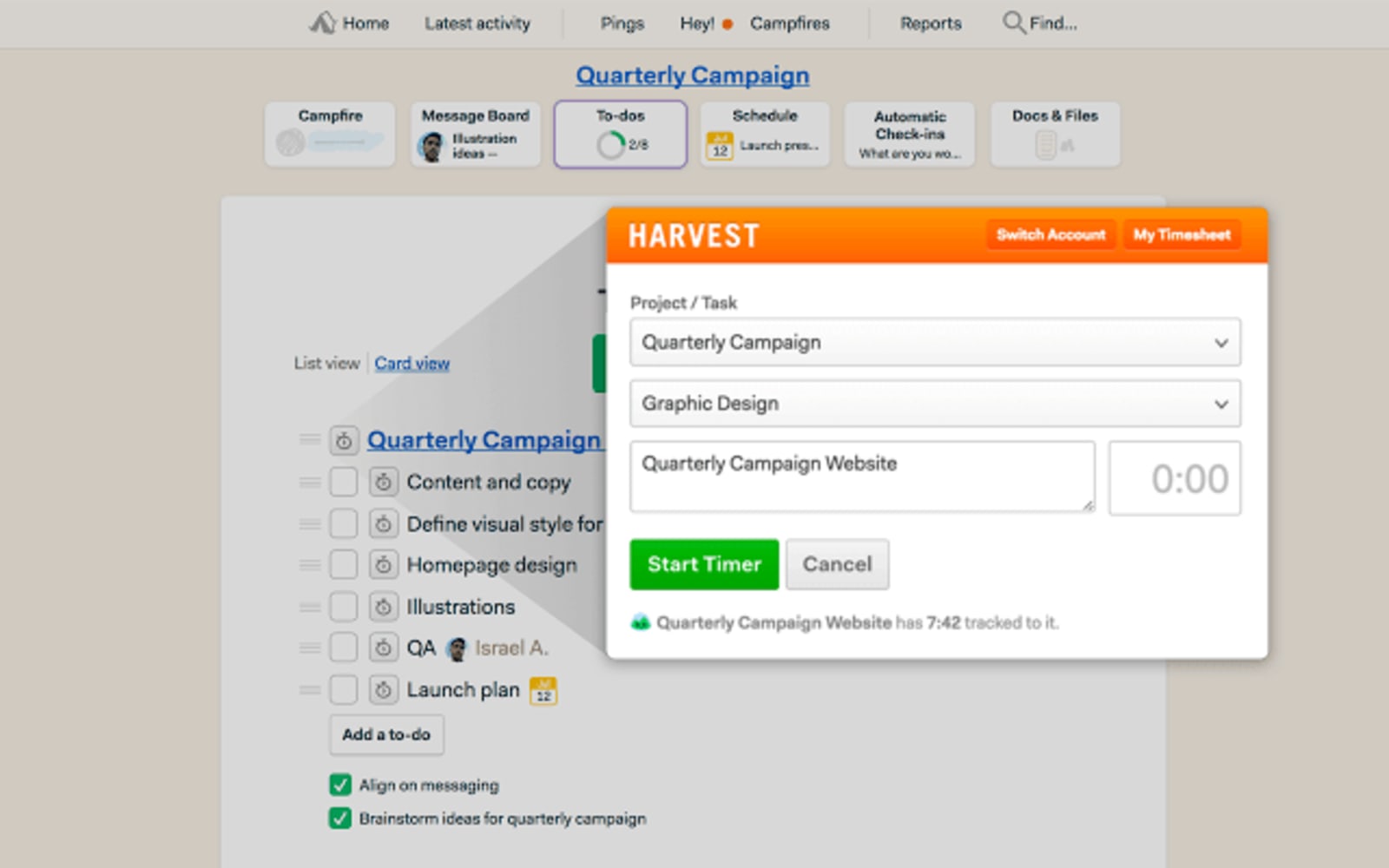
Tracking the time on a per-card basis is made possible by Harvest Time Tracker. It is a Trello Chrome extension that monitors time on a card at a time. Nevertheless, Harvest Time Tracker is one of the best time tracking apps available.
This extension conveniently starts and stops timers from the browser. It also provides accurate staff reports, project budget reports, etc.
Trello can be optimized using various Trello extensions Chrome sells in the Chrome Web Store, depending on the needs of the user. With 300+ available extensions, a more productive project management is largely possible.

Maria is a Content Writer with keen interest in eCommerce and Internet Marketing. She is a Communications graduate and understands what it takes to write persuasive copy and blog posts. Outside of work, you can find her mini-blogging about her life on social media.











