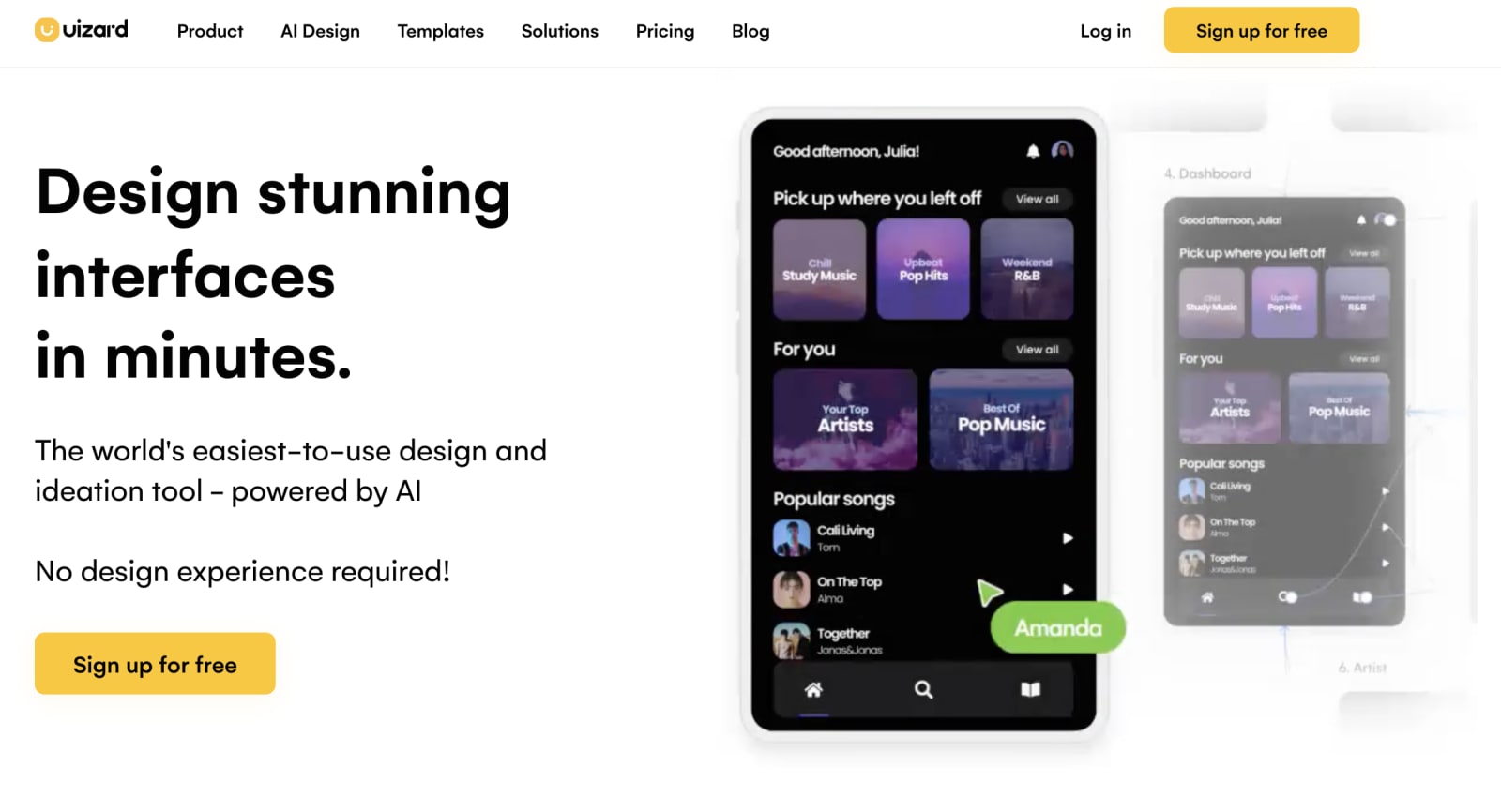
A revolutionary design tool has emerged to transform the way websites are created. Uizard, an AI-powered design tool, offers a groundbreaking approach to the web design process. By harnessing the power of artificial intelligence, Uizard promises to streamline the design workflow while maintaining a high level of design excellence.
But what exactly are the benefits of this innovative tool? And what limitations should designers be aware of? These are the questions that drove my exploration of Uizard's capabilities and their impact on UI/UX designers.
To put Uizard to the test, I embarked on a project for one of our clients. They required an About page for their website, building upon the Home page we had previously designed. With the brand's visual language already established, including color palettes, typography, and overall aesthetics, the task seemed straightforward. This presented an ideal opportunity to leverage the AI tools available in Uizard and evaluate their potential to streamline the design process, saving time and increasing efficiency.
Let’s put this to the test:
1. Feature Used: Screenshot Scanner
This tool claims to transform app screenshots into editable design mockups. My objective was to upload the client's Homepage screenshot as a reference and assess the tool's ability to make it editable.

It was able to load one screenshot effectively while it did not identify another screenshot.
I encountered an inconsistency: it didn't work when I initially tried to insert the entire scroll of the webpage. The tool couldn't accurately identify the elements, making them uneditable. However, on the second attempt, it successfully converted the screenshot into editable components.
Moreover, I noticed that the AI's reliability was not consistent, as there were instances where it failed to interpret screenshots correctly, rendering the elements unusable.
Furthermore, even when the AI is able to read the screenshot, its accuracy is not 100%. Firstly, it doesn't recognize all fonts and converts them into the default setting, altering the overall appearance of the webpage. Secondly, text alignment is often skewed during the conversion process. Lastly, it doesn't interpret images perfectly.
2. Feature Used: Text Assistant
Next, I decided to explore Uizard's Text Assistant feature, which claims to generate alternative text for written content in designs. My intention was to assess its effectiveness and efficiency in providing alternative text options.
Upon testing the feature, I found that it worked best when applied to basic points or phrases that could be easily expanded into comprehensive texts. In these cases, the Text Assistant was able to generate suitable alternative text options in a matter of seconds.
However, I observed that the feature's performance was less effective when applied to long text paragraphs. It appeared to struggle in providing coherent and contextually appropriate alternative texts for extensive blocks of content.
While the Text Assistant feature proved useful for generating alternative text for simpler points or phrases, its limitations became apparent when dealing with more complex and lengthy paragraphs. Further improvements in the feature's ability to handle longer text segments would enhance its overall usefulness and efficiency.
3. Feature Used: Auto Designer
Moving on to another feature, I decided to test Uizard's Auto Designer, which claims to generate multi-screen designs from a simple text description without the need for any reference images.
To begin, I provided a text prompt to the AI, describing the desired outcome based on the existing homepage as a reference. The Auto Designer feature then generated multiple pages with basic interactions already integrated, making navigation within the generated web pages easier.
I found that the prompt could be as simple or detailed as desired, allowing for flexibility in providing instructions to the AI. Here, I experimented with various versions of prompts to assess their effectiveness in generating the desired outcomes.
Basic interactions in the multiple pages generated are also already included, which greatly helps navigation within the designed web pages, making the design process smoother and more efficient.
While the Auto Designer feature performed well in creating multiple pages with basic interactions, I envision future enhancements that would enable more detailed specifications. For example, the ability to specify the number and types of pages desired, as well as incorporating hyperlink content, could potentially result in even more streamlined outcomes. Such improvements would provide designers with greater control over the generated designs and enhance the overall customization possibilities.
4. Feature Used: Focus Predictor
The Focus Predictor feature in Uizard plays a crucial role in understanding the elements of a design that will capture the most attention from users. This knowledge is essential in achieving the ultimate goal of engaging users and deriving benefits from their interaction with the website.
By providing insights into optimal modifications for layouts, colors, typography, and more, this feature empowers designers to create web pages that are visually compelling and effective in capturing user interest.
AI Assisted Versus Non-AI Assisted Design
When faced with the task of adding or modifying an existing design, designers may find it more efficient to manually recreate the elements rather than relying on AI assistance. In the case of recreating the About page based on the Home page originally created in Adobe XD, using the same software provided a seamless workflow for editing all the elements. This approach proved to be faster and more straightforward, allowing for precise modifications as needed. Additionally, since the content was already tailored to the brand language, there was no need for extensive modifications in that regard. By utilizing their expertise and working within familiar design tools, designers can ensure a high level of control and accuracy in the design process.
Both web-pages were created using Adobe XD without any input from an AI
For projects that have an established brand language, AI can serve as a valuable tool for generating new layout ideas and testing them using features like the 'focus predictor.' By leveraging AI, designers can explore various design possibilities and assess their potential impact on user attention and engagement. This allows for an iterative and experimental approach, where different layouts can be generated and evaluated before being implemented in external software such as Adobe XD or Figma.
Using AI to Design a New Project
Using Uizard, I decided to embark on designing a new project based on a mock brief generated with the help of ChatGPT. The prompt I provided was “Design brief for a website. Provide the details.”
The AI responded with a comprehensive brief, outlining the requirements for the project. In essence, the objective was to create a modern and professional website for XYZ Corporation, a technology solutions company targeting small and medium-sized businesses in need of IT consulting and solutions. The website needed to effectively showcase the company's range of services in a clear and engaging manner. The required sections/pages included Home, About Us, Services, Case Studies, Blog, and Contact.
To provide the brand's visual identity, the design needed to exude cleanliness, modernity, and professionalism while instilling a sense of trust, innovation, and expertise. The suggested color scheme consisted of blue, white, and gray, with typography similar to Roboto. Provided with this brief, I set out to leverage the capabilities of Uizard and explore how it could aid in the design process for this new project.
Text prompt given to Uizard Auto Designer:
The first design generated:
The second design generated after using ‘Regenerate’ button:
The AI's accurate understanding of the prompt and its ability to provide a solid foundation for the project was commendable. Utilizing the Auto Designer feature, I successfully completed the entire design process, including generating the brief and creating the design, within a remarkably short time frame of less than 10 minutes. This showcases the significant potential of Uizard in enhancing the efficiency of designers and streamlining the overall workflow by automating repetitive tasks.
However, despite the impressive speed and convenience offered by AI assistance, there were certain aspects of the final design that raised concerns. These flaws indicate the limitations of AI in replicating the nuanced expertise and creative judgment of human designers. It emphasizes the importance of retaining specialized skills and knowledge in UI/UX design to ensure the production of impactful and effective designs. While AI tools like Uizard can undoubtedly provide valuable support, it is crucial for designers to maintain an active role in the design process, utilizing their expertise to refine and enhance the AI-generated outputs.
Problem Areas Identified:
Regenerated designs: One notable drawback is that once the "Regenerate" option is chosen, the previous designs are not saved but rather overwritten by the new ones. This limitation can be challenging for designers who wish to iterate and improve upon the results of the previous prompt or compare different design variations.
Illustrations: While the AI demonstrates an understanding of context by generating theme-appropriate images, there are some concerns regarding the quality of these illustrations. Many of the generated images appear low-resolution, exhibiting pixelation and distorted facial features in human figures. Furthermore, the images are produced in JPEG/PNG format, which restricts their editability and customization options. Although regardless of the nature of the descriptions in prompts, the AI tends to generate illustrations in a consistent style, which can lead to monotony in the outcomes.
Typography: Uizard lacks support for custom fonts, which poses a limitation when trying to match existing brand language or convey specific brand personality. Within the same text box, the inability to use different colors requires designers to engage in repetitive and time-consuming customization. Another drawback is that the Auto Designer does not take into account the mentioned fonts in the prompt, hindering visual consistency. These limitations underscore the significance of specialized design skills and manual adjustments carried out by designers to achieve precise customization and accurately represent brand language and aesthetics.
Language: In the generated designs, there is a noticeable shift in language towards the end of each web page, transitioning from English. AI seems to be using placeholder text in multiple places making it a lengthy process for designers to manually edit the content.
Uizard provides a user-friendly interface, making it easily accessible for non-designers to navigate and make manual edits. However, to create a truly effective and usable output, non-designers would greatly benefit from a deeper understanding of the psychology behind well-designed user interfaces (UI). While aesthetics certainly play a role, it is crucial to consider factors such as intuitiveness, user behavior patterns, and the purpose of micro-interactions. These elements ultimately drive the success of a UI design.
This is where designers hold a significant advantage over non-designers. With their specialized knowledge, designers possess a comprehensive understanding of UI principles and can create interfaces that go beyond surface-level aesthetics. They consider the entire user experience, ensuring the design is intuitive, engaging, and aligned with user expectations.
When utilizing Uizard's "Magic" features, such as the "Focus Predictor," designers are well-equipped to leverage its capabilities effectively. Drawing on their expertise in user experience (UX), user behavior, and current design trends, designers can utilize the AI tool to bridge the gap between theoretical understanding and practical results. By combining their goals and visions with the power of AI, designers can achieve optimal outcomes and create UI designs that are visually appealing, user-centric, and functional.
In summary, while Uizard's user-friendly interface allows non-designers to make edits, the true effectiveness of UI design lies in understanding the underlying principles and user-centric considerations. Designers, with their expertise, can effectively harness the AI’s capabilities to create impactful UI designs that meet user expectations and achieve desired outcomes.

Bhavya Shah is a graphic designer focused on brand strategy and fascinated by UX research. She thrives on combining research, data, and design to create impactful visual solutions.











