Web graphics are an essential component of any website. They help differentiate your site from others and can be used for branding, navigation, or adding some extra flair! According to a recent study, web users judge a site's visual appeal within 1/10th of a second. So it's important to make sure your site's graphics are top-notch!
If you're looking into starting designing your website, then there are many things worth considering before getting started with web graphics basics in mind. You'll need to consider its purpose, identify who will be using this site (and how), and think about what kind of style would work best among other things, like color schemes and imagery selection, so that every page has its own unique personality without being too distracting from either side. Of course, don't forget branding!
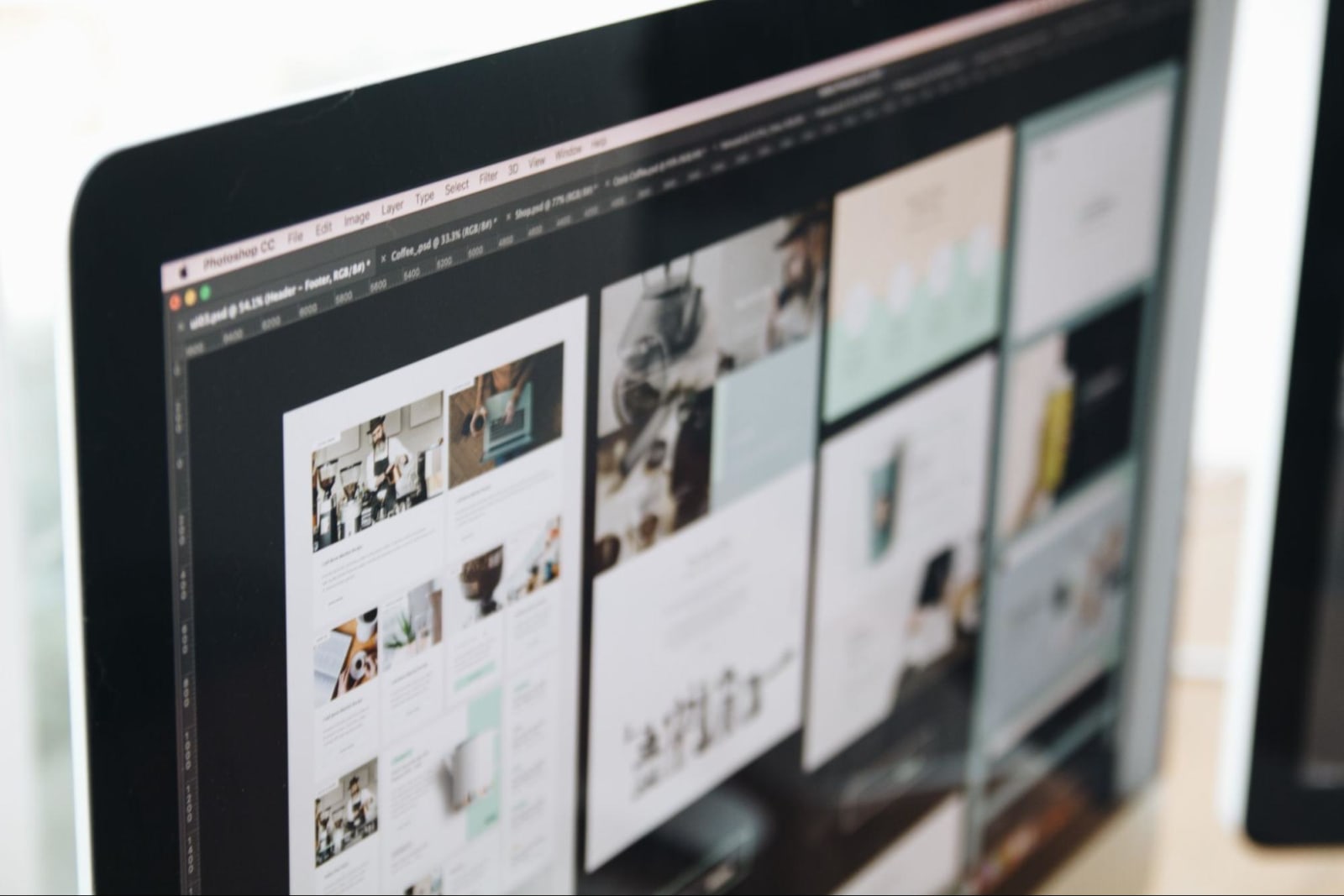
What are Web Graphics?
Web graphics are basically any images that you see on a website. This can include everything from the logo to the background image and even the photos in the sidebar. Graphics can be static, meaning they don't move, or animated, like a .gif file.
Why are Web Graphics Important?
Web graphics are important for many businesses for the following reasons:
- They make your website look more professional.
- They can help you explain your products or services in a more visually appealing way.
- They can make your website more engaging and easier to navigate.
- They help guide visitors to certain areas of your site. For example, you may have a button that says "click here" with an arrow pointing to it.
When done correctly, web graphics can be an extremely powerful tool for businesses and organizations of all sizes.
Creating Web Graphics
There are a few different ways to create web graphics, depending on what you're looking for. Using an image editing application like Photoshop or GIMP is the most common method. These programs allow you to create images from scratch or edit existing ones to meet your needs.
If you're not experienced with graphic design, there are a few online tools that can help you create simple graphics like logos and CTA buttons. Canva is one of the most popular options and has various web graphics available that can also be customized.
How to Get Started With Web Graphics
1. What Exactly Do You Need?
The first step is to decide what kind of graphics you need for your website. Are you looking for a logo? Do you need help with the layout? Once you know what you need, you can start exploring your options and finding the right tools for the job.
2. Define the Purpose
What do you want this graphic to achieve? Is it for branding or navigation? If it’s for decoration, what kind of mood are you going for?
Clarity is the key. Once you know what you need and what you want to achieve, the process of creating web graphics will be a lot easier.
3. Identify Your Target Audience
Take into consideration who will be using your site. What age group are they in? What is their level of tech-savviness? What kind of devices will they be using to view your site?
Answering these questions will help you determine the best way to present your information and graphics. For example, if you're targeting an older demographic, you'll want to avoid using too many flashy animations or graphics that could be overwhelming. If you're targeting a younger demographic, you can be more experimental with your design.
You may conduct user research to help you answer these questions. You may also look at your competitor websites to see who they're targeting and what kind of design elements they're using.
After you've considered all of these factors, you can start to narrow down your options and choose the right web graphics for your site.
4. Consider the Style
This includes everything from the colors and fonts to the overall layout. Once you have an idea of what you want, you can start putting together your web graphics.
There are many resources accessible online if you're not sure where to begin. Once you get the hang of it, creating web graphics can be a fun and creative way to improve your website.
Create a Moodboard
A moodboard is a great way to get inspired and start planning the look of your website. To create a moldboard, simply gather a collection of images, colors, and fonts that you like and start to put them together. You can use an online tool like Adobe Color or Coolors to help you find complementary colors.
As you start to put your moodboard together, you'll get a better idea of your site's overall style and feel. From there, you can start to narrow down your options and choose the right web graphics for your project.

When creating web graphics, it's important to consider your site's purpose, target audience, and style. With a clear plan in mind, you can start to create graphics that will improve the look and functionality of your website!
Once you have your graphics created, you'll need to save it in the right format. For photos and other non-transparent images, .jpg is usually the best option. For logos and icons with transparency, .png is the better choice.
You'll also need to make sure the file size is reasonable. This can be done by reducing the image quality or using an online compressor like TinyPNG. Large images will take longer to load on a website and can frustrate visitors.
Creating graphics for the web is a bit different than doing so for print because you have to take into account file size and resolution. When it comes to the file size, you want your graphic to be as small as possible without sacrificing quality. This is important because large files can take forever to load on a webpage.
As for the resolution, you want your image to be at least 72 DPI (dots per inch). This will ensure that it looks clear on all devices, from computers to smartphones.
Final Thoughts
Whether you’re a small business or an individual just starting out on the web, always keep in mind these basic web graphics tips to make sure your site leaves a lasting impression. And if you need any professional help along the way, you may want to consider checking out Delesign. We have experienced designers that can create stunning graphics for your website.

Krisana is a journalist turned SEO Content Writer with keen interest in tech, software, and innovations. She is an avid fan of Elon Musk and wants to be part of the future Human Mars Mission. In the meantime, she spends her time researching and writing about everything that could make life a better place on Earth. Outside of work, Krisana dedicates her time with her two lovely kids.











