
Have you ever used CloudApp? It is now known as Zight. The tool allows a user to record their screens or share screenshots while including text and other details. If you're considering using the tool, take a look at this comparison of the CloudApp pricing to see which one works best.
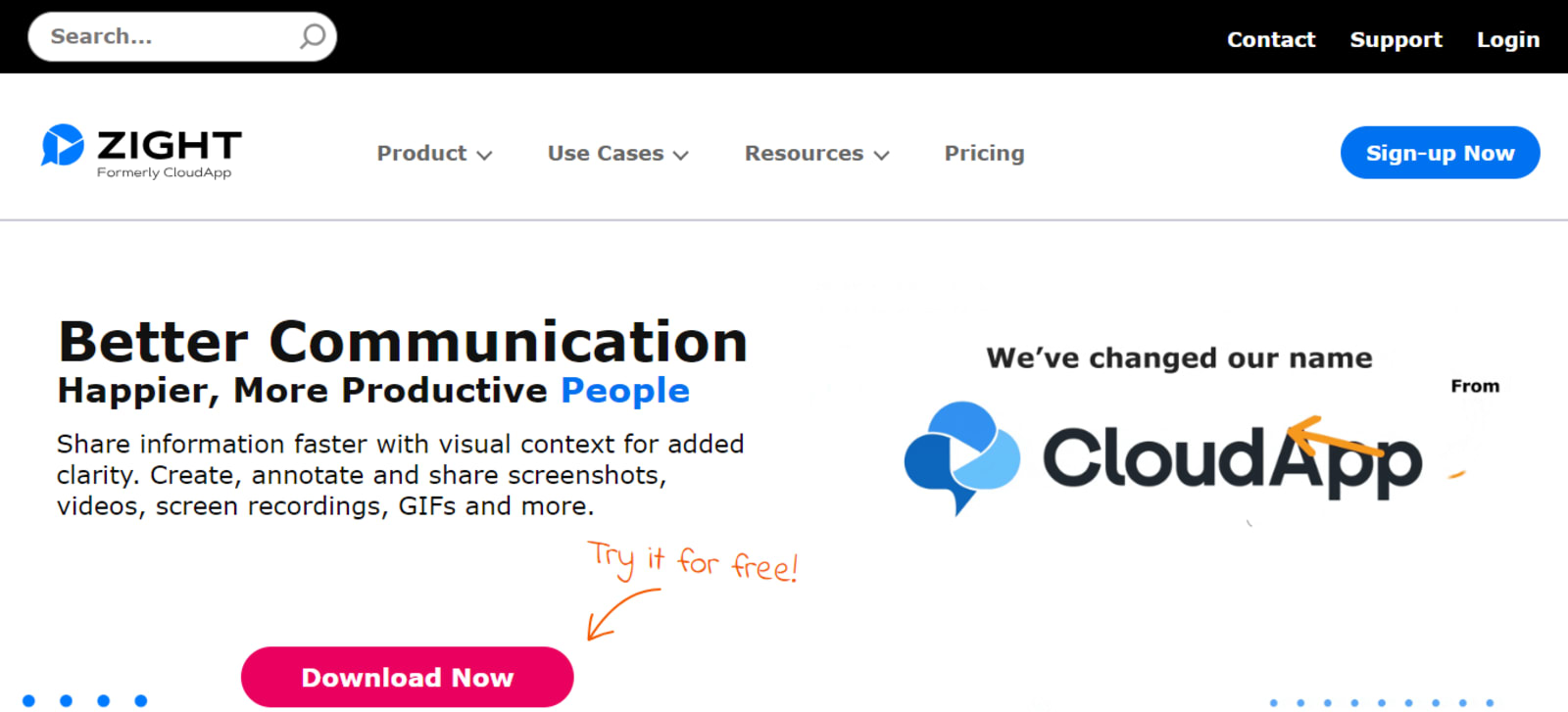
What Is CloudApp (Now Zight)?
CloudApp, now known as Zight, is a cloud-based software that allows users to capture and share screenshots, screen recordings, and GIFs. It provides a quick and easy way to communicate visually, making it a valuable tool for businesses and individuals alike. With CloudApp/Zight, users can capture any part of their screen, annotate it with text or drawings, and instantly share it with others. This can be especially useful in remote work situations, as it allows for clear and efficient communication without the need for lengthy explanations or written instructions.
Additionally, CloudApp/Zight offers integrations with popular tools like Slack and Jira, making it even more convenient for teams to collaborate and share visual content. Overall, CloudApp/Zight is a powerful tool that simplifies the process of capturing and sharing visual information, making it an essential tool for anyone who needs to communicate effectively in a visual way.
It's a useful tool to record and demonstrate various activities that you're doing on your laptop or desktop. With CloudApp/Zight, you can effortlessly record everything that's going on on your screen without having to dock an external camcorder. The tool will do the work of capturing images or video recordings. And, if you want a high-quality recording, CloudApp/Zight boasts a 4K resolution.
The high-quality recording is useful for product demonstrations and even video game recording. You'll have a high-quality recording of your screen activity. The visual recording platform also provides you with unlimited recording screen time. However, this is only available in the paid version of the tool. Let's find out and compare the different CloudApp pricing plans.
Pricing Comparison
Zight or CloudApp pricing provides four different options for its users. Each one has its pros and cons. Although the price points that CloudApp/Zight offers are fairly limited, you can at least pick which package or plan will suit your budget and user preference.
Free Version
You can choose to go for the free version of the CloudApp/Zight tool. With the free version, you are only limited to 1 user. Total captures are only up to 25 maximum. The length of screen recording is only 1 minute, 30 seconds of recording length, with a 720p recording quality provided.
The Free version should be an ideal route to try out the CloudApp tool first. You'll have an idea of how the features work before deciding to pay for a subscription. While it provides limited captures and recording time, it's enough to provide you with an experience of how the tool works. Long term, however, the Free version is not sustainable. The Free version of the CloudApp pricing works similarly to a free trial. After which, you are left with no other option other than to subscribe for a paid version if you wish to continue using the tool.
Pro
The CloudApp pricing for the Pro version starts at $9.95 per month. However, you will still only be limited to one user for the subscription you pay. When it comes to the recording features, the price is worth it since you now have unlimited recording capacity. A 4k recording quality is also provided for the screen recording.
Individual users may find the Pro version fit for their needs. When you pay for the Pro version, you will have access to unlimited captures and screen recordings. Although, keep in mind that this will only be available to one user. Thus, the Pro version can start as an individual paid account if you're considering using the CloudApp or Zight software in the long run.
Team
If you need more capacity, the next option is the Team version, which has a monthly bill of $8 per user. This is useful for more than two users needing to use the tool. All other capacities from the Pro version are duplicated in the Team version. This includes unlimited screen recording time and unlimited captures. You also get a 4K quality recording for the price that you pay for the Team version.
The Team version of the CloudApp pricing plans available is good for teams or companies that have different users simultaneously using the platform. Each user gets the same benefits when it comes to available features. Thus, providing individual users with the ability to capture and screen record as many images and videos as they require for their operation.
Enterprise
Meanwhile, the Enterprise version of the CloudApp pricing is reserved for custom requests. You will need to contact the company to discuss the details of how many users will be using the tool. The same features and capabilities are then provided per user: you get unlimited screen captures and unlimited recording time. This is provided per user, with the same 4K recording quality as other CloudApp pricing points.
Why is there no stated CloudApp pricing scheme for the Enterprise version? This is because some companies may have a specific request or feature that CloudApp/Zight needs to customize for the tool. With the Enterprise version, individuals or companies that have custom requests for the screen capture or recording can be entertained. They can request whatever feature they need in the CloudApp or Zight tool. It will then be custom-built and delivered to their specific account.
Which CloudApp (Now Zight) Pricing Should You Choose?
Whether you're an individual or a company, you have to consider how you will be using the CloudApp/Zight tool. Each of the CloudApp pricing provides you with options depending on the intended use. This can be determined by the number of users. Most paid versions have different price points according to the number of user allocations.
The Free version can be limited for those that want to use the CloudApp or Zight platform in the long term. You are left with no other choice but to subscribe if you want to continue using the app. The limited captures and screen recording will only give you a brief hint of what the application is capable of doing, enough to give judgment on whether to pay for the platform or not.
As for the paid versions, there is no proper distinction between features. It has the same unlimited captures and screen recording. The only distinction when comparing the Pro versus Team version can be the number of users. A more customizable plan can be possible with the Enterprise version, which only states the starting price point for every paid user.
However, CloudApp or Zight is not the only available tool you can use. Other platforms provide more or less the same capture and recording capabilities. This includes Loom, Snagit, Camtasia, Vimeo, Vidyard, OBS Studio, ScreenFlow, and many other CloudApp/Zight alternatives.
Before deciding to pay for a tool, it's important to test and try out the various first. This way, you won't be wasting the money spent on the subscription, which is usually billed every month. While the Zight or CloudApp pricing doesn't provide as many options, it helps trim down the decision. You will only be deciding how many users will be using the tool based on the available package or plan from the company.

Raffy is involved in SEO and digital marketing. He gravitates towards upcoming technologies, startups, and is an avid learner.











